Deleting your account
If you no longer want to use Hamkar, you can delete your account. It can’t be undone, so read this page to the end first.
Before you delete
Section titled “Before you delete”- If you’re the only admin of a team that has other members, deletion is refused with “You’re the only admin of one of your teams; make another member an admin first.” («شما تنها مدیر یکی از تیمها هستید؛ ابتدا عضو دیگری را مدیر کنید.») Make someone else an admin in that team first. Managing members
- If you need your teams’ data, download each team’s Full team exportخروجی کامل تیم or a CSV export.
- If you still owe or are owed money, it’s best to settle up before you go. Your balance stays in the team after your account is deleted.
Delete your account
Section titled “Delete your account”-
Tap your name at the bottom of the menu to open Profileحساب کاربری.
-
Tap Delete accountحذف حساب.


-
Read the Delete user accountحذف حساب کاربری window and enter your Current passwordرمز عبور فعلی.
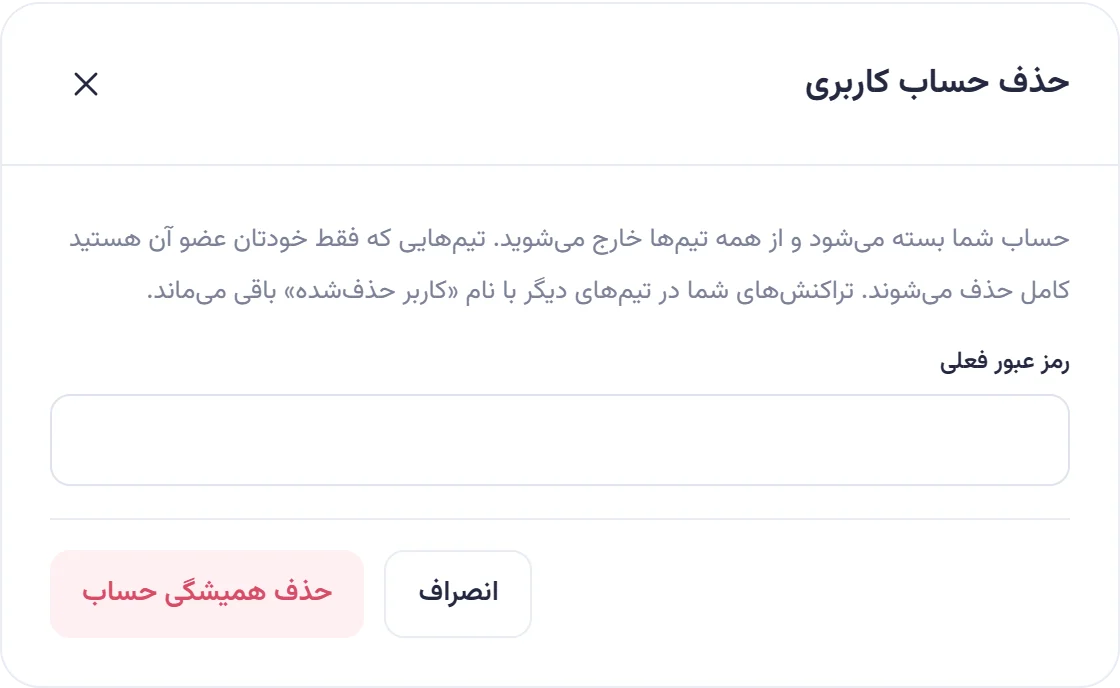
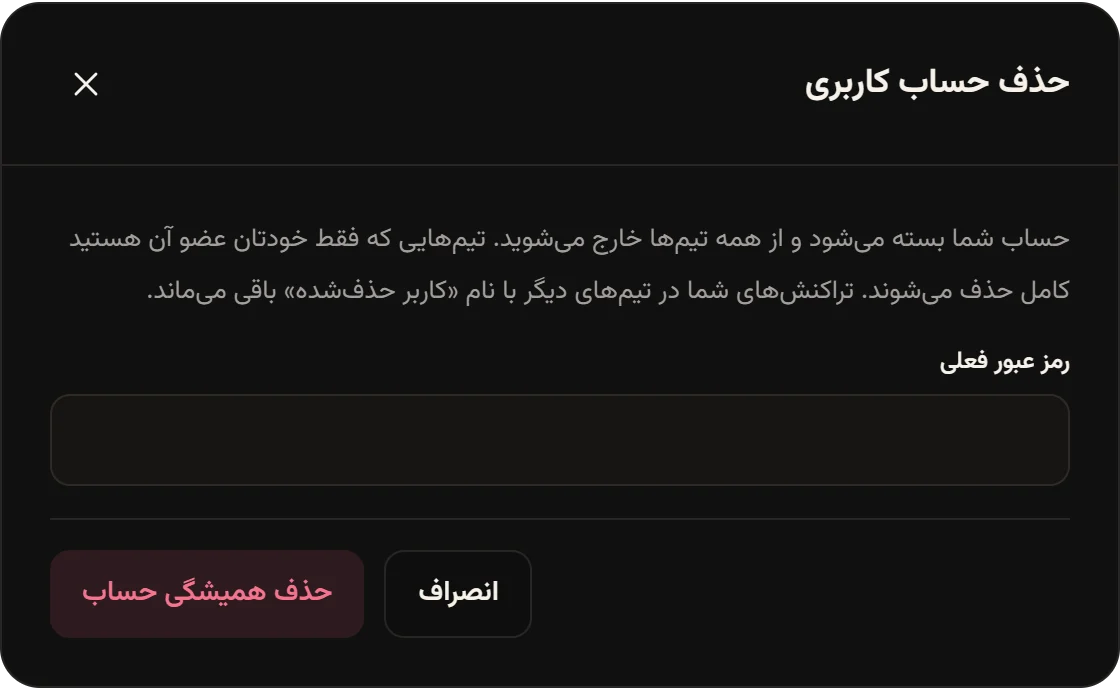
-
Tap Delete account foreverحذف همیشگی حساب.


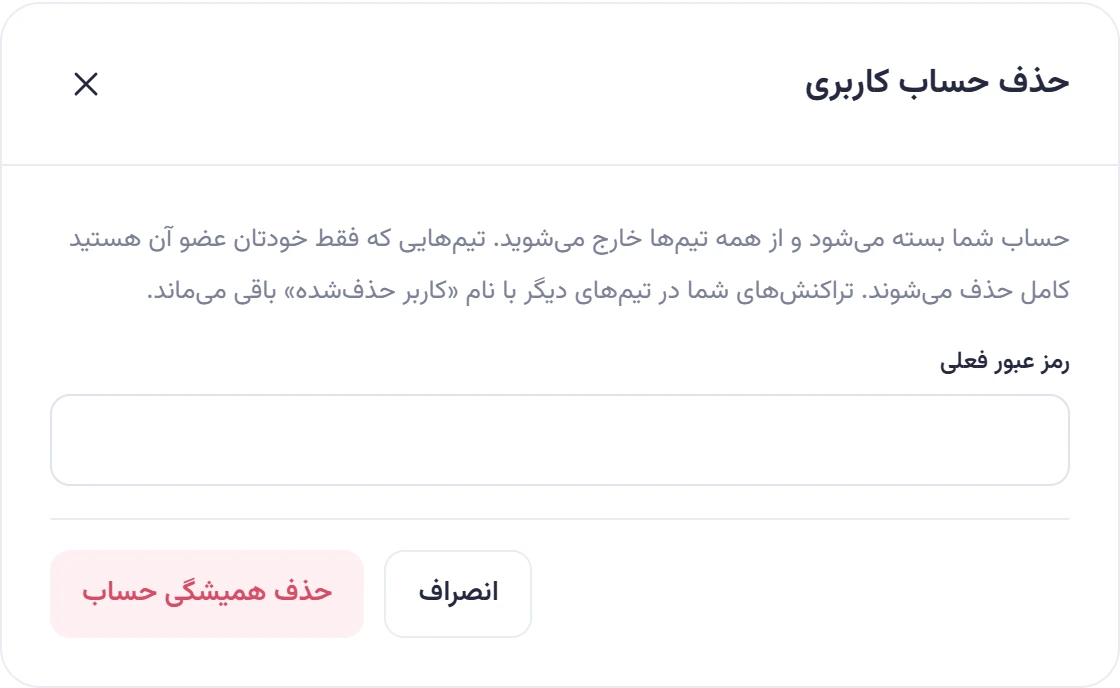
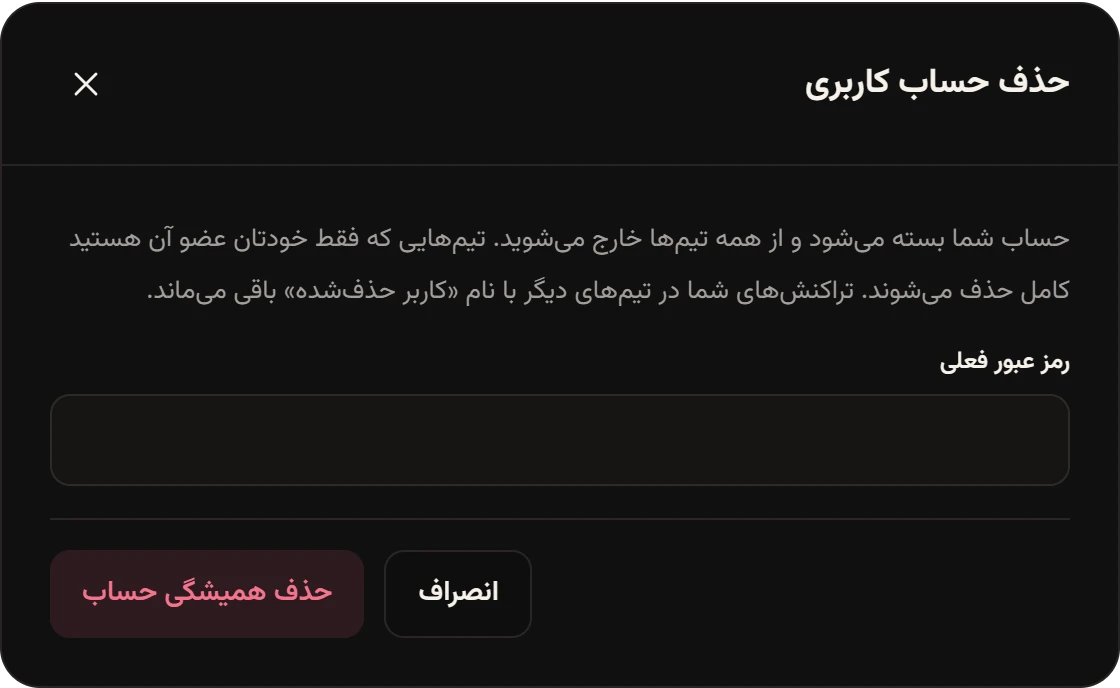
You’ll see “Your account was deleted.” («حساب شما حذف شد.») and the sign-in page opens.
What happens afterwards
Section titled “What happens afterwards”Removed:
- Teams where you were the only member, with all their projects, tasks, expenses, accounts and attachments.
- Your membership in your other teams. Tasks assigned to you become unassigned, and the other members get a Member leftخروج عضو notification.
- Your sign-ins on every device, browser and phone notifications, your inbox, your notification settings and any password recovery links.
Kept, but without your name:
- In teams with other members, your expenses, shares, settlements, deposits and withdrawals, comments and the things you created are not deleted, because other people’s balances depend on them.
- Your name on all of them changes to «کاربر حذفشده» (deleted user), shown in balances as «کاربر حذفشده (عضو سابق)».
- Your email and password are replaced with random values, so nobody can sign in to this account with them anymore.
After deletion your email address is free again, and you can create a new account with it later if you want. A new account doesn’t connect to the old history.