Shared accounts (team cash)
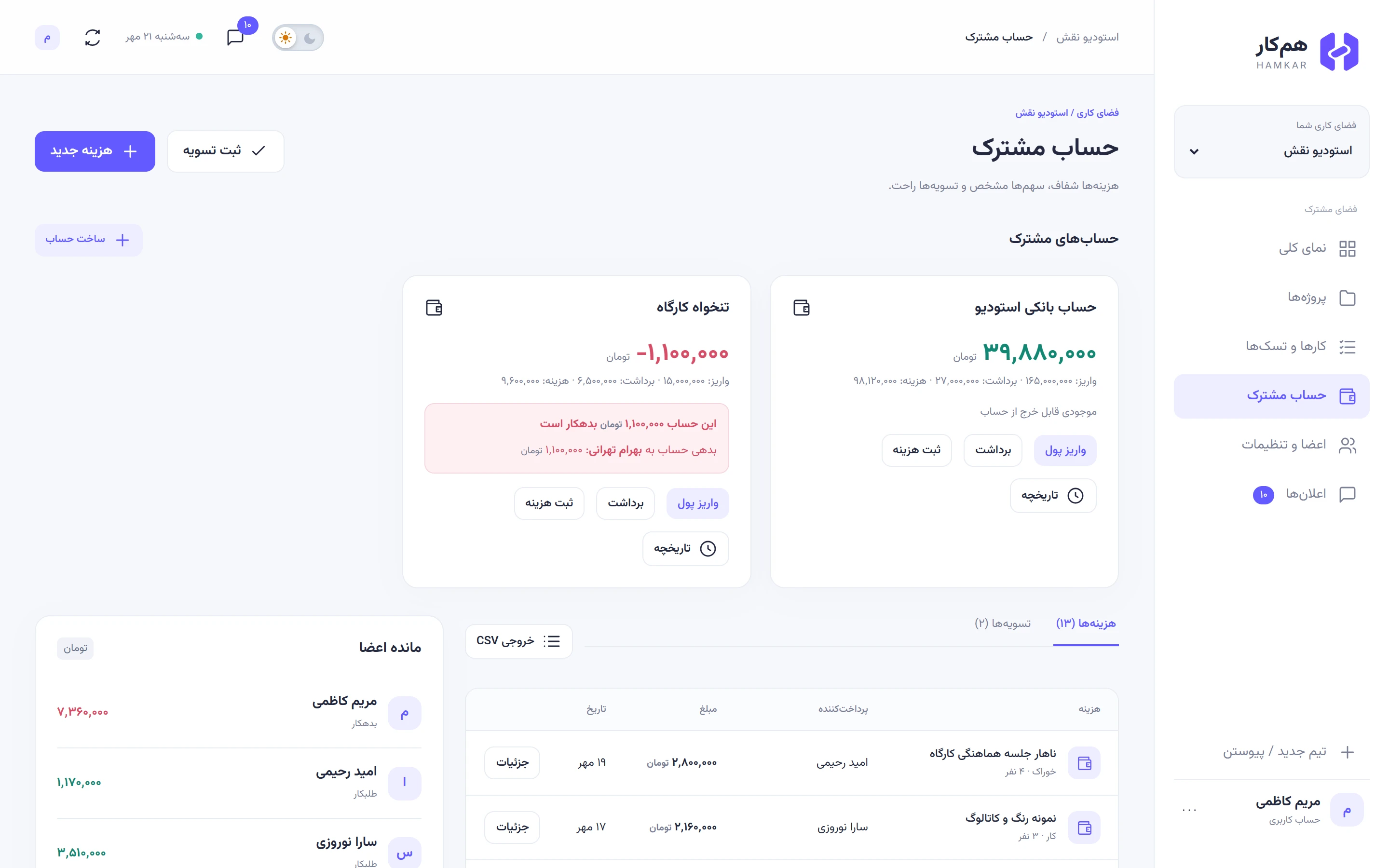
A shared account is money that belongs to the team rather than one person: workshop petty cash, a household kitty, a company bank account. Each account has its own balance. Naghsh Studio has two: the studio bank account («حساب بانکی استودیو») and the workshop petty cash («تنخواه کارگاه»).
Hamkar doesn’t connect to any bank. A shared account is a ledger you keep yourselves, so its balance is only as accurate as what you record.
Create an account
Section titled “Create an account”-
On the Shared financesحساب مشترک page, next to Shared accountsحسابهای مشترک, tap Create accountساخت حساب.
-
Enter the Account nameنام حساب (up to 100 characters), for example “Workshop petty cash”.
-
Tap Create accountساخت حساب. The account starts at zero.
Any team member can create an account.
The account card
Section titled “The account card”Each account has a card at the top of the page:
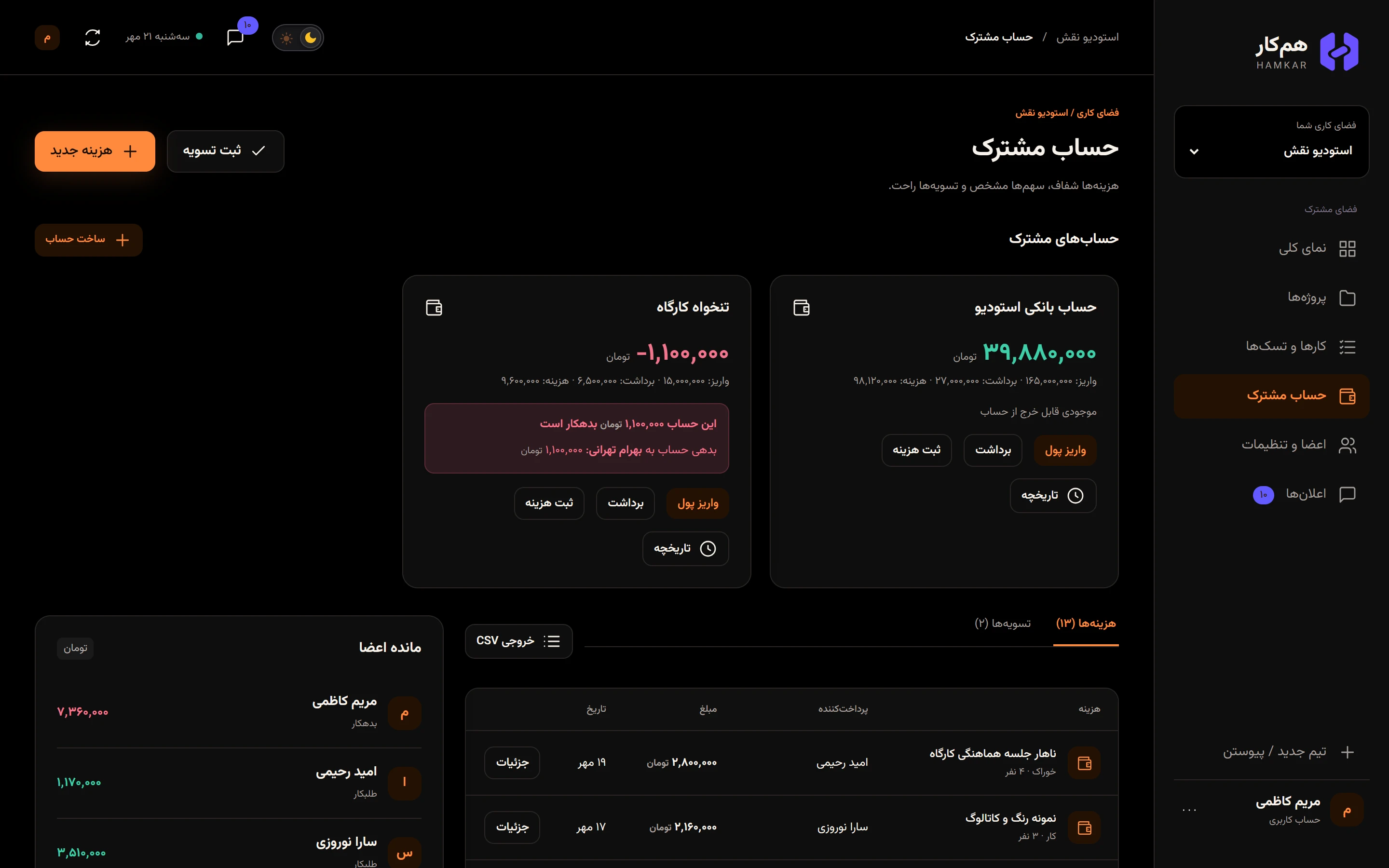
- The current balance in large type, red if negative.
- A summary line: total deposits, withdrawals, and expenses paid from this account.
- If the balance is negative, a box saying how much the account owes and to whom.
- Buttons for Deposit moneyواریز پول, Withdrawبرداشت, Record expenseثبت هزینه and Historyتاریخچه.
Deposit
Section titled “Deposit”-
On the account card, tap Deposit moneyواریز پول.
-
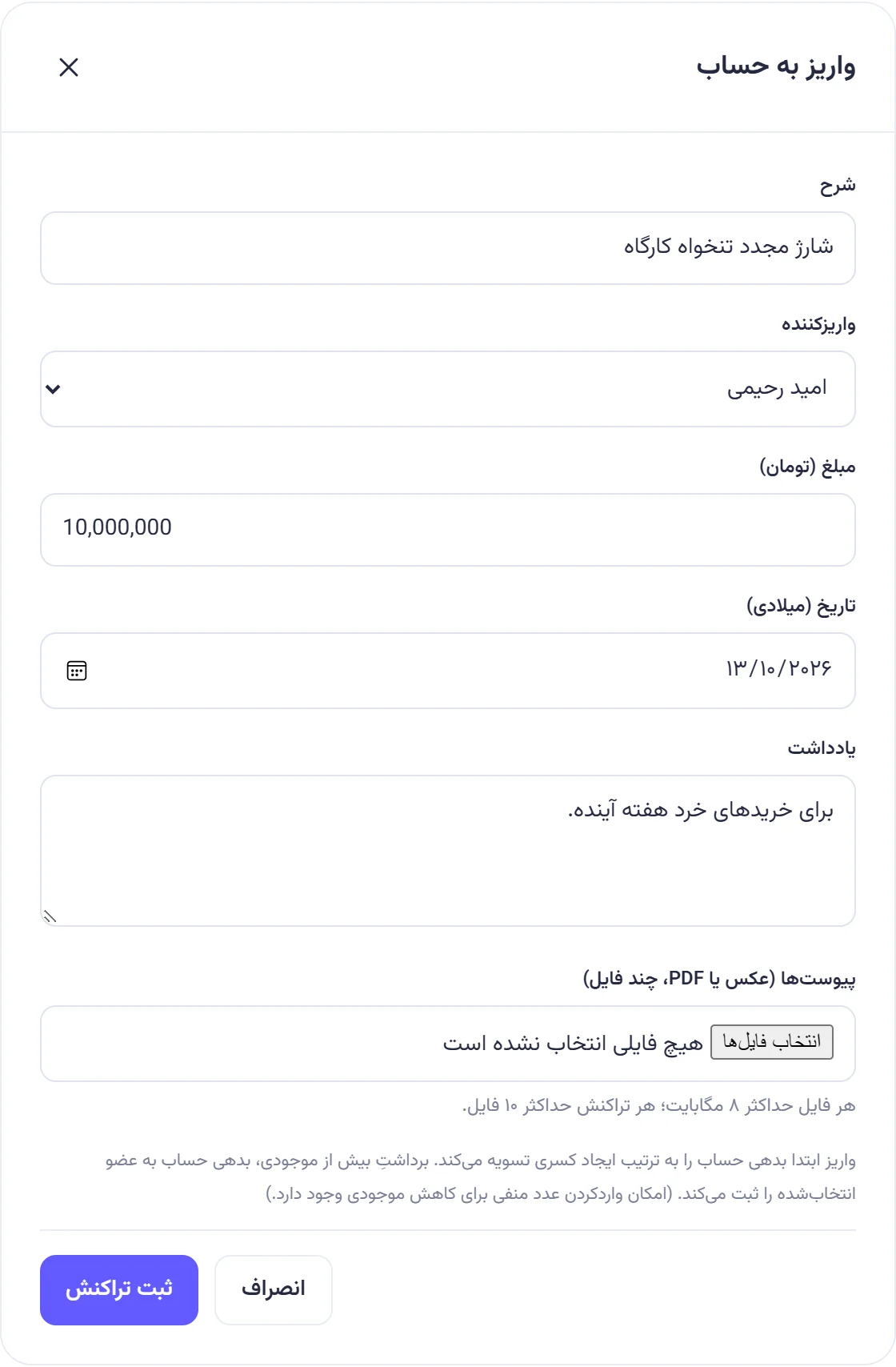
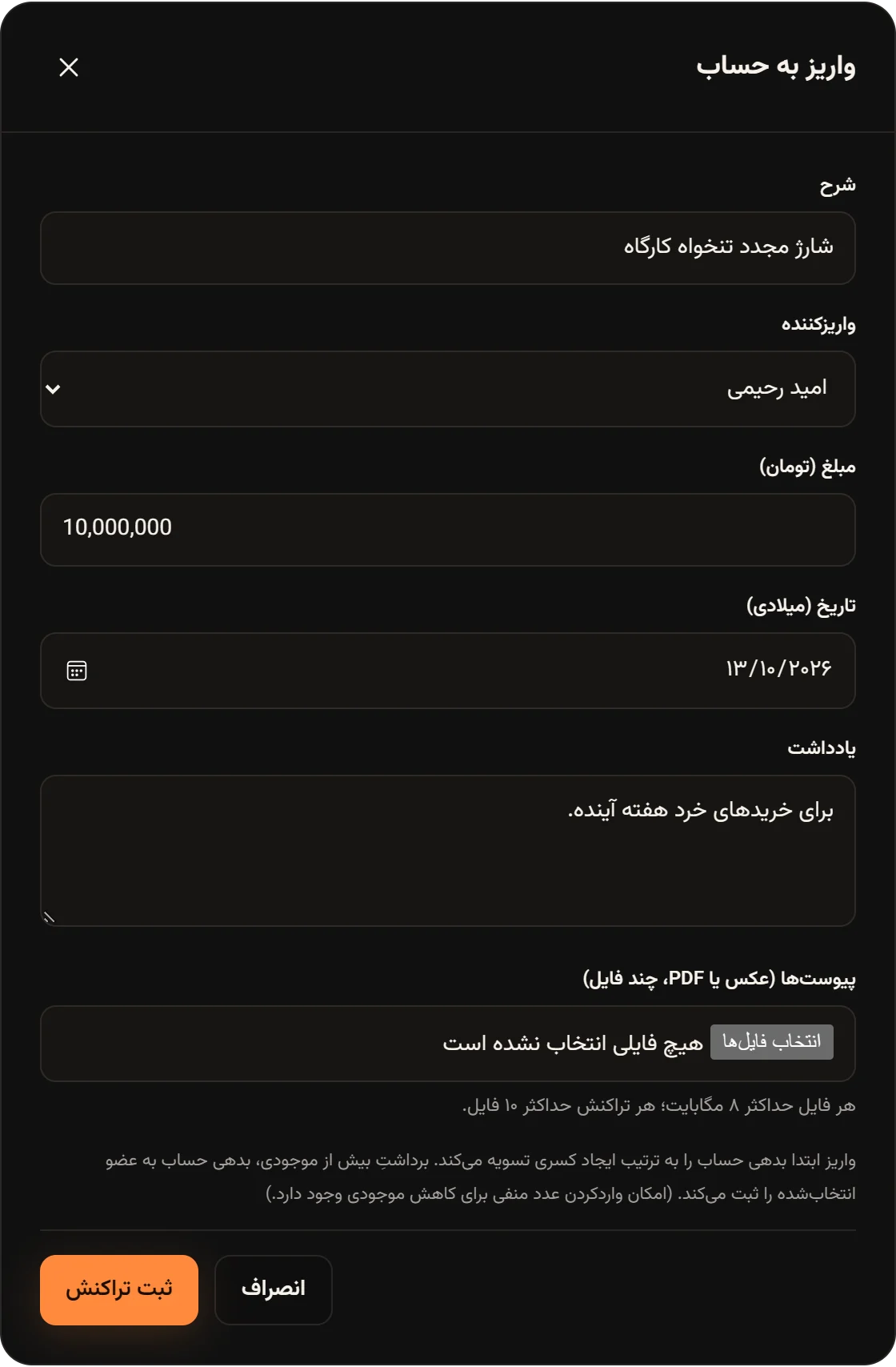
Enter a Descriptionشرح, for example “Petty cash top-up”.
-
Under Depositorواریزکننده, choose who put the money in.
-
Enter the amount and Date (Gregorian)تاریخ (میلادی), and if you like a Noteیادداشت and a receipt photo.
-
Tap Record transactionثبت تراکنش.
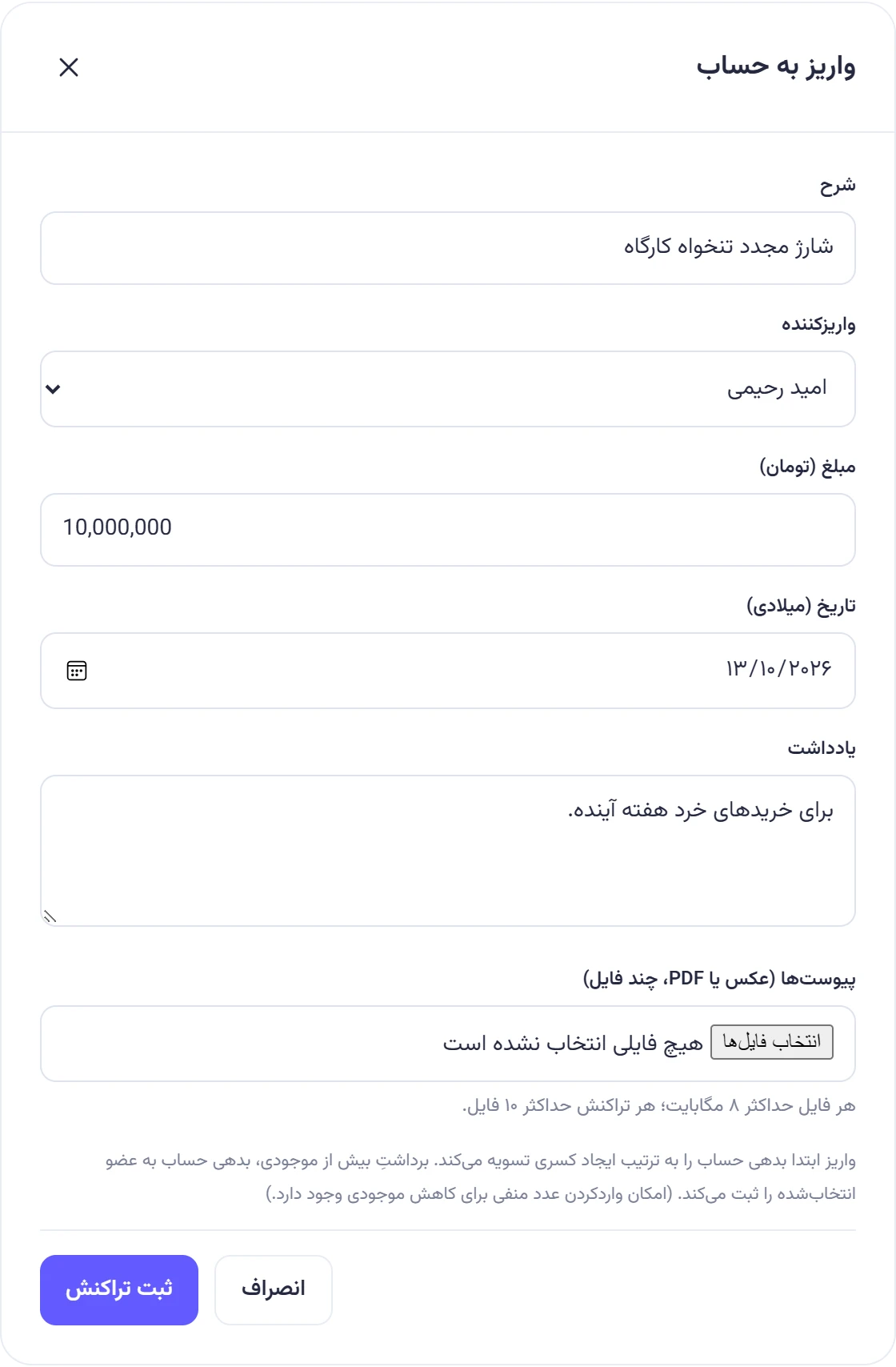
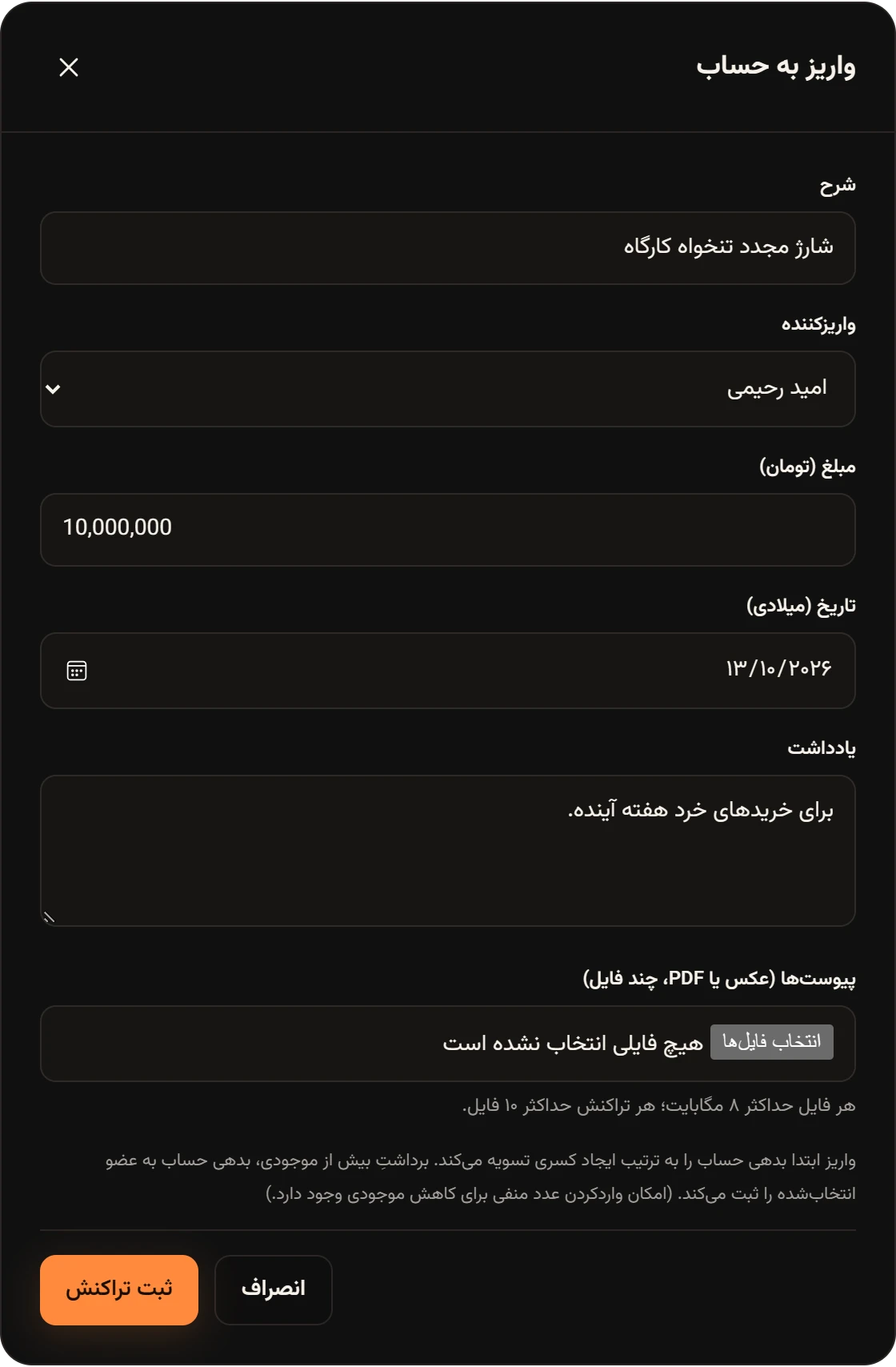
If the account owes anyone, a deposit first pays off those debts, oldest first, and the rest is added to the balance. A deposit doesn’t give the depositor a new personal claim; it’s money that went into the team’s account.
Withdraw
Section titled “Withdraw”-
On the account card, tap Withdrawبرداشت.
-
Enter a Descriptionشرح, the amount and the Date (Gregorian)تاریخ (میلادی).
-
Under “Receiver / covers shortfall” («دریافتکننده / تأمینکننده کسری»), choose who took or received the money.
-
Tap Record transactionثبت تراکنش.
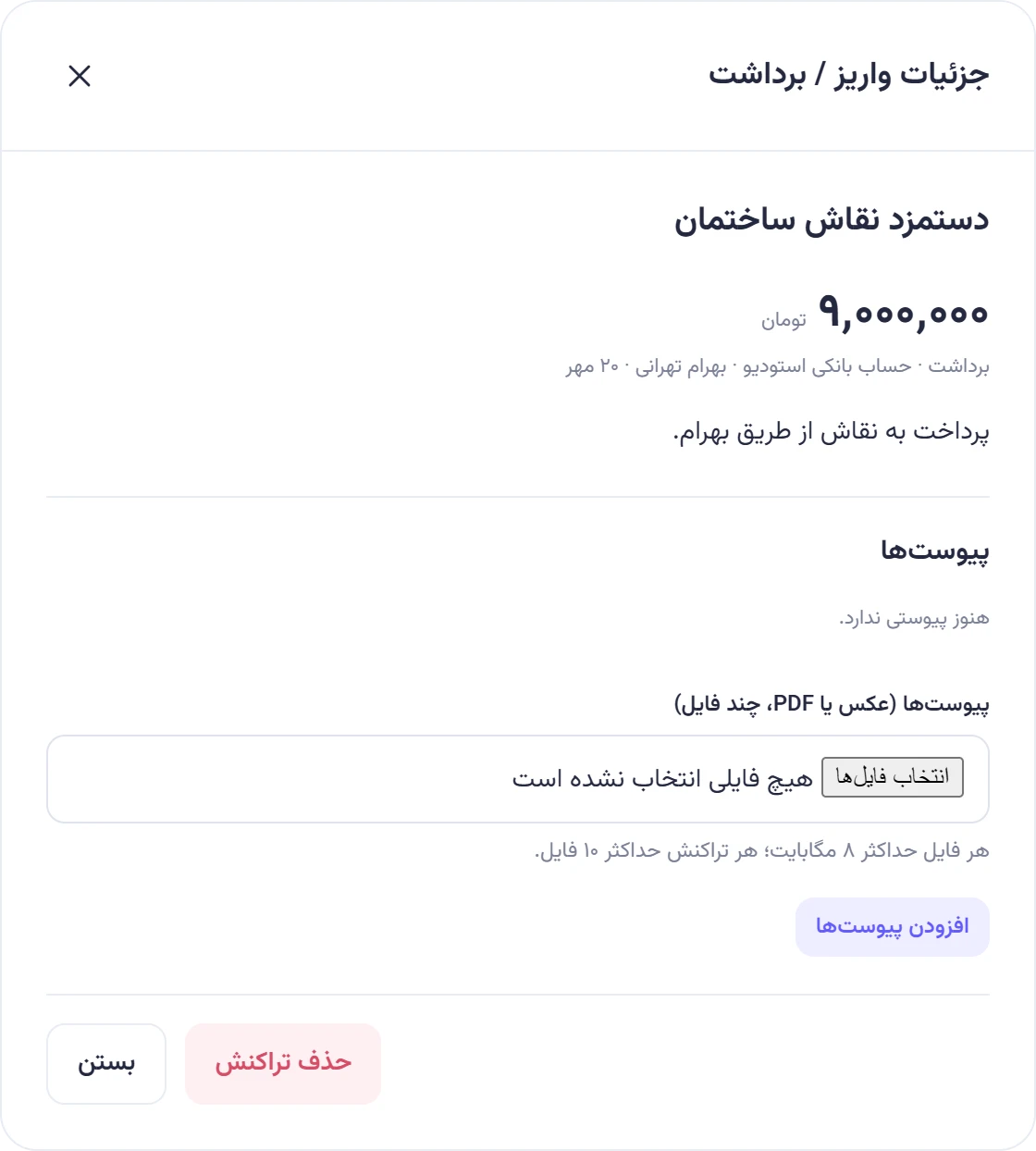
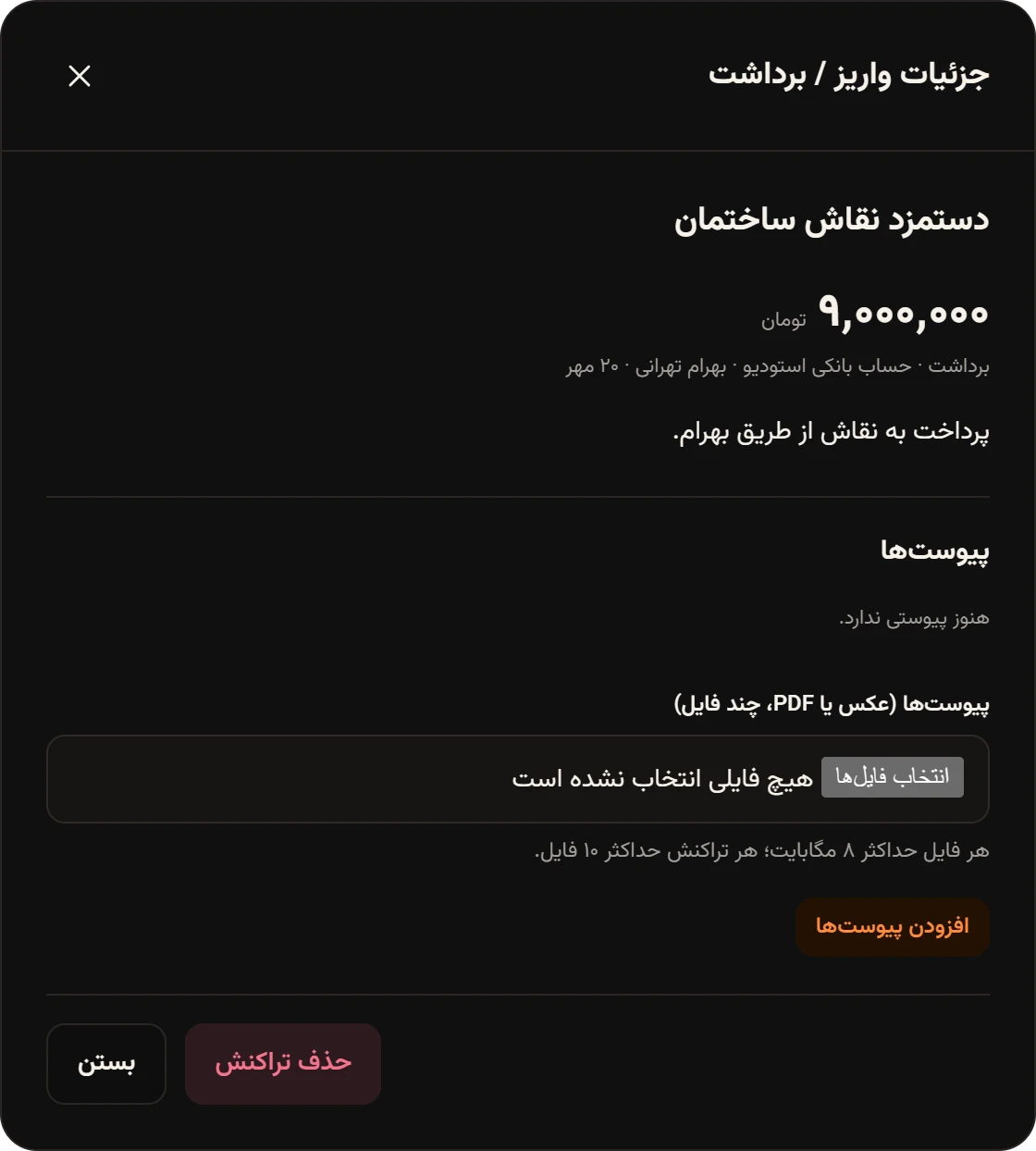
At Naghsh Studio, Maryam recorded the house painter’s wage, which Bahram handed to the painter, as a 9,000,000 toman withdrawal from the studio bank account with Bahram as the receiver, and noted that it was paid to the painter through Bahram.
Pay an expense from the account
Section titled “Pay an expense from the account”On the account card, tap Record expenseثبت هزینه. The expense form opens with that account under Paid fromمحل پرداخت and no member split. See Recording shared expenses for details.
When the money runs short
Section titled “When the money runs short”If an expense or withdrawal is larger than the balance, Hamkar doesn’t stop you. The account goes negative, and the part the balance couldn’t cover is recorded as the account owing a person:
- for an expense, the person chosen in the payer field (the one who covered the shortfall);
- for a withdrawal, the person chosen under “Receiver / covers shortfall” («دریافتکننده / تأمینکننده کسری»).
That person is now owed by the account. It shows next to their name in Member balancesمانده اعضا as a claim on shared accounts. The next deposit into the account pays that debt off first.
A real example from the workshop petty cash:
| Transaction | Amount (toman) | Balance after |
|---|---|---|
| Deposit: petty cash top-up (Omid) | 15,000,000 | 15,000,000 |
| Expense: workers’ lunch | 2,400,000 | 12,600,000 |
| Withdrawal: demolition workers’ wage | 6,500,000 | 6,100,000 |
| Expense: cement and tile adhesive (Bahram covered the gap) | 7,200,000 | minus 1,100,000 |
For the cement, the petty cash only had 6,100,000 toman. Bahram paid the remaining 1,100,000 out of his own pocket and wrote in the note that the petty cash was short so he covered the difference. Now the petty cash card says it owes Bahram Tehrani 1,100,000 toman («بدهی حساب به بهرام تهرانی»). When Omid next tops up the petty cash, Bahram’s 1,100,000 is paid back first, and then the balance turns positive.
Negative numbers in deposits and withdrawals
Section titled “Negative numbers in deposits and withdrawals”You can type a negative number in the deposit form to lower the balance. Hamkar saves it as a withdrawal, and a negative number in the withdrawal form is saved as a deposit. That’s handy for small corrections, but deleting the wrong transaction and recording the right one keeps the history clearer.
Account history
Section titled “Account history”On the account card, tap Historyتاریخچه. Every deposit, withdrawal and expense of this account is listed newest first, with its type, member, amount and Balance after transactionمانده پس از تراکنش. Tap Detailsجزئیات on a row to see its details and attachments. The CSV exportخروجی CSV button at the top of the window saves the whole account history for Excel. Exporting to CSV
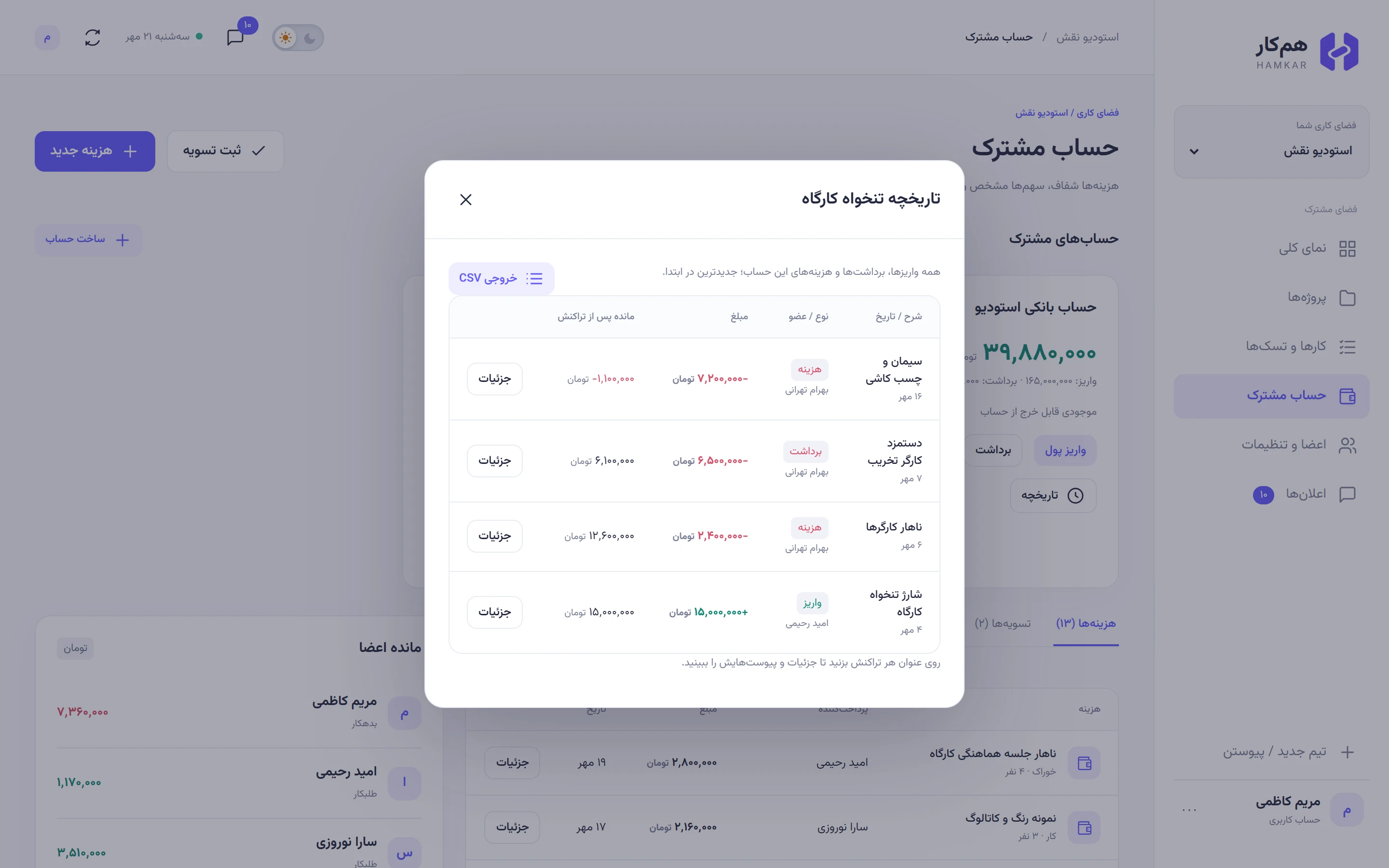
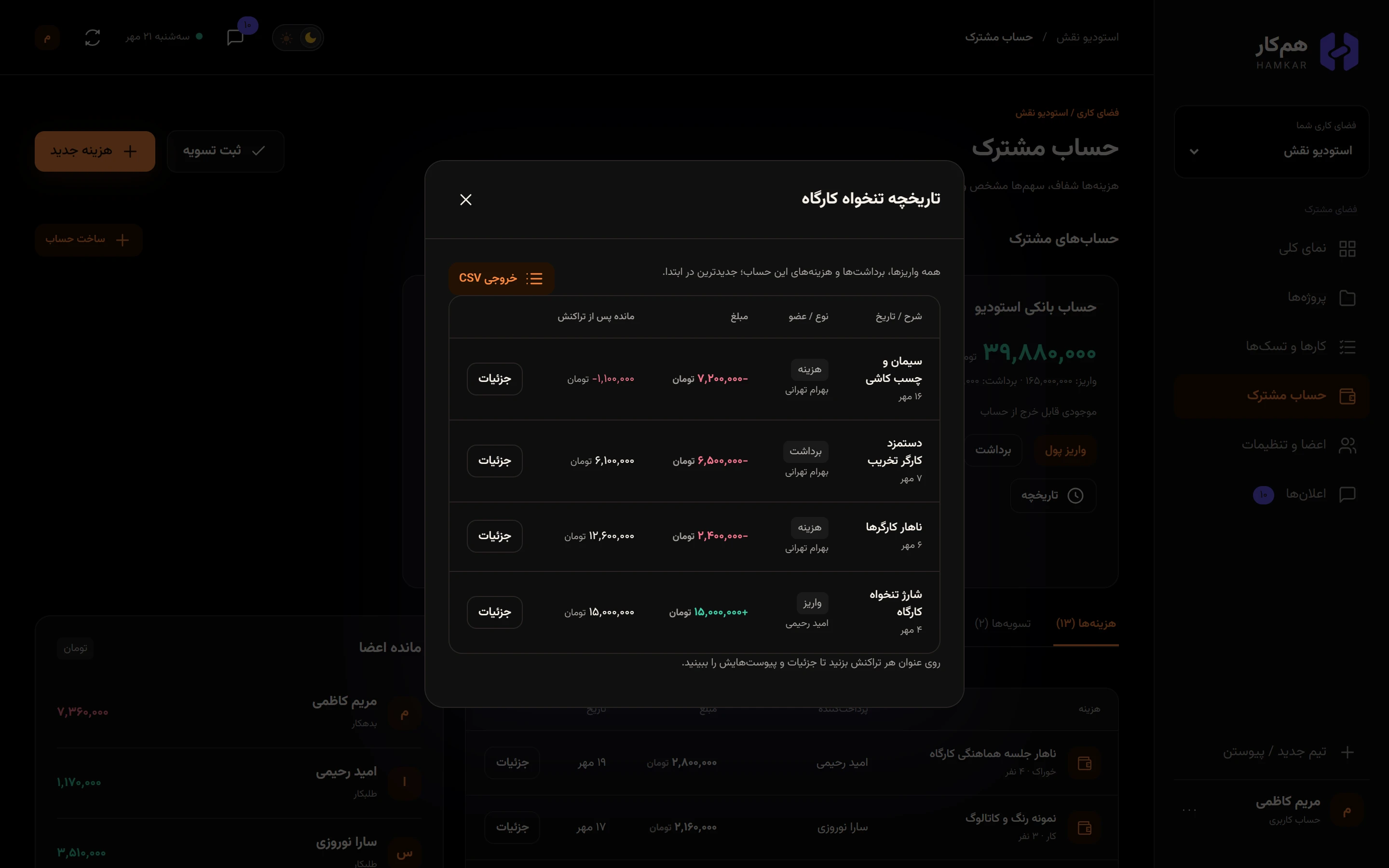
Hamkar orders transactions by their date and then by when they were recorded. If you delete a transaction, the balance and debts are recalculated from the start.
Delete a deposit or withdrawal
Section titled “Delete a deposit or withdrawal”In Historyتاریخچه, tap Detailsجزئیات on the row. The person who recorded it, or an admin, sees Delete transactionحذف تراکنش. The transaction and its attachments are removed and the account is recalculated. Deposits and withdrawals can’t be edited; to fix one, delete it and record it again.
Rename an account
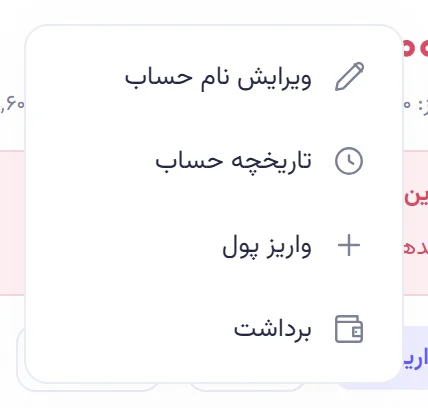
Section titled “Rename an account”There’s no rename button on the card. It’s in a small menu:
-
On a computer, right-click the account card. On a phone, press and hold the card for about half a second.
-
Choose Rename accountویرایش نام حساب. Only the person who created the account and admins see this option.
-
Type the new name and tap Save nameذخیره نام.
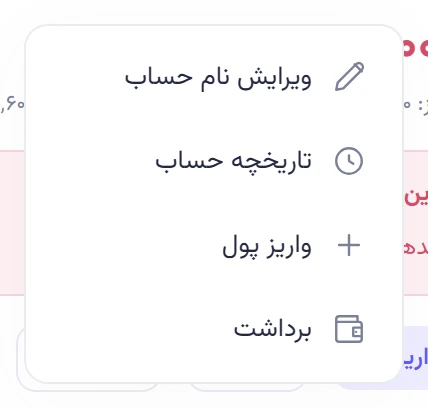
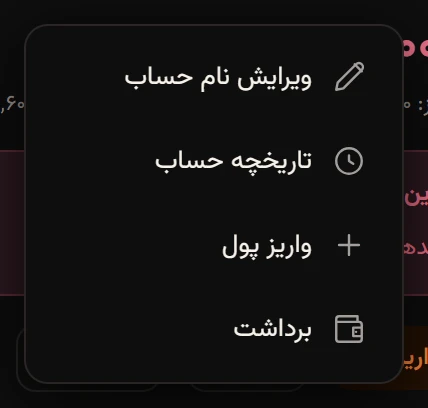
Omid first created the account as «تنخواه» (petty cash) and a few minutes later renamed it «تنخواه کارگاه» (workshop petty cash) from this menu. The same menu also has Account historyتاریخچه حساب, Deposit moneyواریز پول and Withdrawبرداشت.
Accounts can’t be deleted
Section titled “Accounts can’t be deleted”The current version of Hamkar can’t delete a shared account. If an account is no longer used, rename it so it’s clearly closed, for example “Workshop petty cash (closed)”.