Hamkar in five minutes
New to Hamkar? This page tells you what lives where and how to get going.
What Hamkar is
Section titled “What Hamkar is”Hamkar is a shared space for small teams of two or more people. Every team has three main parts:
- Work: projects and their tasks, each with an assignee, due date, priority, status and a discussion thread.
- Money: expenses one person paid that are split between several people, each member’s balance, suggested settlements, and shared accounts such as petty cash or a team bank account.
- Notifications: when someone does something in the team, the others hear about it, inside the site, in the browser and on Android phones.
You can belong to several teams, for example one for work and one for splitting trip costs with friends. Each team keeps its own data.
The whole interface is in Persian. This guide gives each button an English name and shows the Persian label next to it, for example Saveذخیره.
The main screen
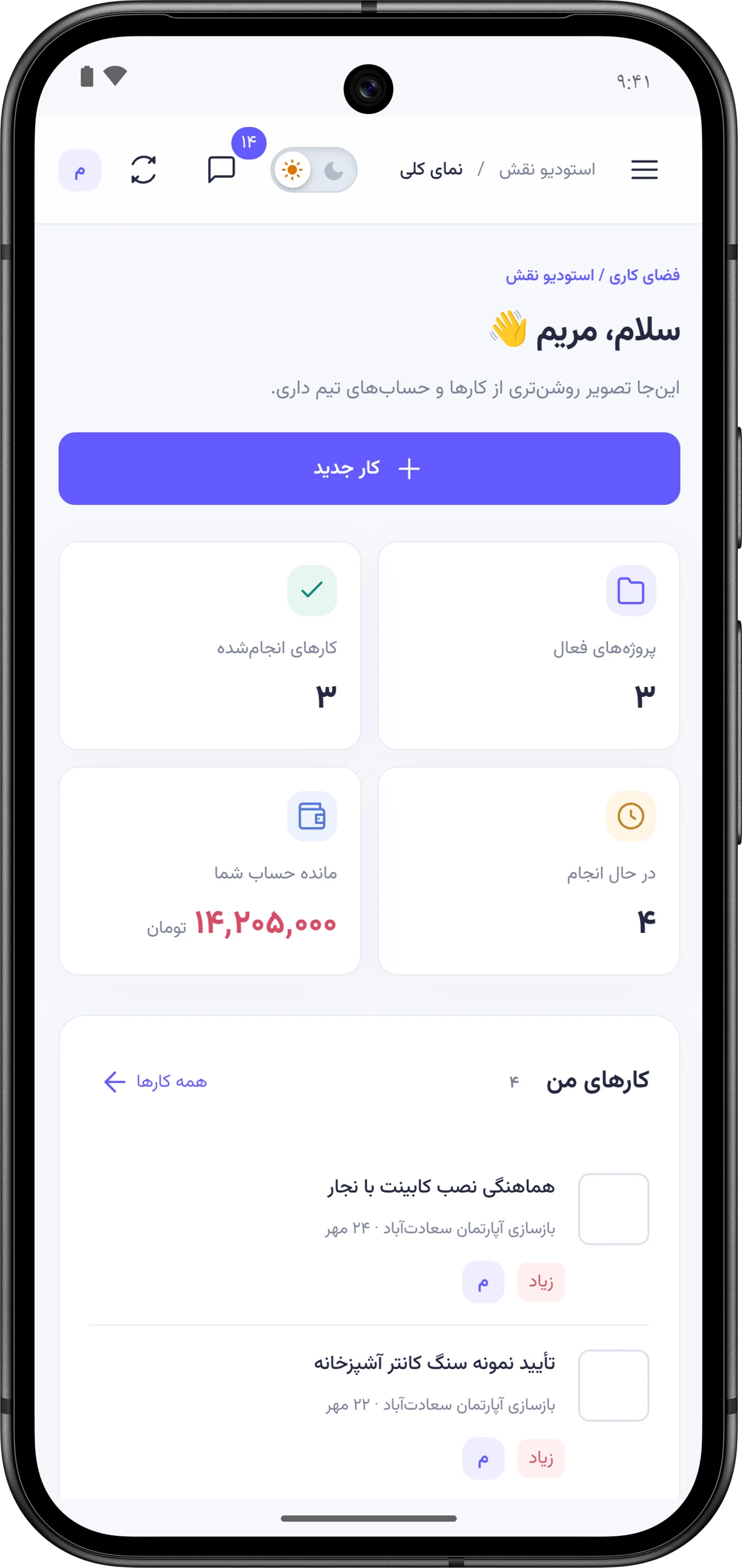
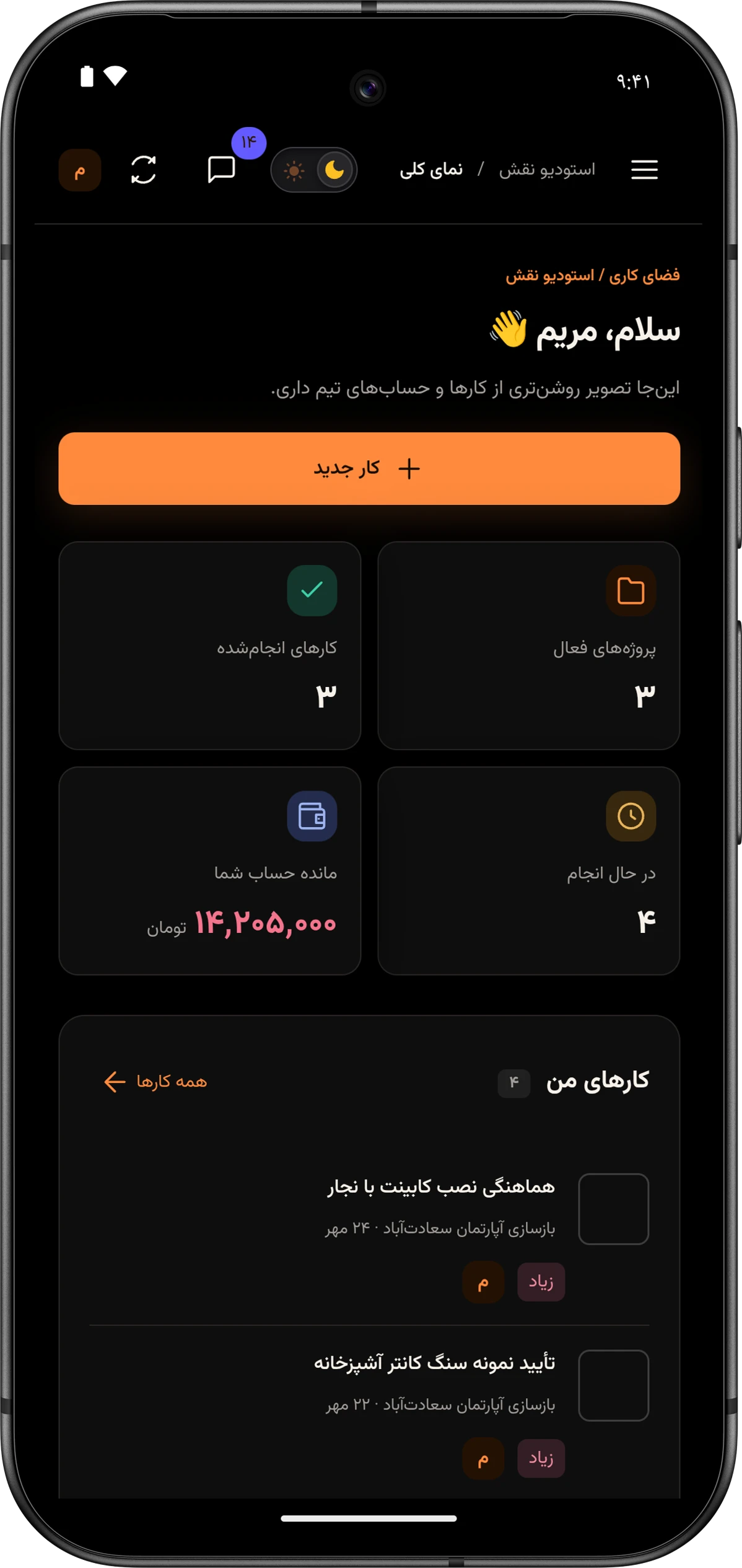
Section titled “The main screen”After you sign in, the team’s Overviewنمای کلی page opens. It sums everything up:
- Four numbers at the top: Active projectsپروژههای فعال, Done tasksکارهای انجامشده, In progressدر حال انجام and Your balanceمانده حساب شما. A green balance means others owe you; red means you owe.
- My tasksکارهای من: open tasks assigned to you, each with a round button to mark it done.
- Team projectsپروژههای تیم with a progress bar for each.
- Latest shared expensesآخرین هزینههای مشترک and the Teammatesهمتیمیها list with each person’s open task count.
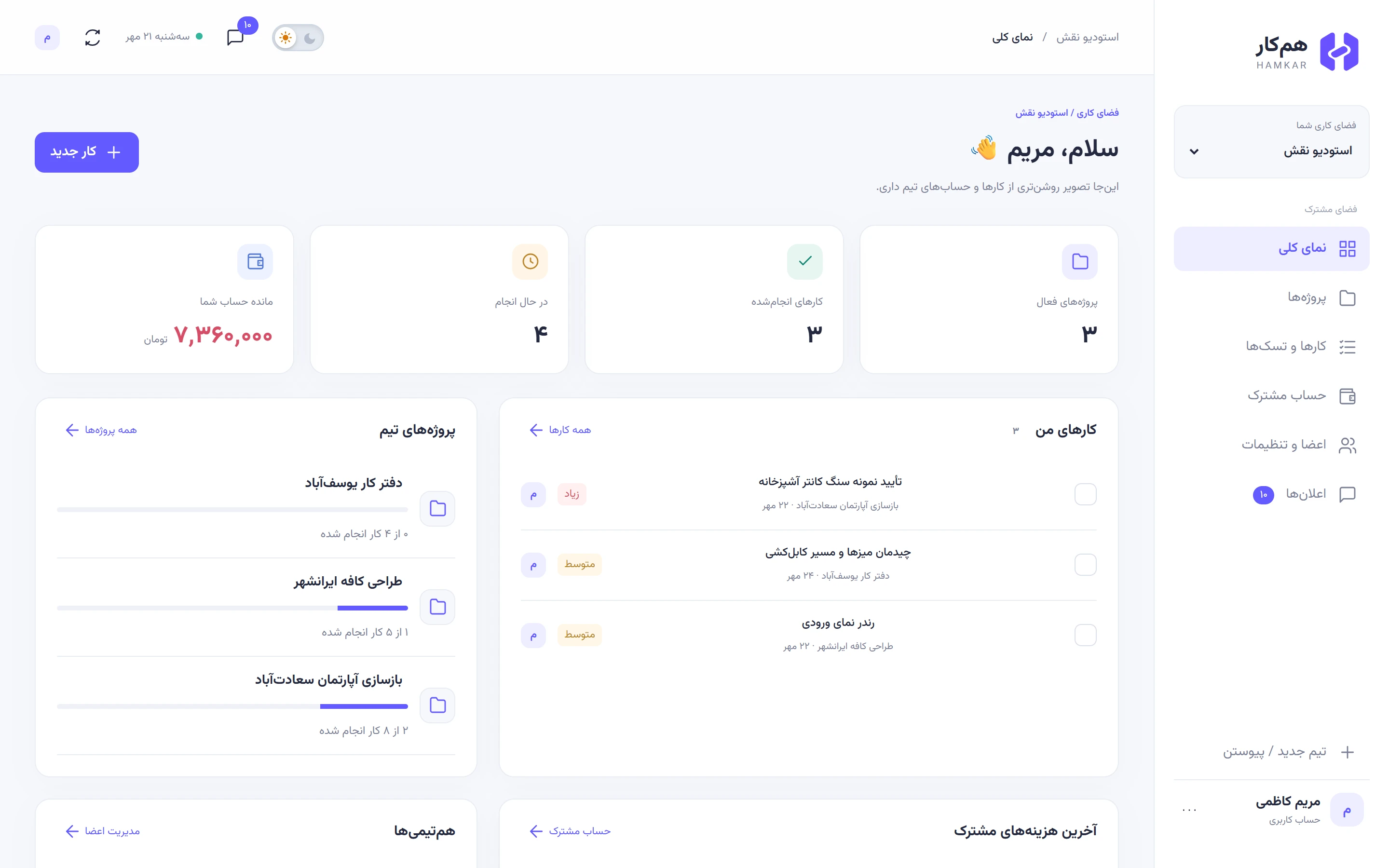
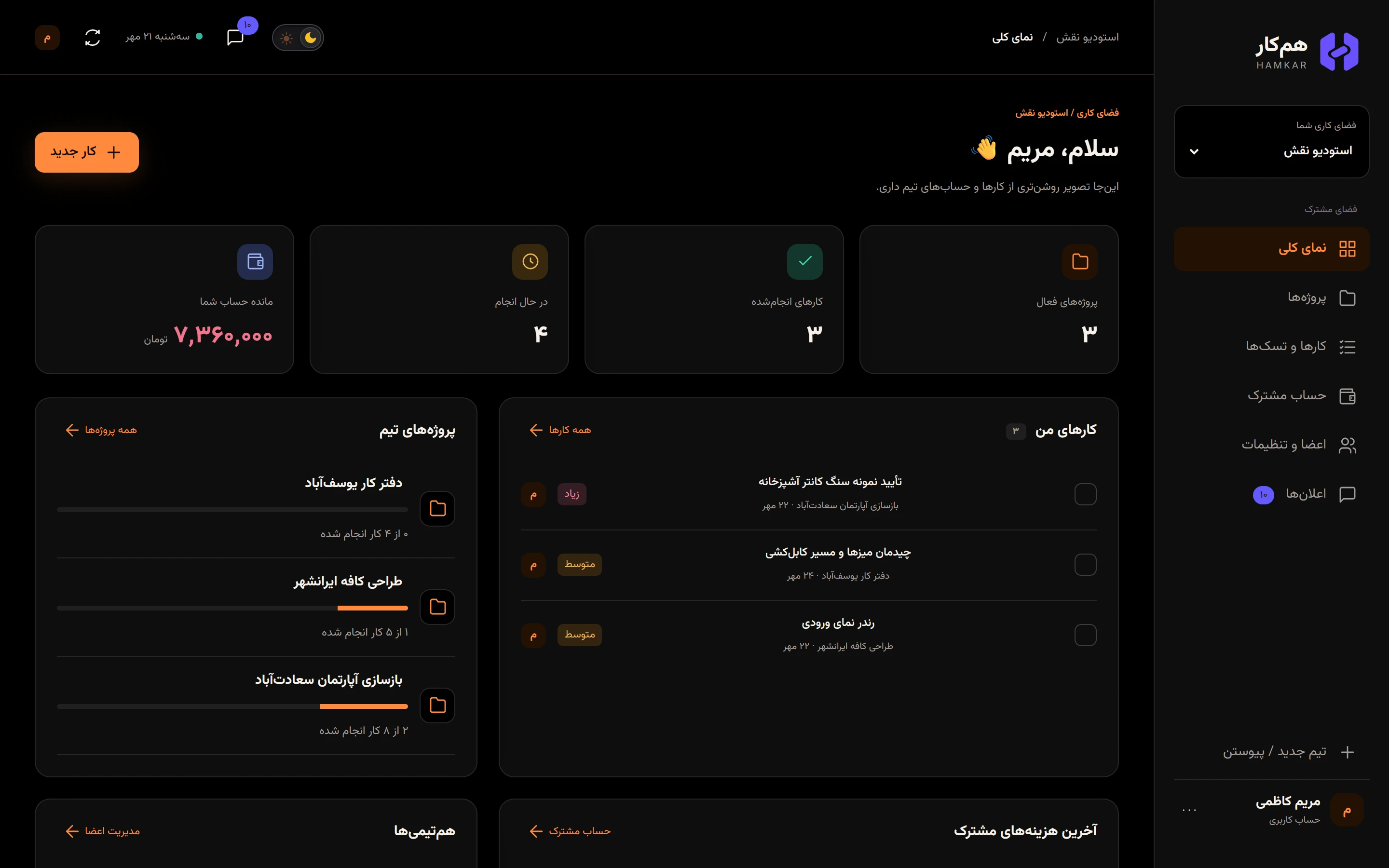
The other pages open from the sidebar: Projectsپروژهها, Tasksکارها و تسکها, Shared financesحساب مشترک, Members & settingsاعضا و تنظیمات and Notificationsاعلانها. On a phone, the menu opens from the three-line button at the top. Finding your way around covers every page.


Your first five minutes
Section titled “Your first five minutes”-
Create an account. You only need a name, an email address and a password. Sign up and sign in
-
Create a team, or if someone sent you an invite code, join their team with it. Create a team and invite people
-
Create your first project and add a few tasks to it. Assign each task to someone. Projects and Tasks
-
Record your first shared expense and let Hamkar work out everyone’s share. Recording shared expenses
-
Turn on notifications: on a computer with browser notifications, on an Android phone with the Android app.
Web and Android stay in sync
Section titled “Web and Android stay in sync”The web app and the Android app talk to the same server and use the same account. Good to know:
- Wherever a Hamkar page is open, your teammates’ changes appear on it without a refresh.
- When the Android app is closed, a phone notification tells you what happened, and tapping it opens that exact task or expense.
- Read and unread notifications are tracked on the server, so they match on every device.
- Each device has its own sign-in and stays signed in for 180 days after you last used it.