Roles and permissions
If you can’t find a button you’ve seen in this guide, you probably don’t have permission for it. This page explains who can do what.
Two roles: admin and member
Section titled “Two roles: admin and member”Everyone in a team has one of two roles:
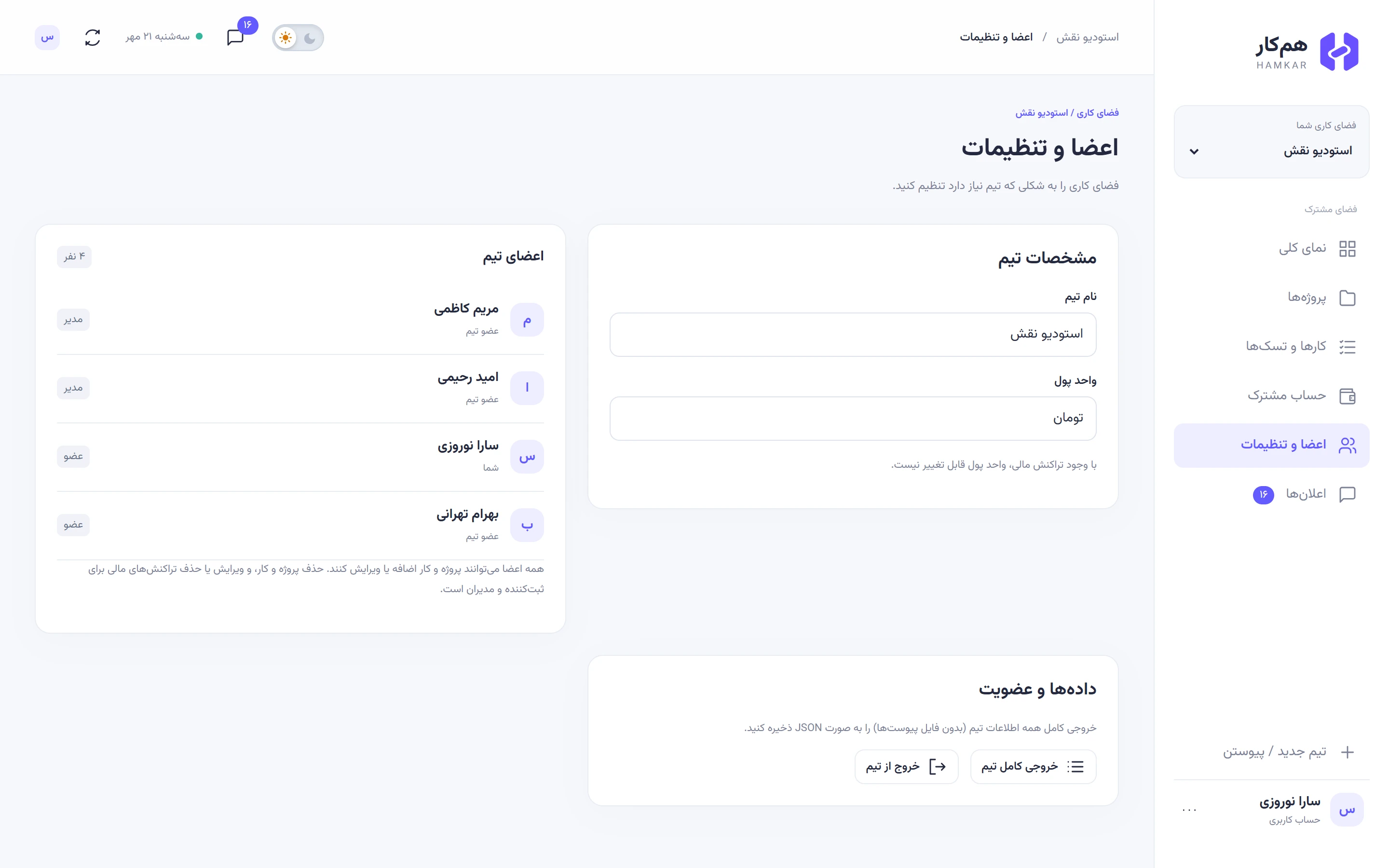
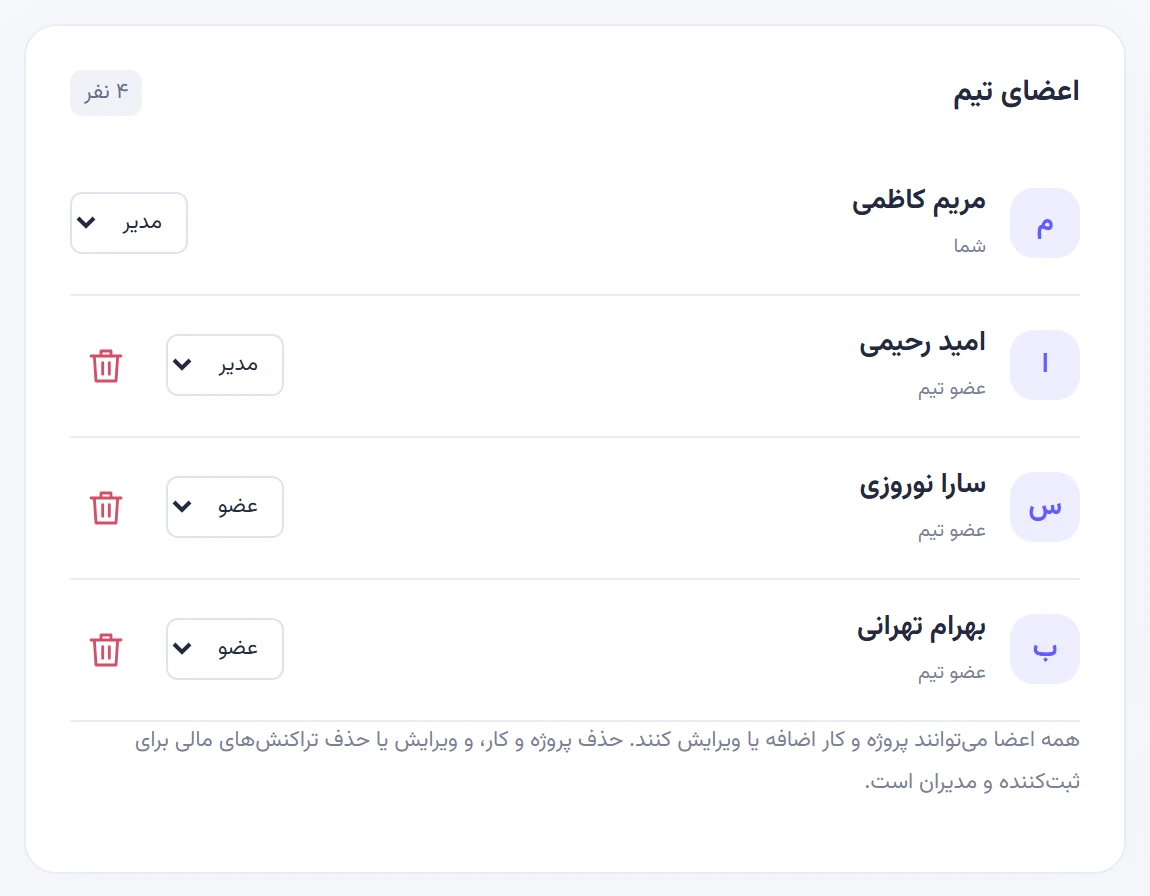
- Adminمدیر: the person who created the team, plus anyone another admin has made an admin. A team can have several admins and always has at least one.
- Memberعضو: anyone who joined with an invite code.
Roles are per team. Maryam Kazemi, for example, is an admin in Naghsh Studio and a member in the North trip team.
The person who recorded it
Section titled “The person who recorded it”Many permissions depend on who recorded an item: whoever created the project, task, expense, settlement, shared account, deposit or withdrawal. That’s not always the payer. If Omid records an expense that Sara paid, Omid is the one who recorded it.
Permissions table
Section titled “Permissions table”| Action | Admin | Member |
|---|---|---|
| See projects, tasks, expenses, accounts, members and attachments | Yes | Yes |
| Create, edit and archive any project | Yes | Yes |
| Delete a project | Yes | Only one they created |
| Create and edit any task, including status and assignee | Yes | Yes |
| Delete a task | Yes | Only one they created |
| Comment on any task | Yes | Yes |
| Delete a comment | Any comment | Only their own |
| Record an expense | Yes | Yes |
| Edit or delete an expense | Yes | Only one they recorded |
| Record a settlement | Between any two people | Only when they are the payer or the recipient |
| Delete a settlement | Yes | Only one they recorded |
| Create a shared account | Yes | Yes |
| Rename a shared account | Yes | Only one they created |
| Record a deposit or withdrawal | Yes | Yes |
| Delete a deposit or withdrawal | Yes | Only one they recorded |
| Add attachments to an expense, settlement, deposit or withdrawal | Yes | Only on items they recorded |
| See and copy the invite code, make a new one | Yes | No |
| Change the team name and currency | Yes | No |
| Change members’ roles, including other admins | Yes | No |
| Remove a member | Yes | No |
| Leave the team | Yes | Yes |
| Download the full team export | Yes, including the invite code | Yes, without the invite code |
| Delete the team | Yes | No |
Worth knowing
Section titled “Worth knowing”- Assignees get no extra rights. The person a task is assigned to has the same permissions as any member. The difference is that the task shows up in their My tasksکارهای من and they get the Task assigned to youکار به شما سپرده شد notification.
- Recording and deleting a settlement follow different rules. The payer, the recipient or an admin can record a settlement, but only the person who recorded it (or an admin) can delete it. Settlements, deposits and withdrawals can’t be edited at all.
- Admins can demote or remove other admins. Only the team’s last admin is protected. There is no separate “owner”.
- Any member can leave on their own, unless they are the team’s only member or only admin.
Former members
Section titled “Former members”Someone who left or was removed loses access to everything in that team immediately. Their expenses, settlements and balance stay in the team, marked as a former member. See Managing members for details.