Projects
Every task in Hamkar belongs to a project, so you need at least one project before your first task. Any team member can create, edit or archive projects.
The Projects page
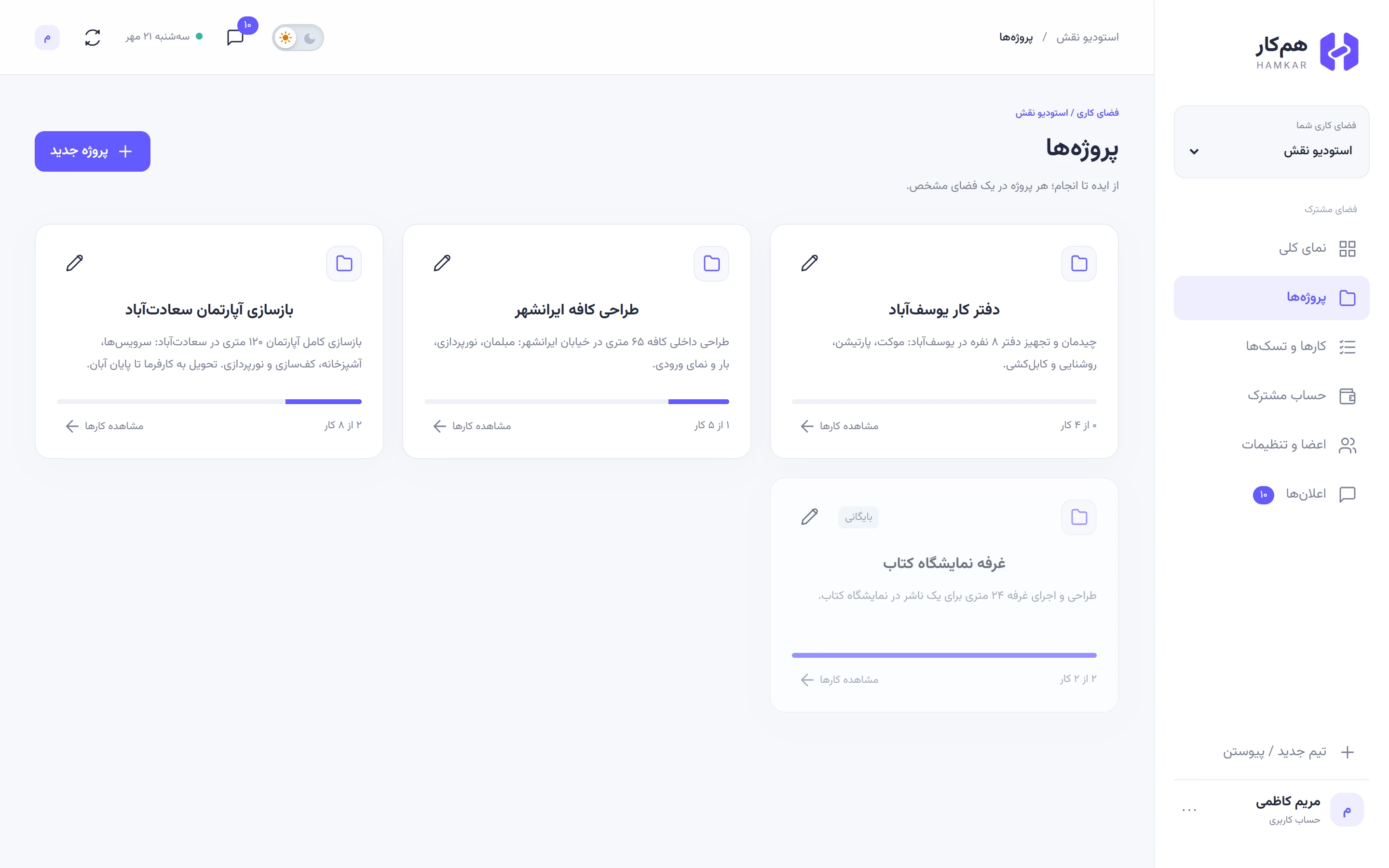
Section titled “The Projects page”Tap Projectsپروژهها in the menu. Each project has a card with its name, description, a progress bar and how many of its tasks are done, for example “2 of 8 tasks”. Active projects come first and archived ones last, marked Archivedبایگانی.
Tap a project’s name or View tasksمشاهده کارها to open the Tasks page showing only that project’s tasks.
Create a project
Section titled “Create a project”-
On the Projectsپروژهها page, tap New projectپروژه جدید. If the team has no project yet, the Create projectساخت پروژه button on the Overviewنمای کلی does the same.
-
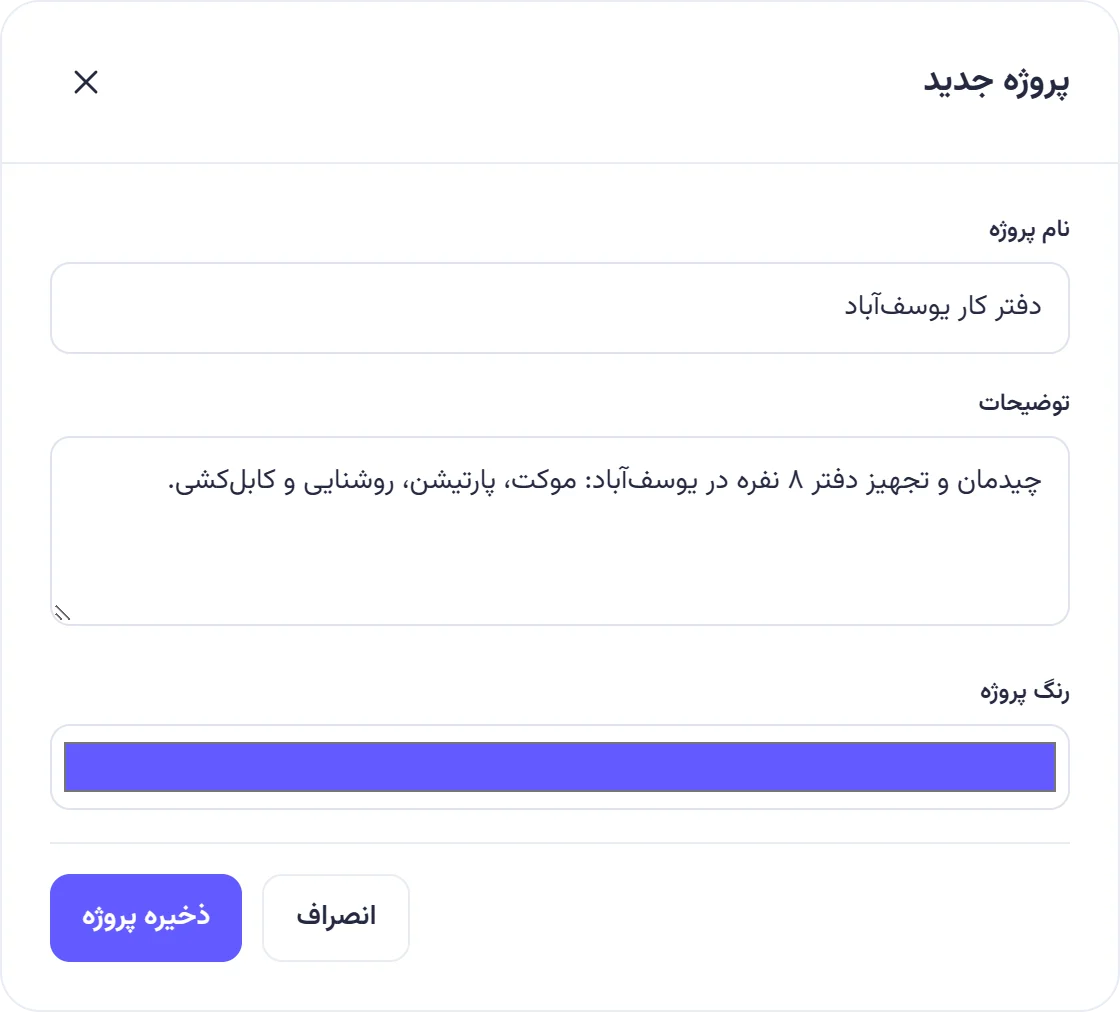
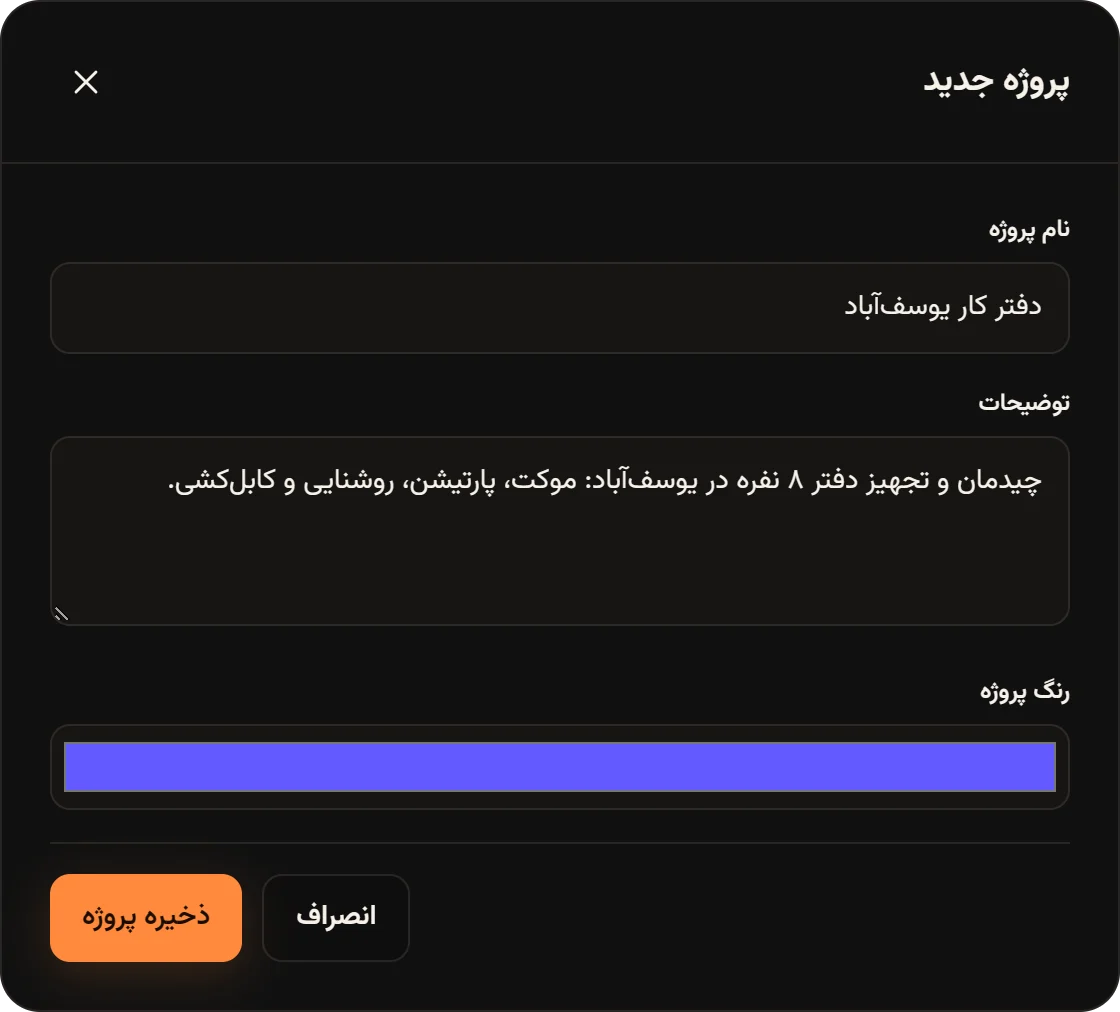
Enter the Project nameنام پروژه (up to 150 characters). Add a Descriptionتوضیحات if it helps, up to 5,000 characters.
-
Tap Save projectذخیره پروژه.
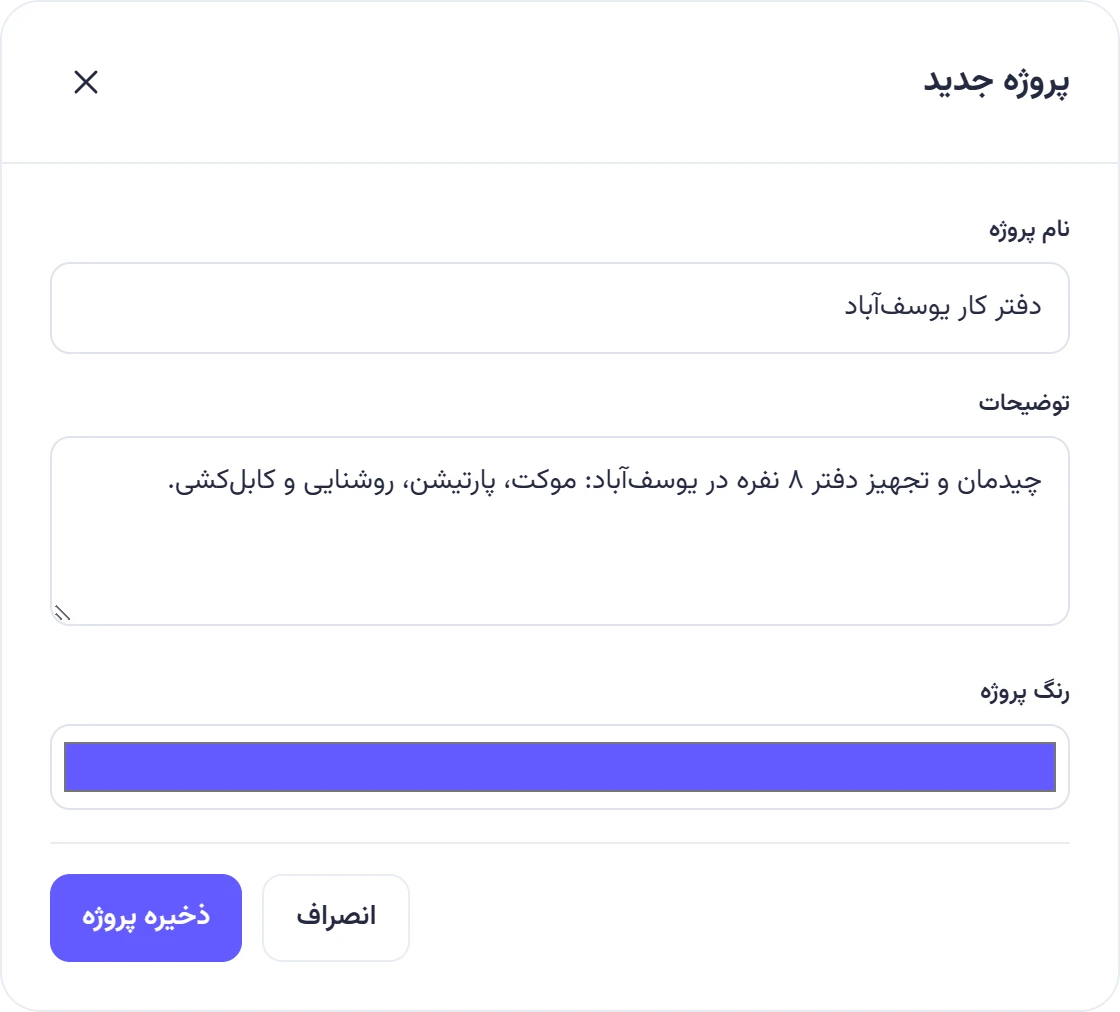
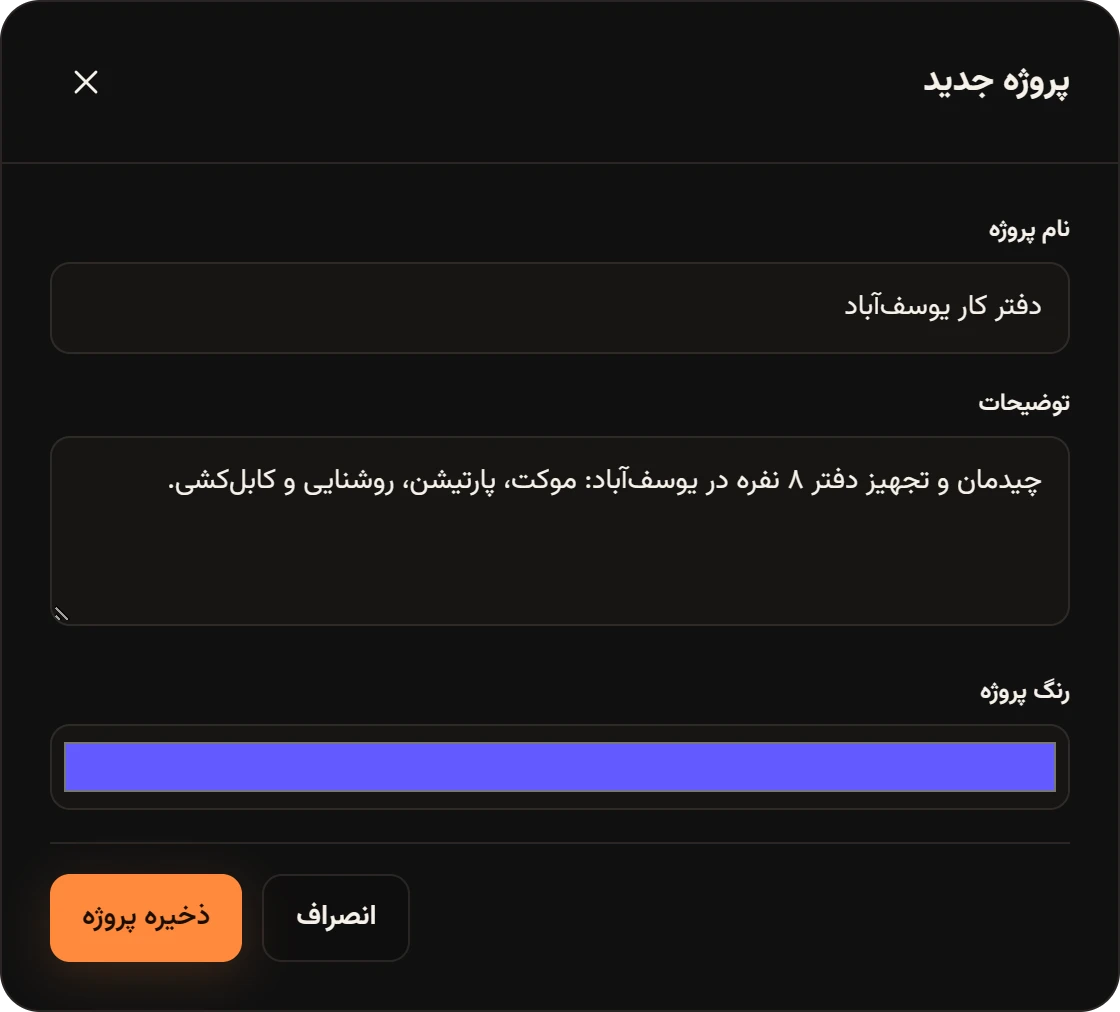
The other members get a New projectپروژه جدید notification. The form also has a Project colorرنگ پروژه field. The color is saved, but the current version of Hamkar doesn’t display it anywhere.
Edit and archive
Section titled “Edit and archive”-
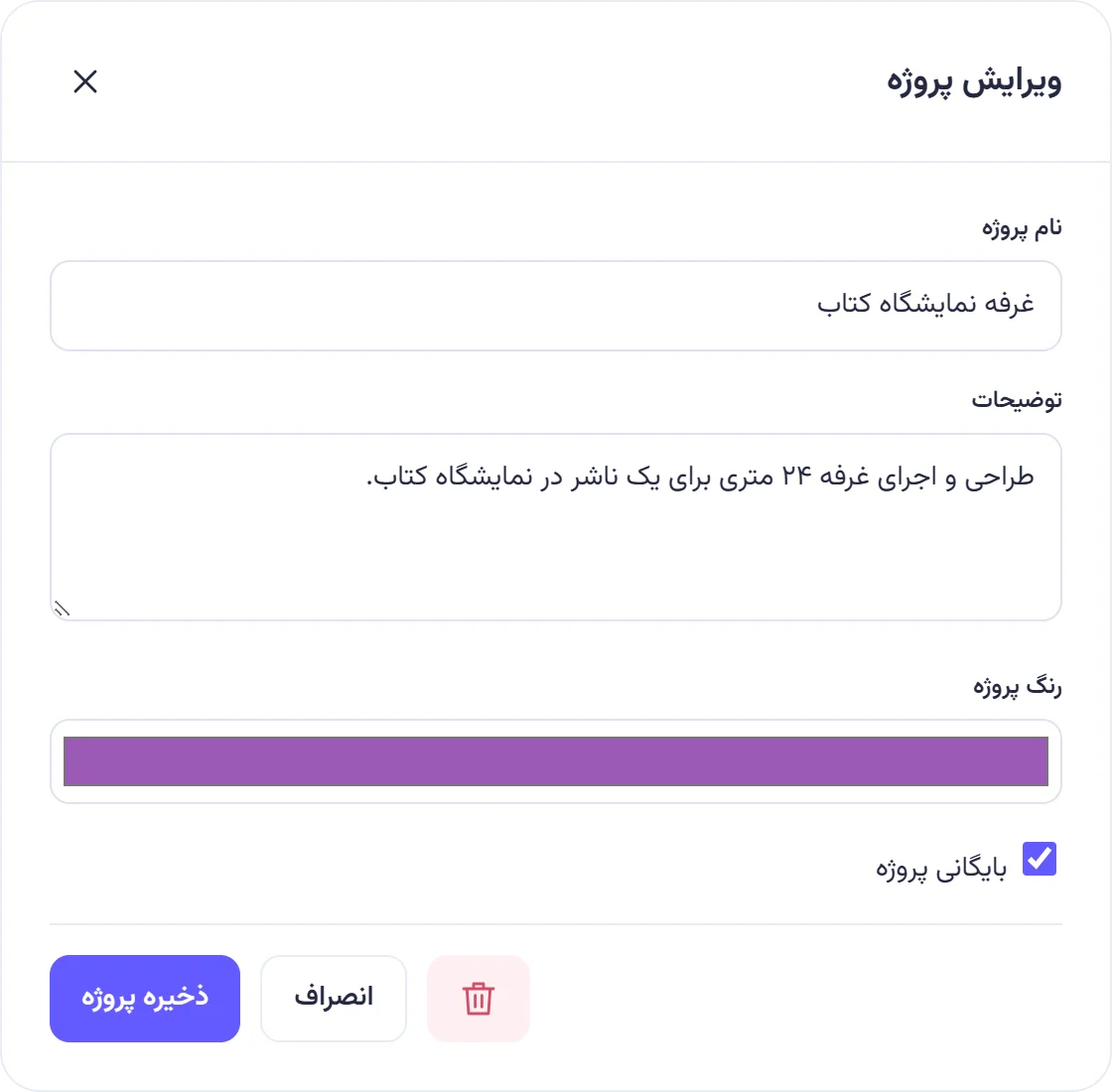
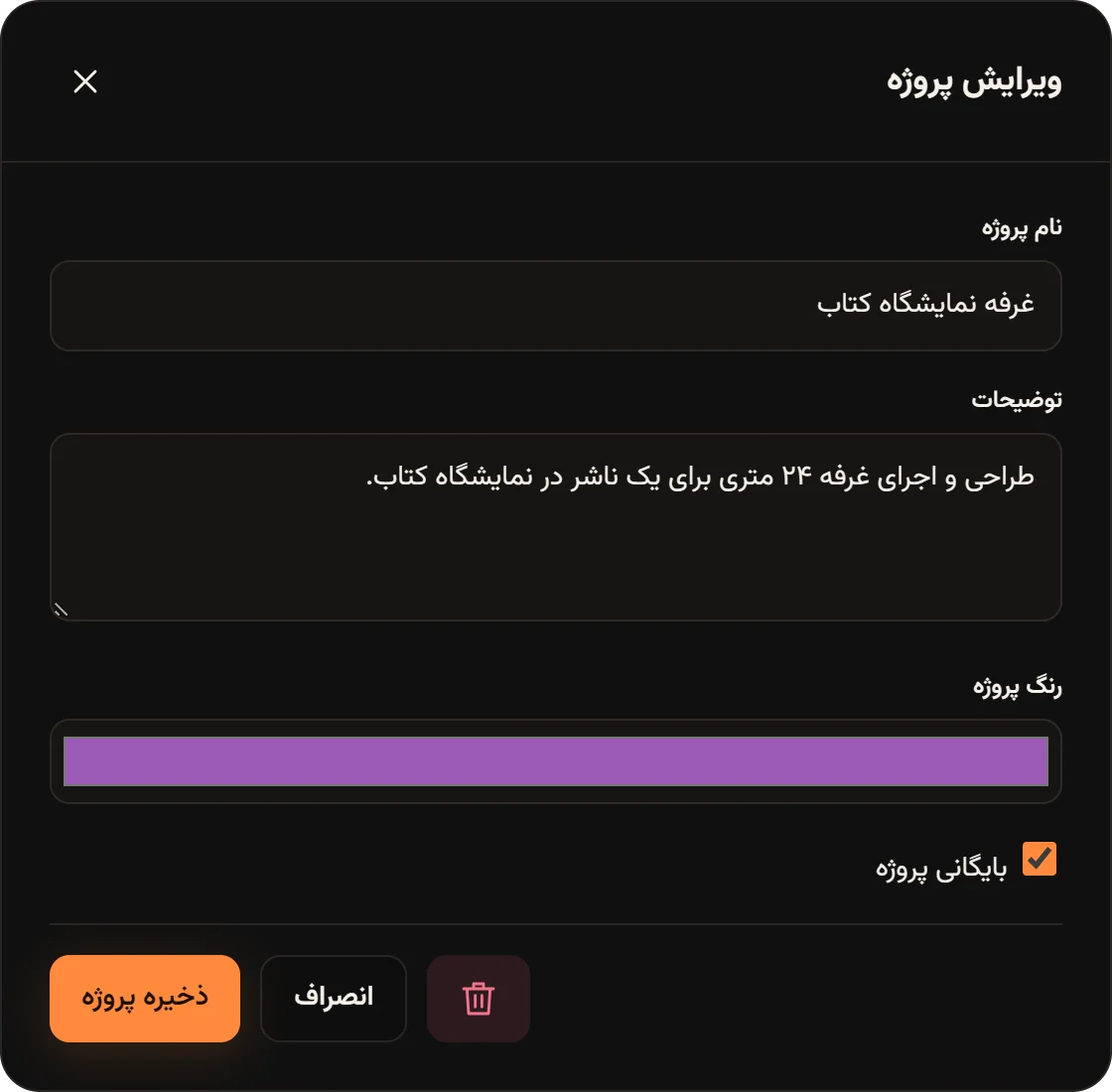
Tap the pencil button on the project card.
-
Change the name, description or color. To archive, tick Archive projectبایگانی پروژه.
-
Tap Save projectذخیره پروژه.
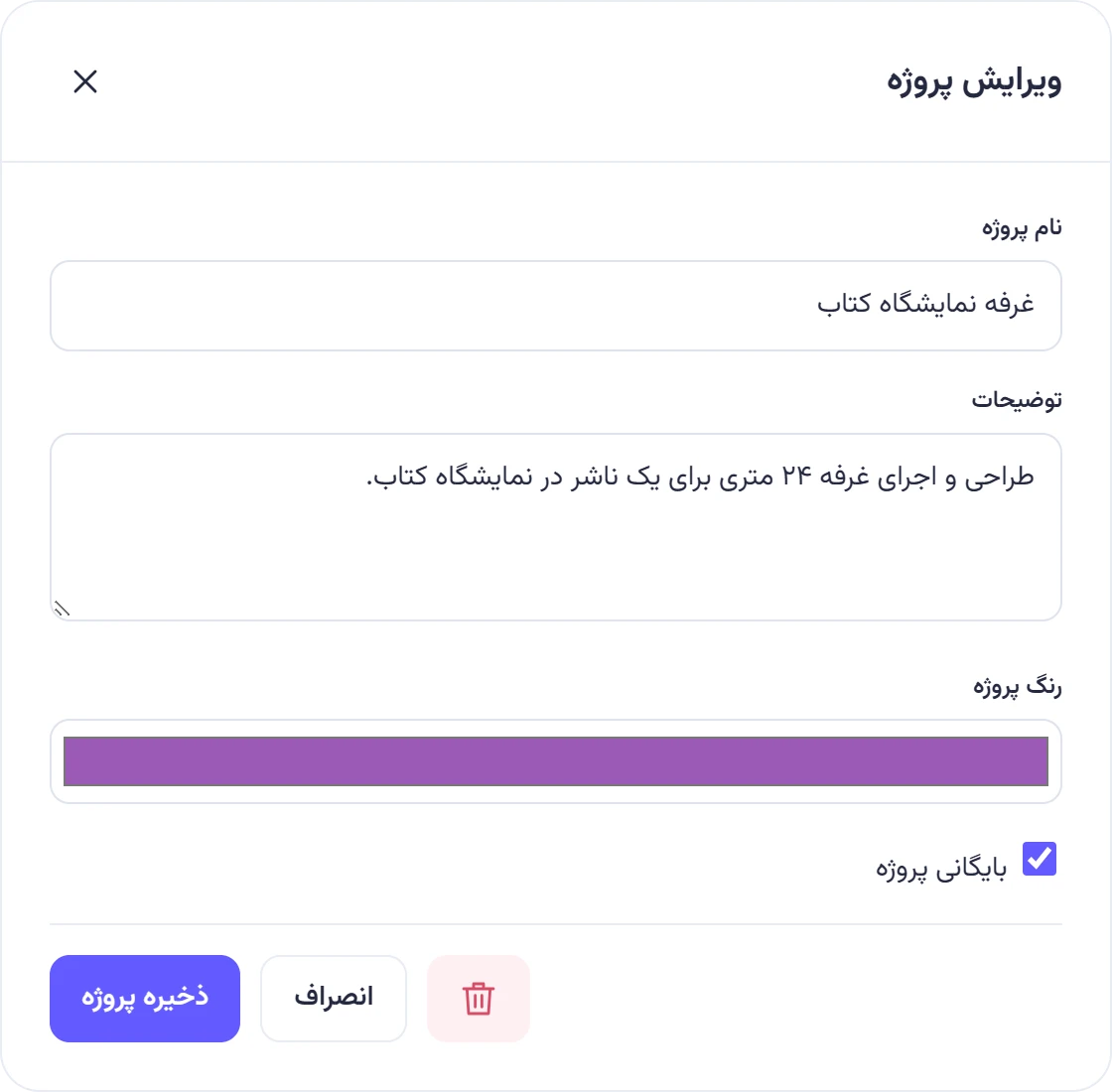
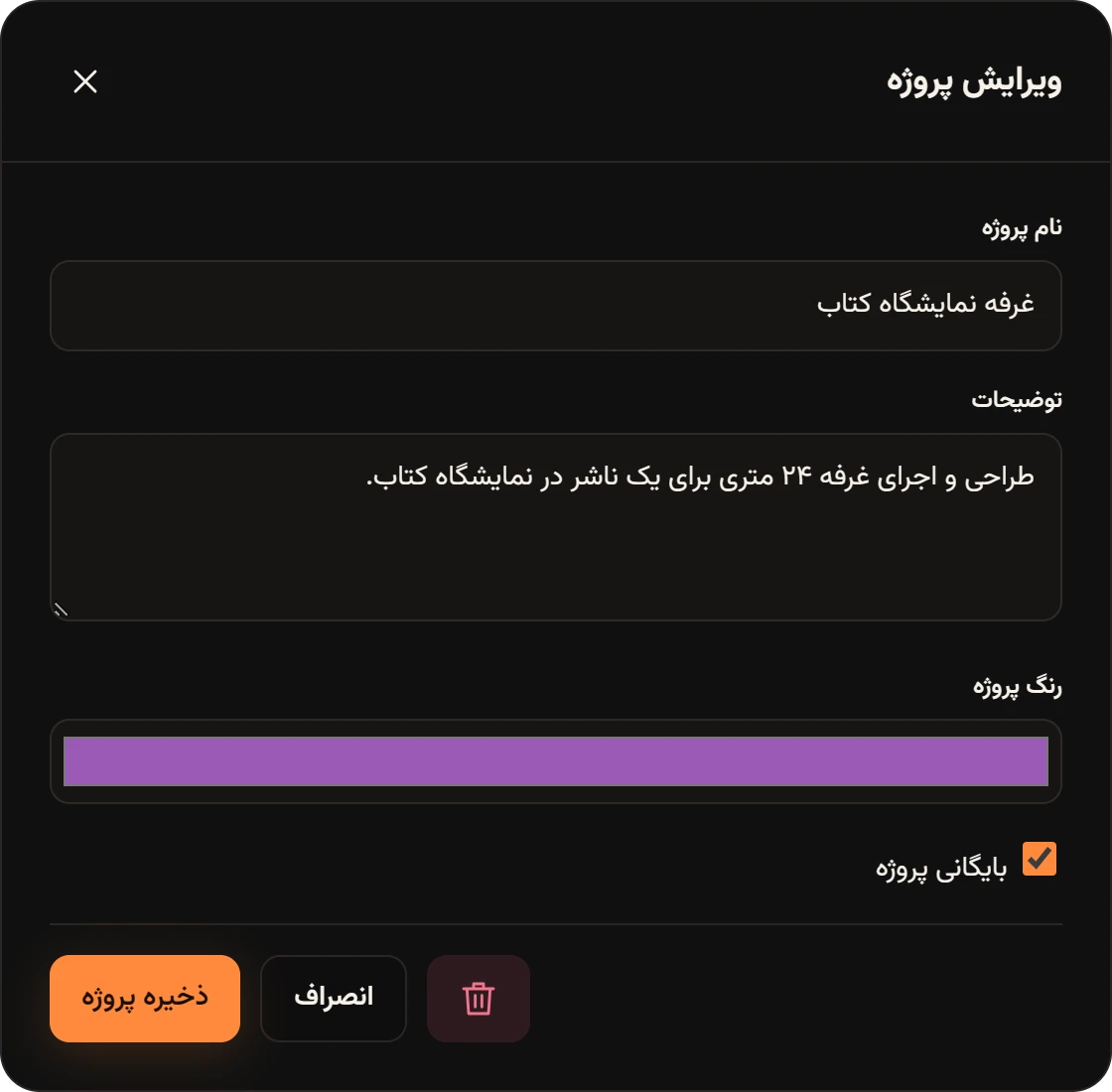
Archive a project that’s finished but whose history you want to keep. At Naghsh Studio, Omid archived the book fair booth project («غرفه نمایشگاه کتاب») after the fair. An archived project:
- has its tasks hidden from the Tasks page and the Overviewنمای کلی stats, unless you pick that project in the filter;
- can’t get new tasks;
- can’t have its tasks edited; trying shows “Unarchive the project first.” («ابتدا پروژه را از بایگانی خارج کنید.») Comments on its tasks still work.
To unarchive, untick the same box and save.
Delete a project
Section titled “Delete a project”Only the person who created the project, or an admin, sees the trash button in the project’s edit window. Tap it and Confirmتأیید, and the project and all its tasks and discussions are deleted for good.