Create a team and invite people
Everything in Hamkar lives inside a team. Whoever creates a team becomes its admin, and everyone else joins with an invite code.
Create a team
Section titled “Create a team”-
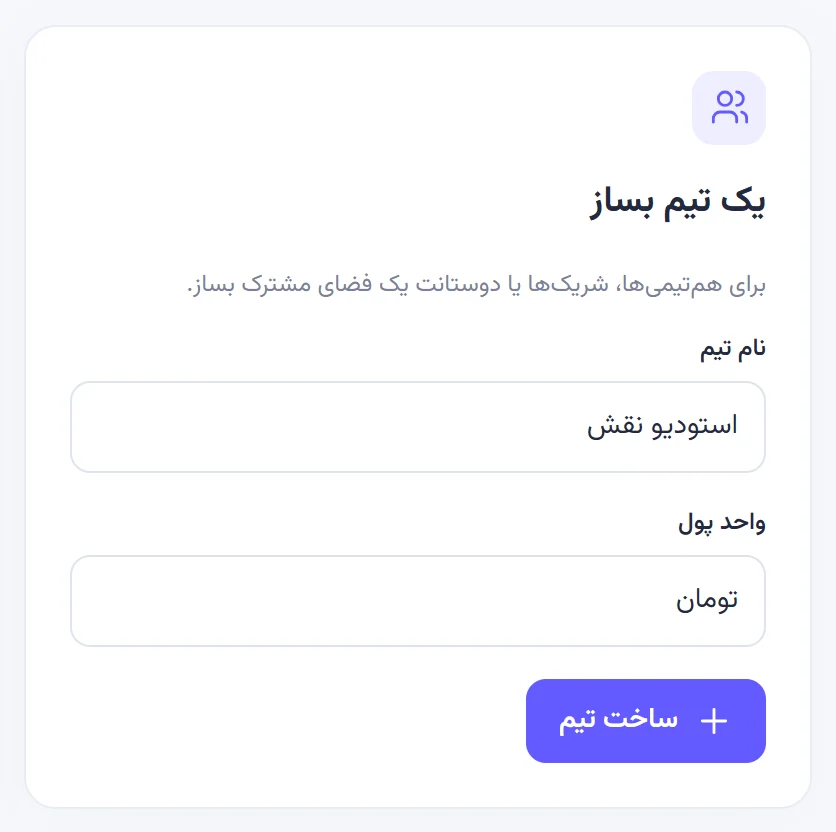
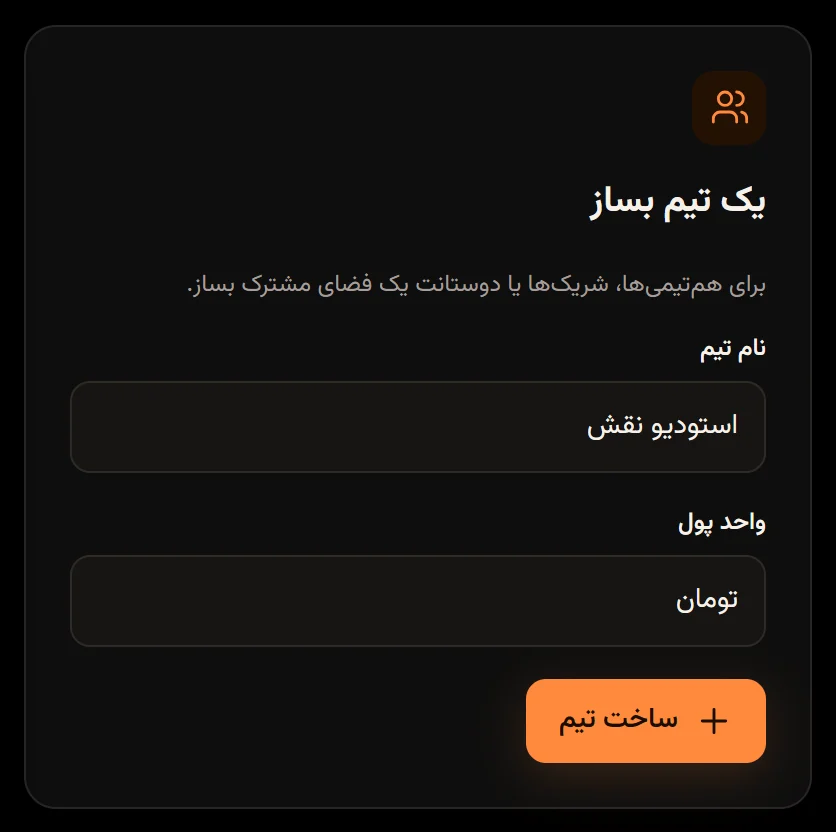
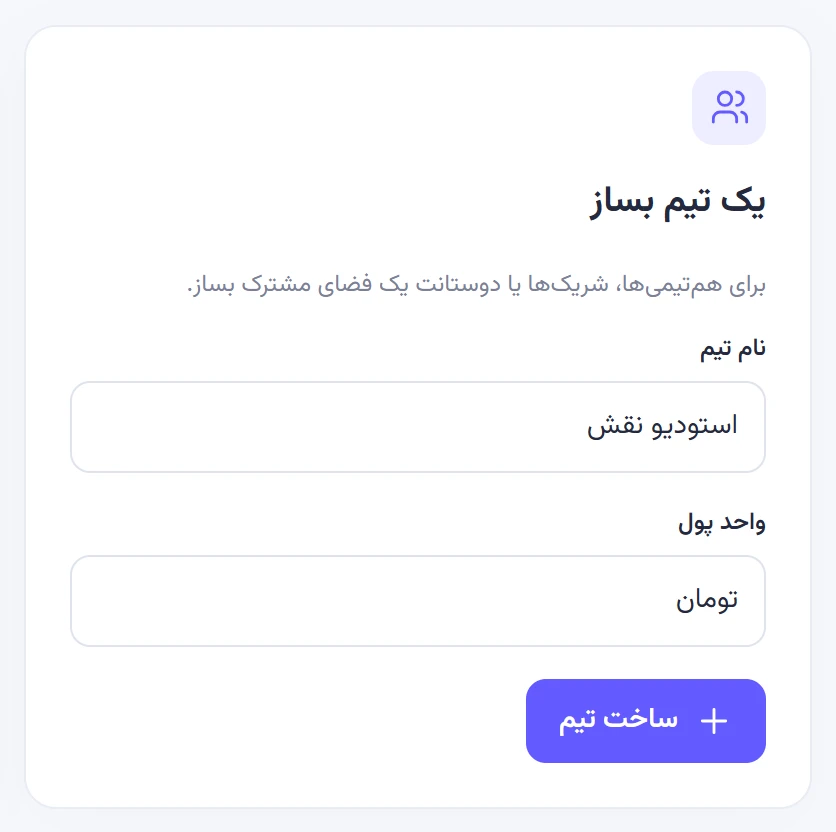
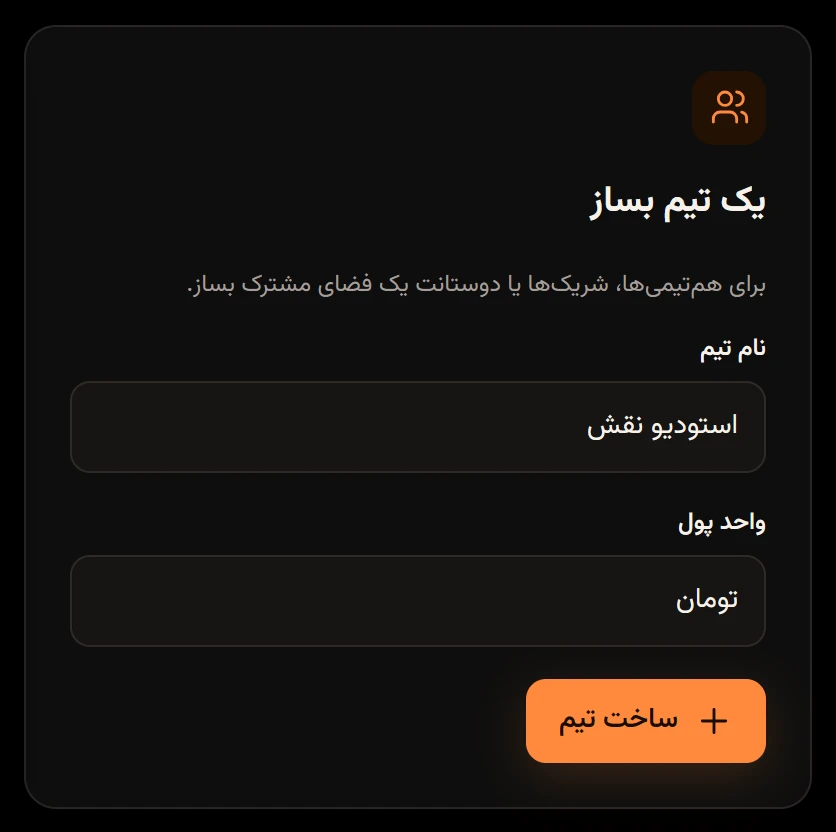
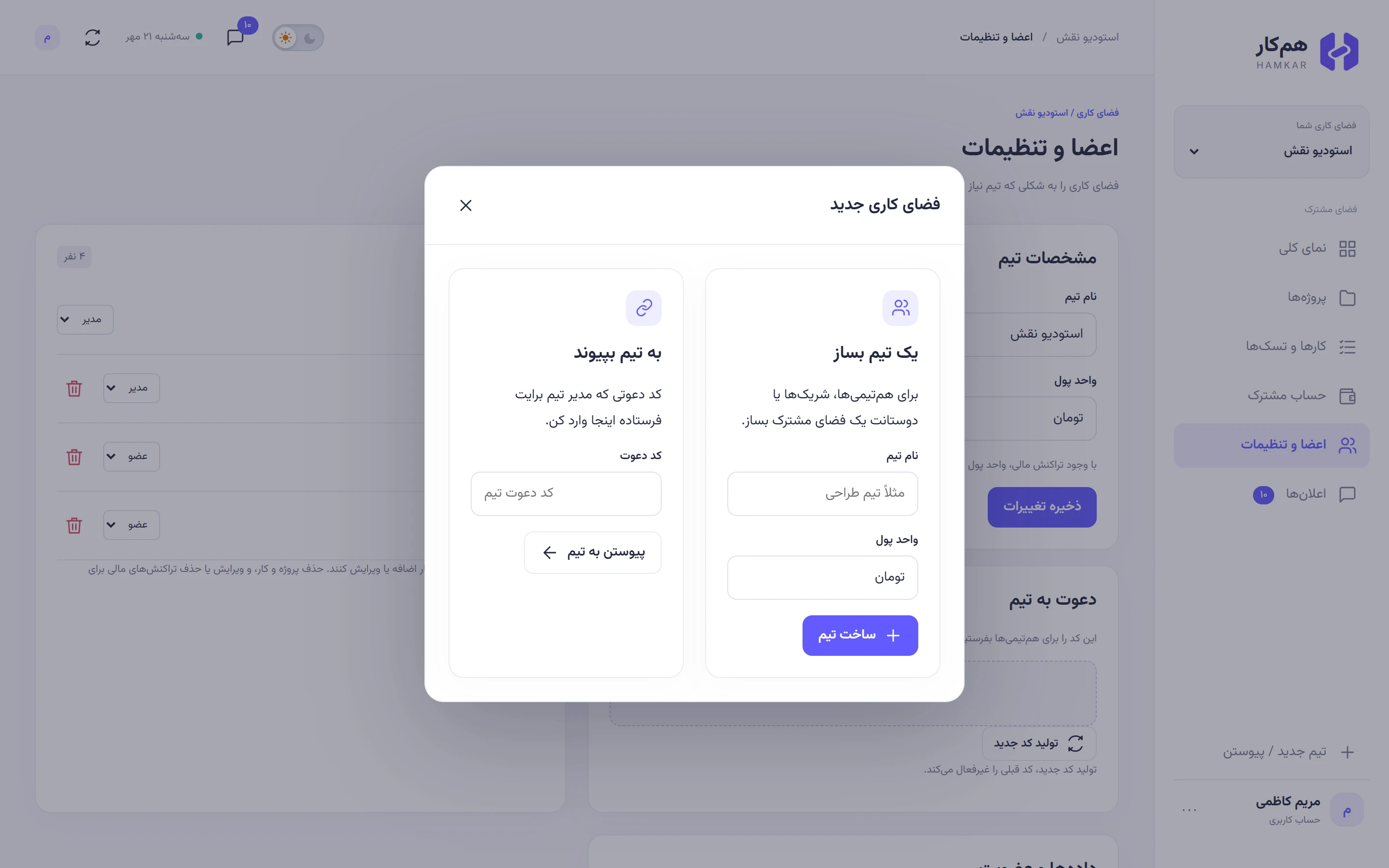
If you don’t have a team yet, the Create a teamیک تیم بساز card is on the welcome screen. If you already have a team and want another, tap New team / Joinتیم جدید / پیوستن at the bottom of the menu.
-
Enter a Team nameنام تیم, 2 to 100 characters.
-
Check the Currencyواحد پول. It defaults to toman («تومان»), and you can type any label up to 20 characters, such as rial or dollar.
-
Tap Create teamساخت تیم. You’ll see “Your team space is ready.” («فضای تیم آماده است.») and the new team’s Overviewنمای کلی opens.
You are the admin of this team. You can change the currency later, but only until the first expense, settlement, deposit or withdrawal is recorded. All amounts are whole numbers, so if your currency uses decimals, pick its smaller unit (cents instead of dollars, for example).
Invite your teammates
Section titled “Invite your teammates”Only team admins can see the invite code.
-
Go to Members & settingsاعضا و تنظیمات.
-
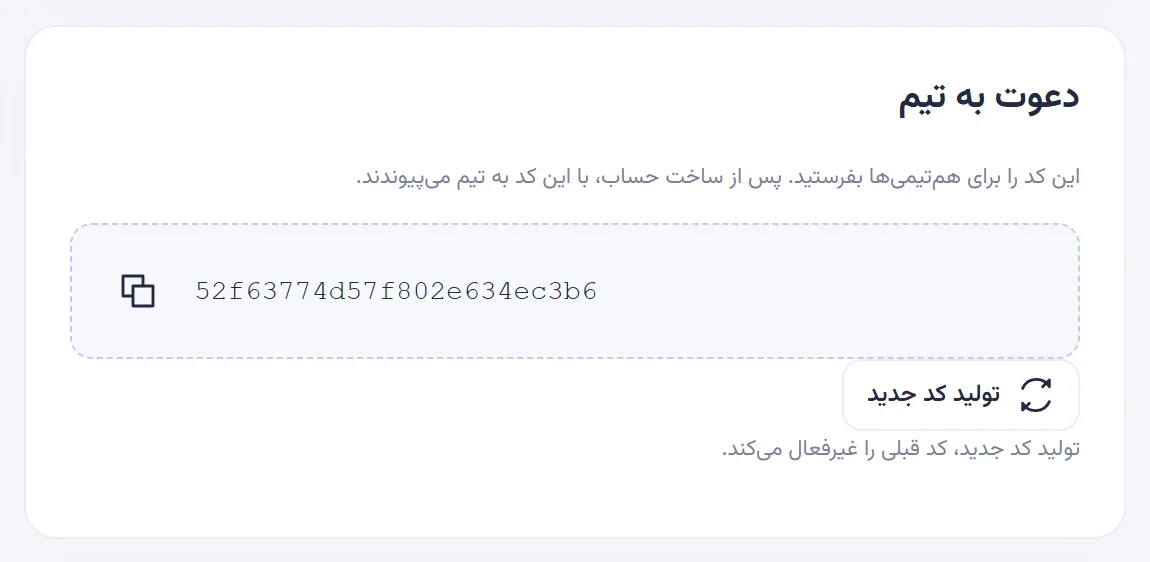
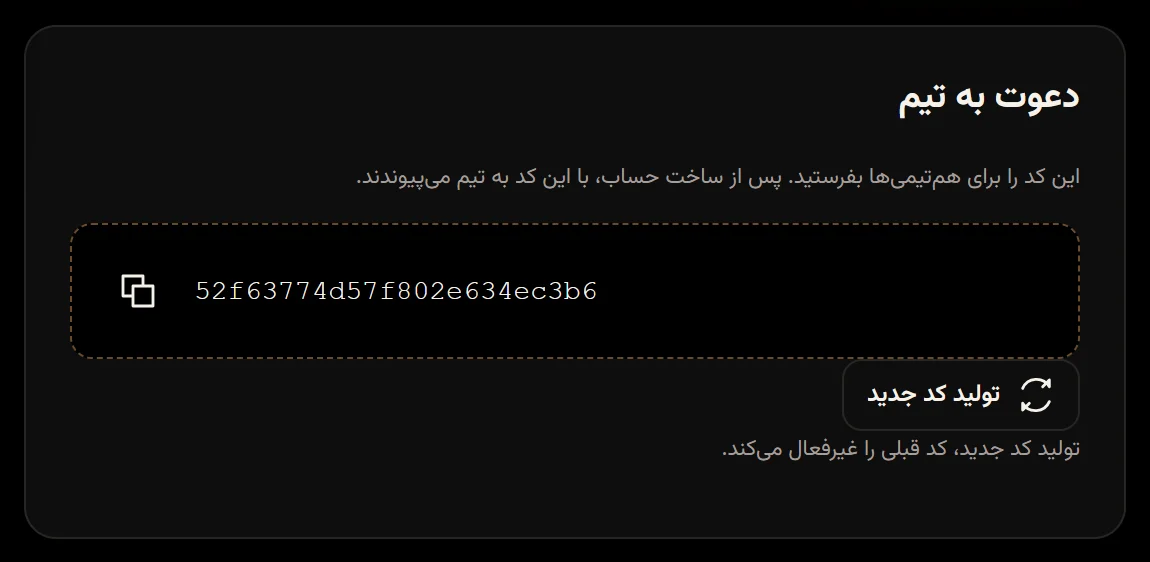
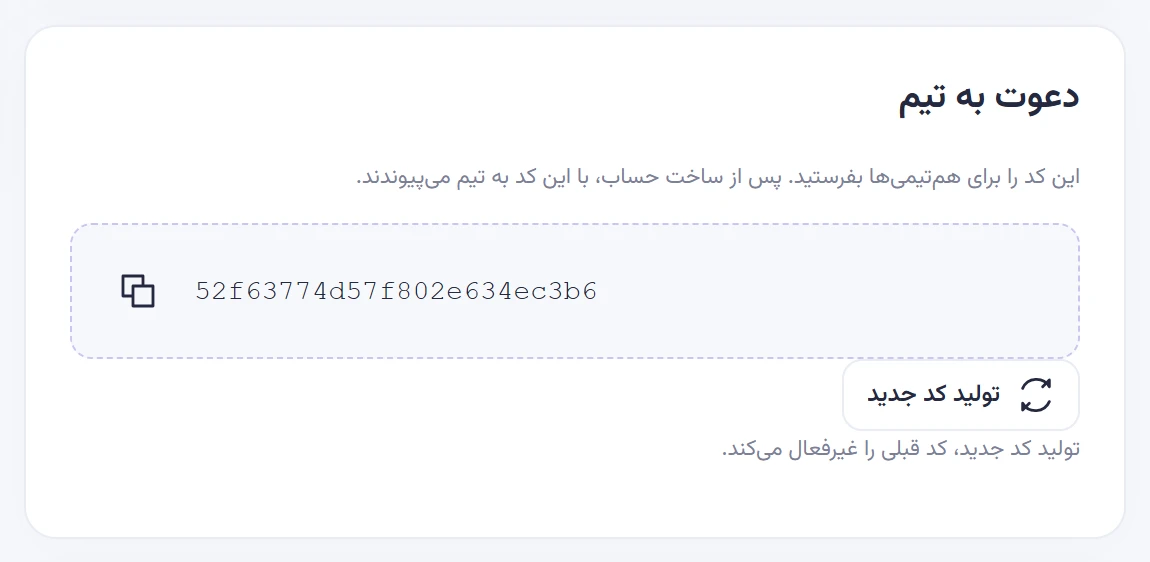
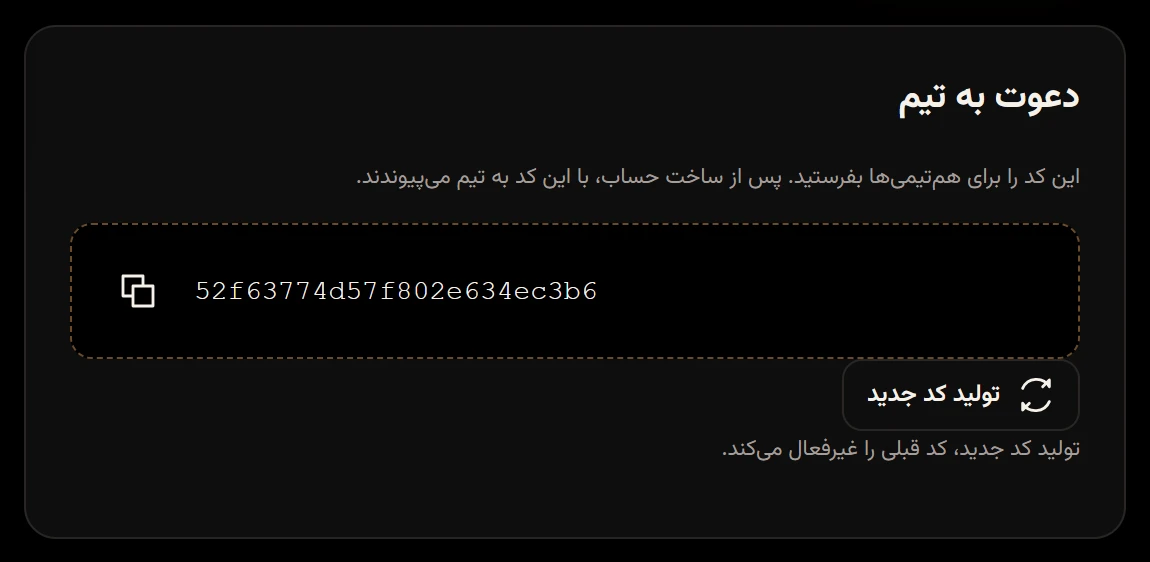
In the Invite to teamدعوت به تیم section, tap the copy button next to the code. You’ll see “Invite code copied.” («کد دعوت کپی شد.») If your browser blocks copying, select the code in the box and copy it yourself.
-
Send the code to the people you want, through any messaging app.
Join with an invite code
Section titled “Join with an invite code”These steps are for the person who received the code.
-
Create an account or sign in. Sign up and sign in
-
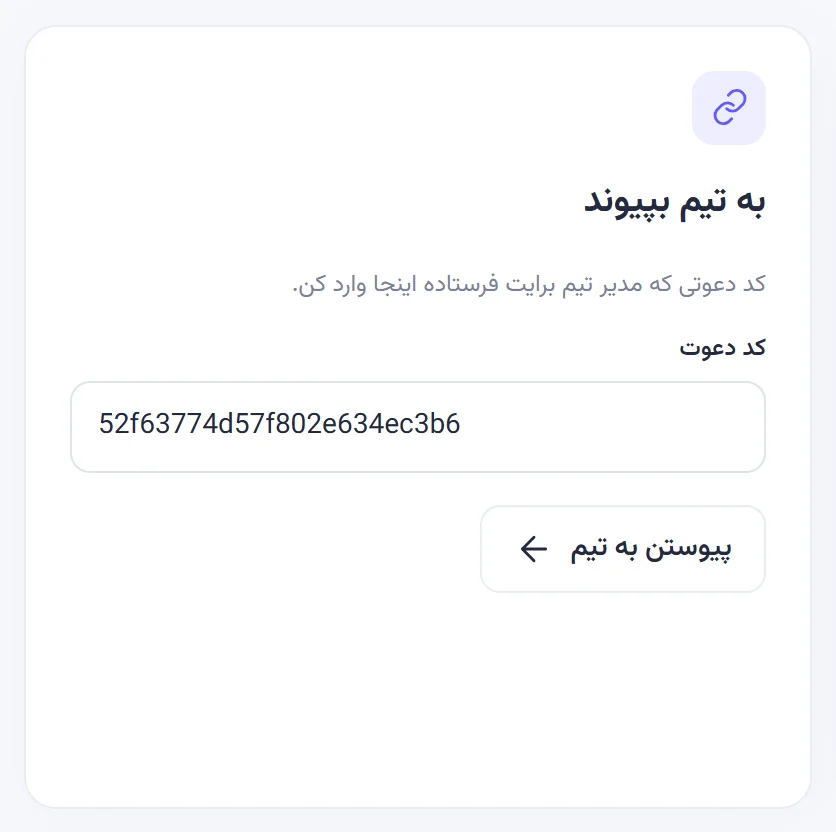
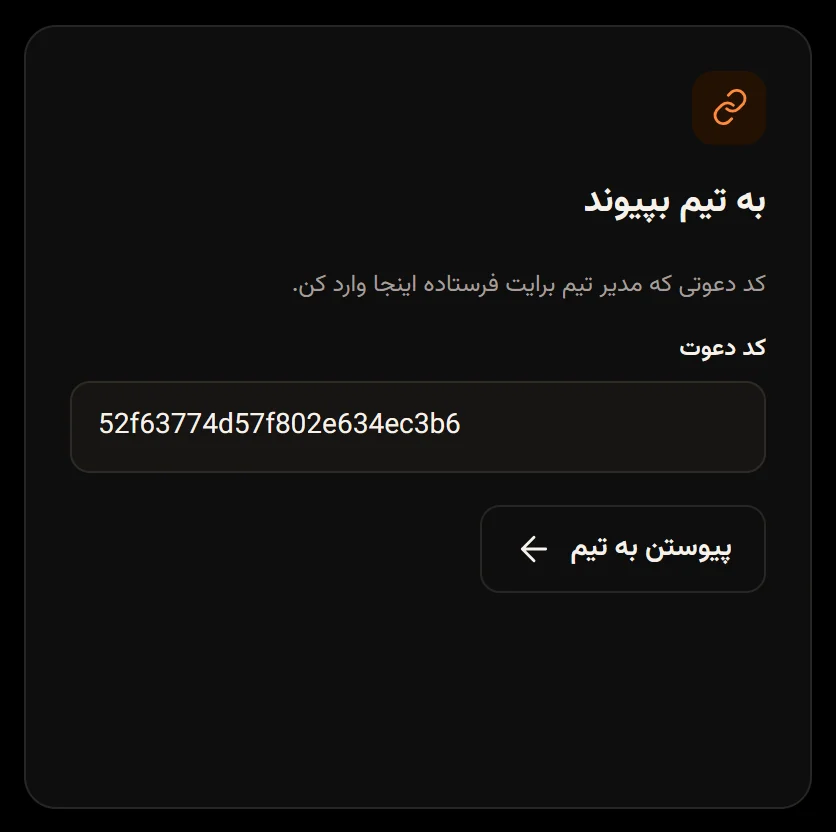
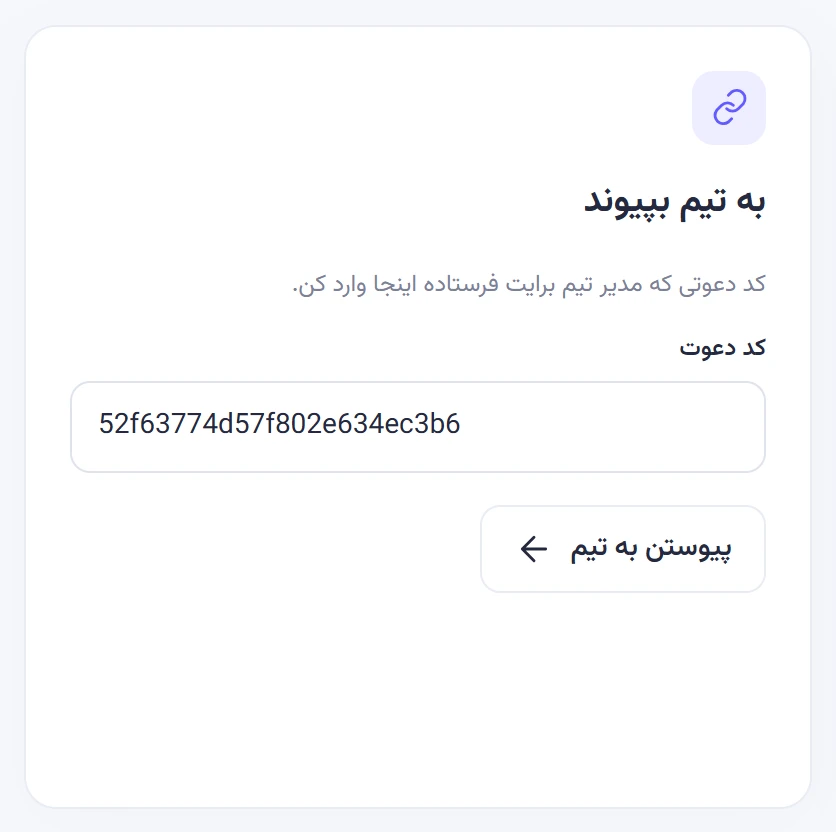
In the Join a teamبه تیم بپیوند card (or from New team / Joinتیم جدید / پیوستن in the menu), paste the code into Invite codeکد دعوت.
-
Tap Join teamپیوستن به تیم.
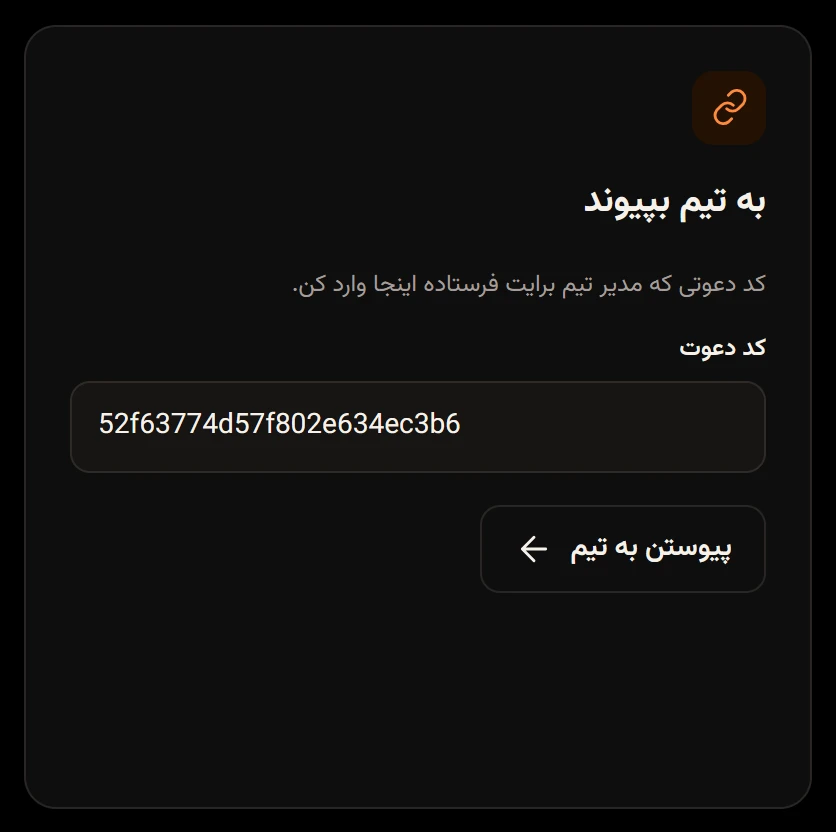
The new person joins with the Memberعضو role, and the other members get a New memberعضو جدید notification. Anyone with a valid code joins without an admin’s approval, so only send it to people who should be in the team.
A wrong code shows “Invalid invite code.” («کد دعوت نامعتبر است.») After several wrong codes you’ll have to wait a few minutes.
Make a new invite code
Section titled “Make a new invite code”If the code reached someone it shouldn’t have, or you no longer want people joining with the old one, change it.
-
In Members & settingsاعضا و تنظیمات, tap Generate new codeتولید کد جدید under the invite code.
-
In the New invite codeکد دعوت جدید window, tap Confirmتأیید.
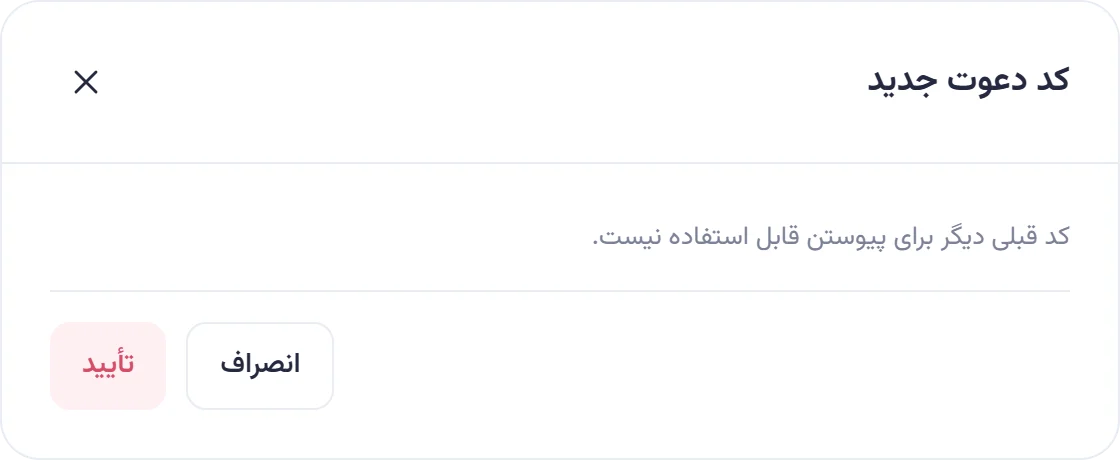
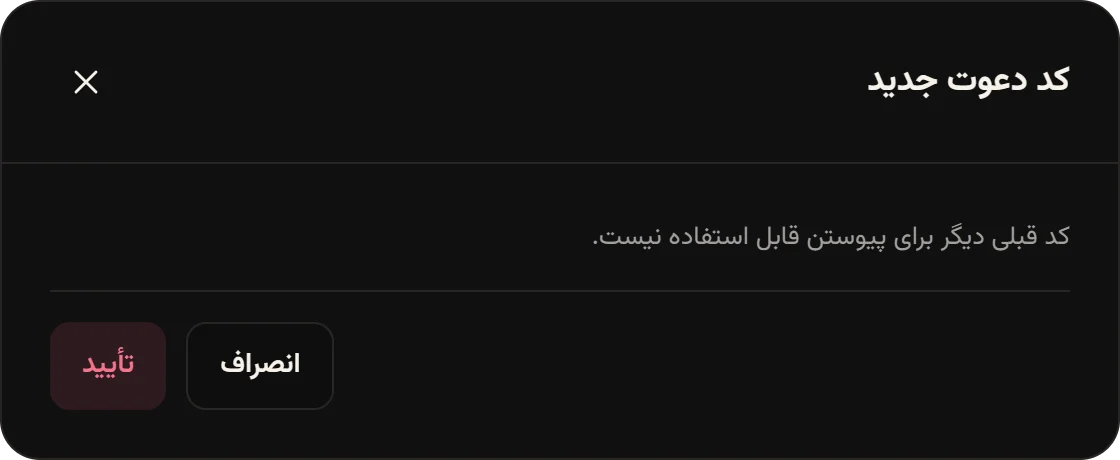
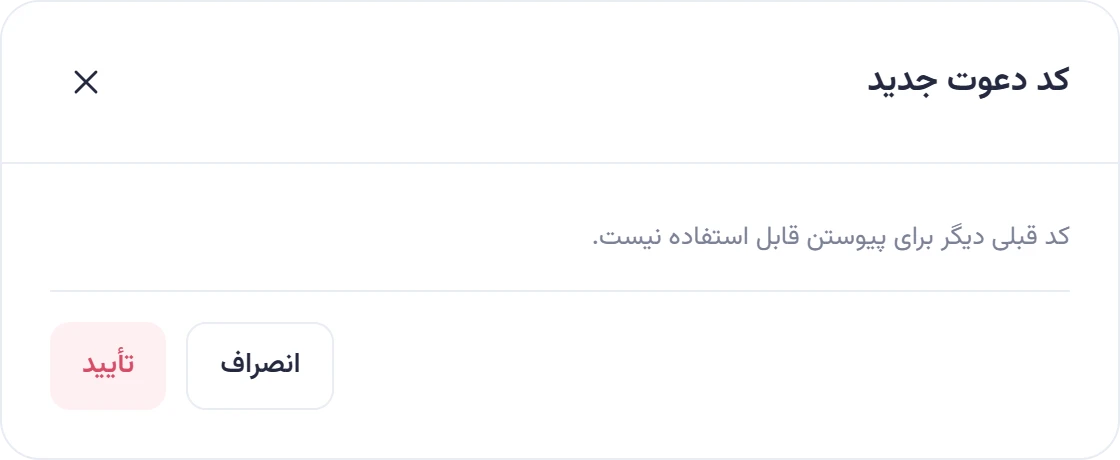
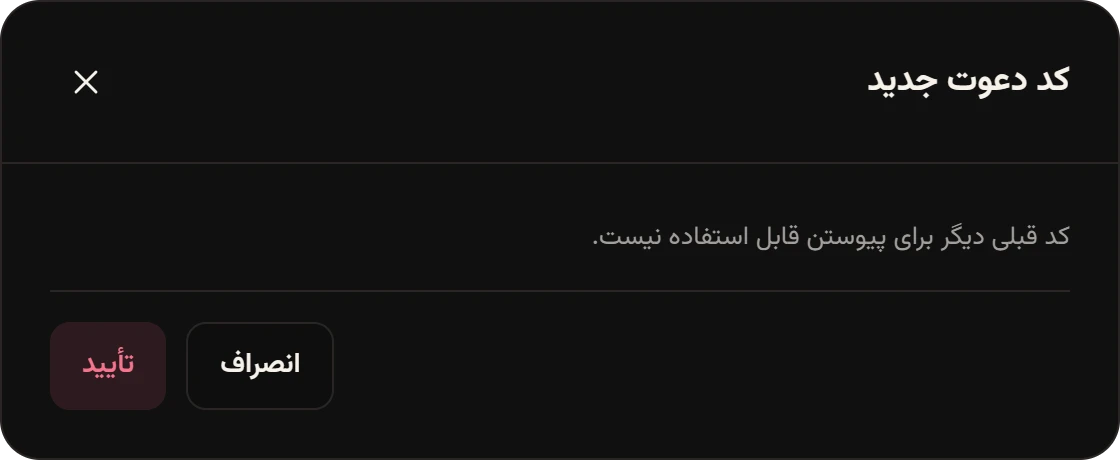
The old code stops working immediately. Current members aren’t affected at all.
Being in several teams
Section titled “Being in several teams”You can create or join as many teams as you like. In the sample data, Maryam Kazemi created Naghsh Studio («استودیو نقش») for work, and also joined the North trip team («سفر شمال») with a code Negar sent her. Switch between teams with the Your workspaceفضای کاری شما list in the menu.