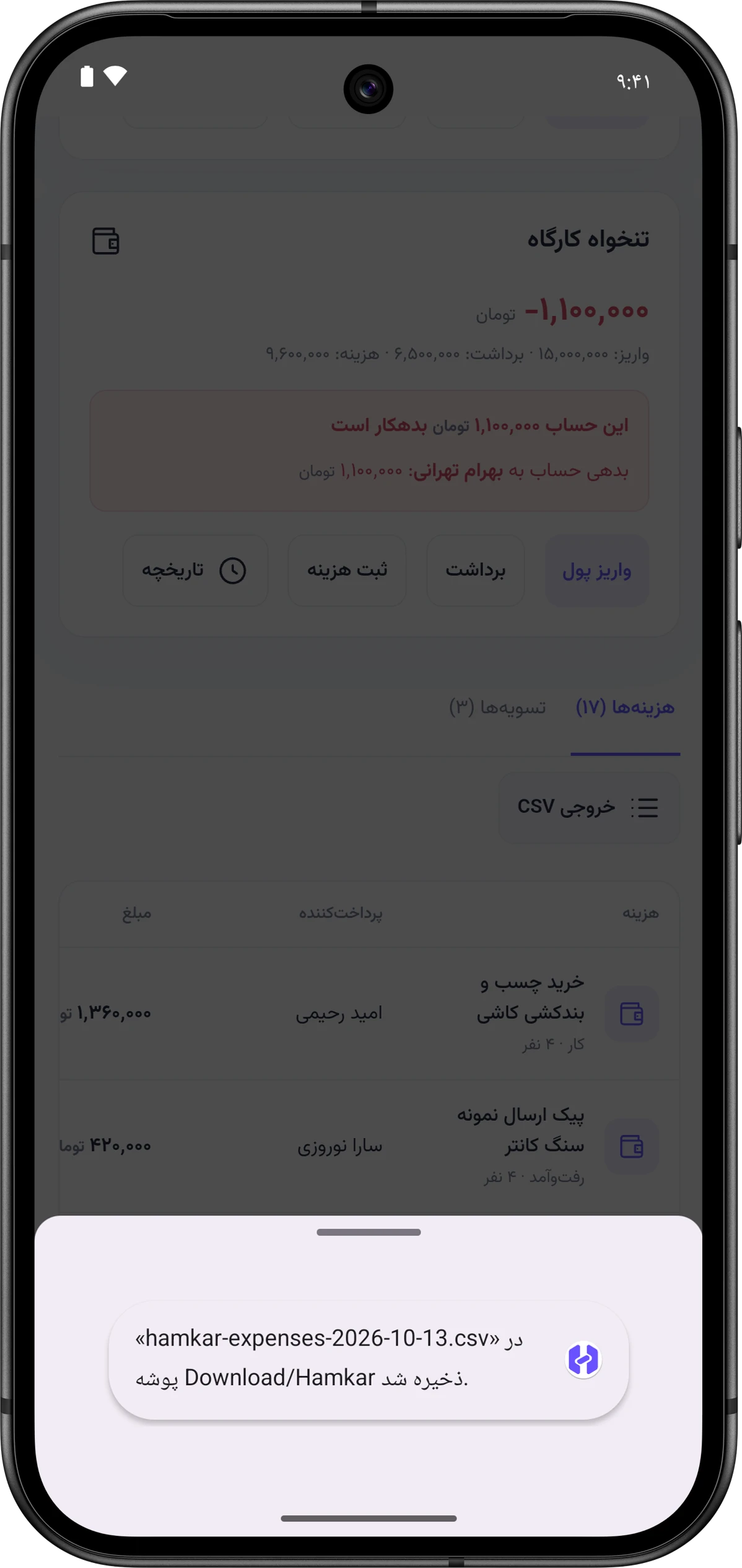
Exporting to CSV
For your accountant, your own records, or month-end bookkeeping, export the team’s money data as CSV. A CSV file is a plain table that Excel, Google Sheets and LibreOffice can open.
Three exports
Section titled “Three exports”| Export | Where | File name | Columns |
|---|---|---|---|
| Expenses | Shared financesحساب مشترک, Expensesهزینهها tab | hamkar-expenses-YYYY-MM-DD.csv |
ID, title, amount, currency, payer, date, category, note, shares |
| Settlements | Shared financesحساب مشترک, Settlementsتسویهها tab | hamkar-settlements-YYYY-MM-DD.csv |
ID, from, to, amount, currency, date, note |
| One account’s history | That account’s Historyتاریخچه window | hamkar-account-ID-YYYY-MM-DD.csv |
account, type, ID, description, member, date, amount in, amount out, balance after transaction, currency, note |
The column headings in the files are in Persian. In the expenses export, the shares column lists each person’s share as “name: amount”, separated by vertical bars. For an expense paid from a shared account, that column is empty and the payer column shows whoever covered the shortfall.
Export expenses or settlements
Section titled “Export expenses or settlements”-
Go to the Shared financesحساب مشترک page.
-
Pick the Expensesهزینهها or Settlementsتسویهها tab. The export always comes from the tab that’s open.
-
Tap CSV exportخروجی CSV next to the tabs.




Export one account’s history
Section titled “Export one account’s history”-
On the account card, tap Historyتاریخچه.
-
Tap CSV exportخروجی CSV at the top of the window.
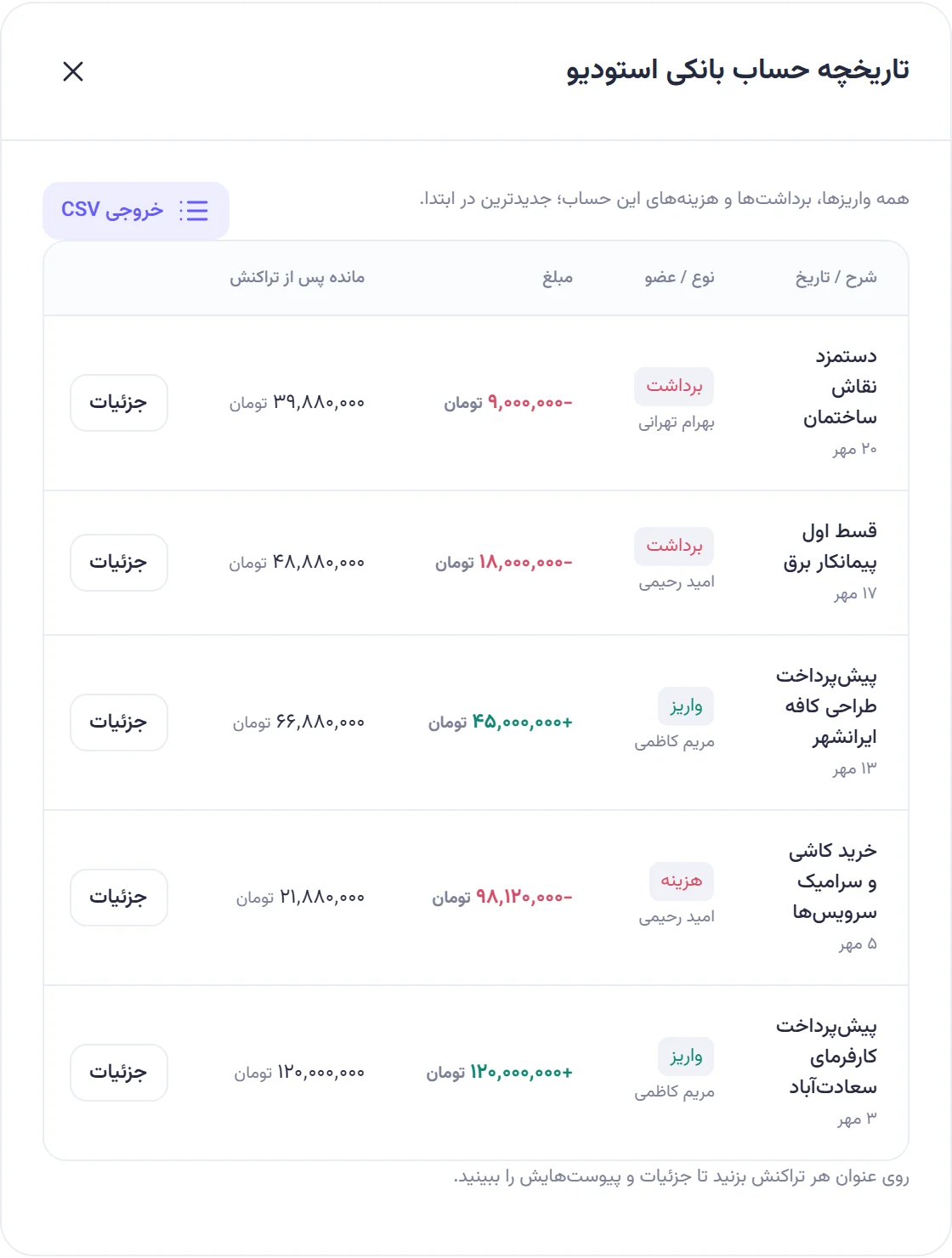
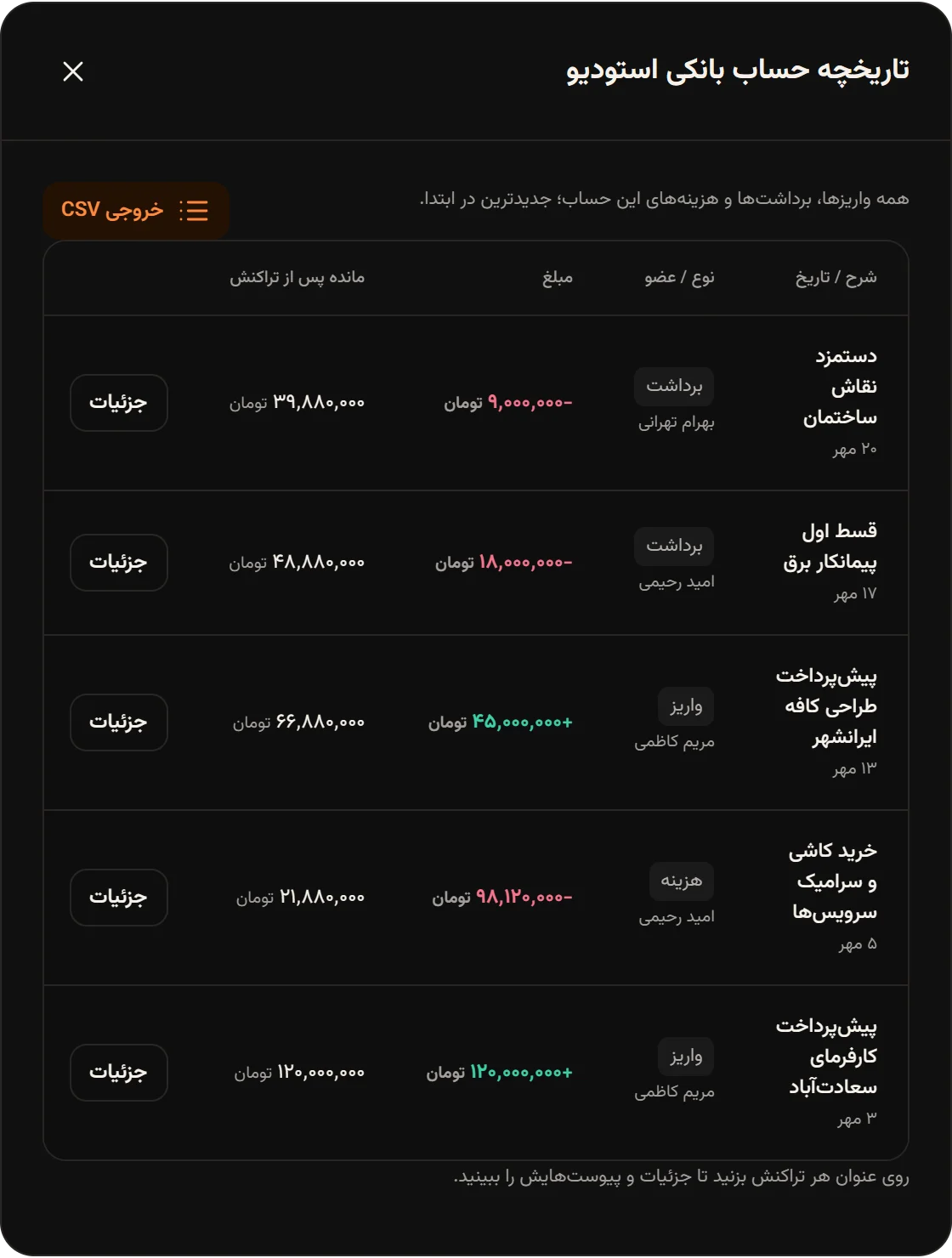
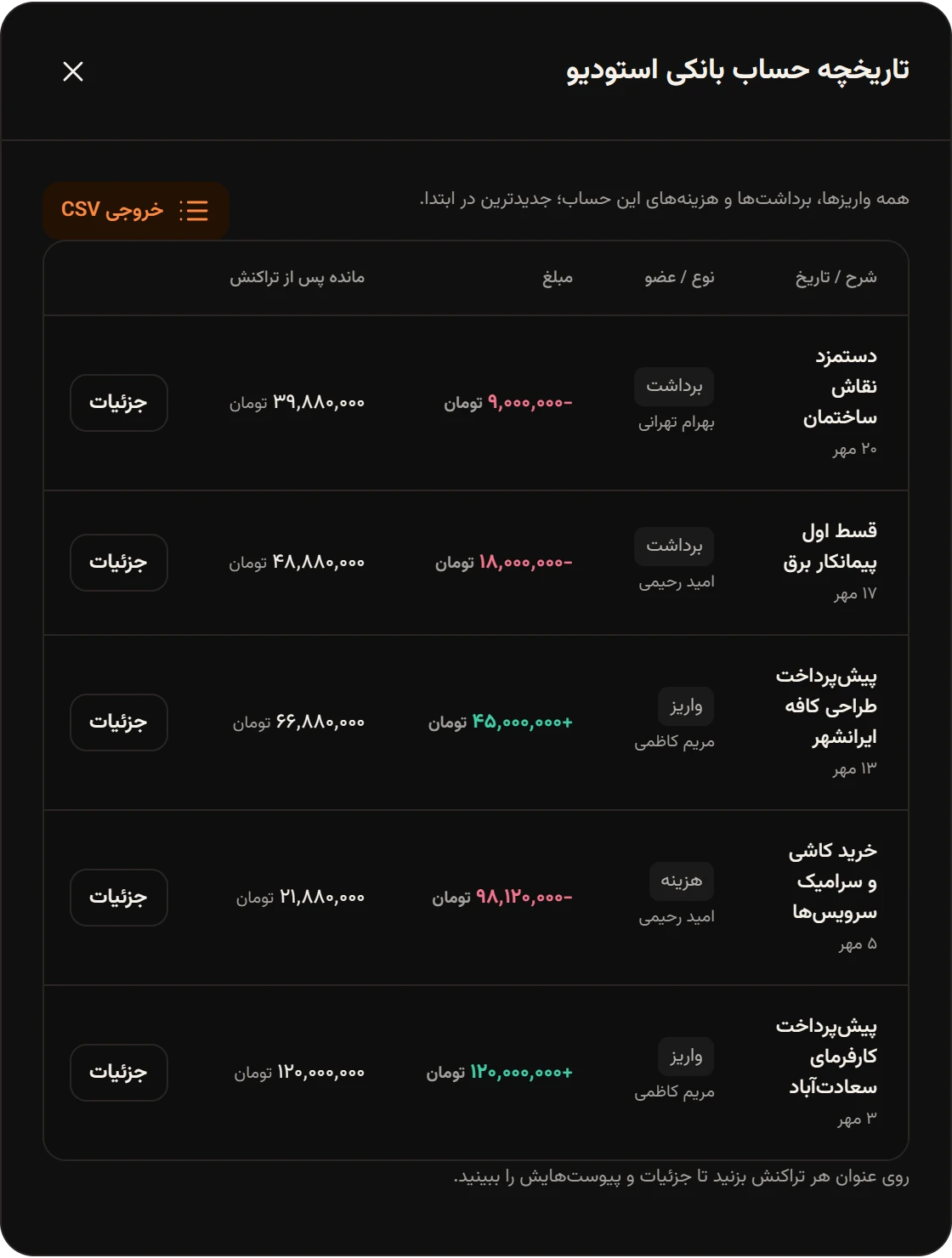
This file has every deposit, withdrawal and expense of that account with the balance after each one, which is useful for checking against a bank statement.
About the files
Section titled “About the files”- Files are saved as UTF-8, so Persian text shows correctly in Excel.
- Dates are Gregorian, in the form
2026-10-13. - Amounts are plain numbers with no thousands separators, so you can calculate with them.
- If a text cell starts with a character like
=or+, a'is added in front so Excel doesn’t treat it as a formula.
In the Android app
Section titled “In the Android app”In the Android app, the file is saved to the phone’s Download/Hamkar folder, a message says it was saved there, and the phone offers to open it in an app. On Android 8 and 9 the file goes to the app’s own folder instead (Android/data/vip.alavi.hamkar/files/Download/Hamkar).