Balances and settling up
Hamkar keeps one number per person: their balance. From the balances it tells you who should pay whom. Once money actually changes hands, record it as a settlement.
Each person’s balance
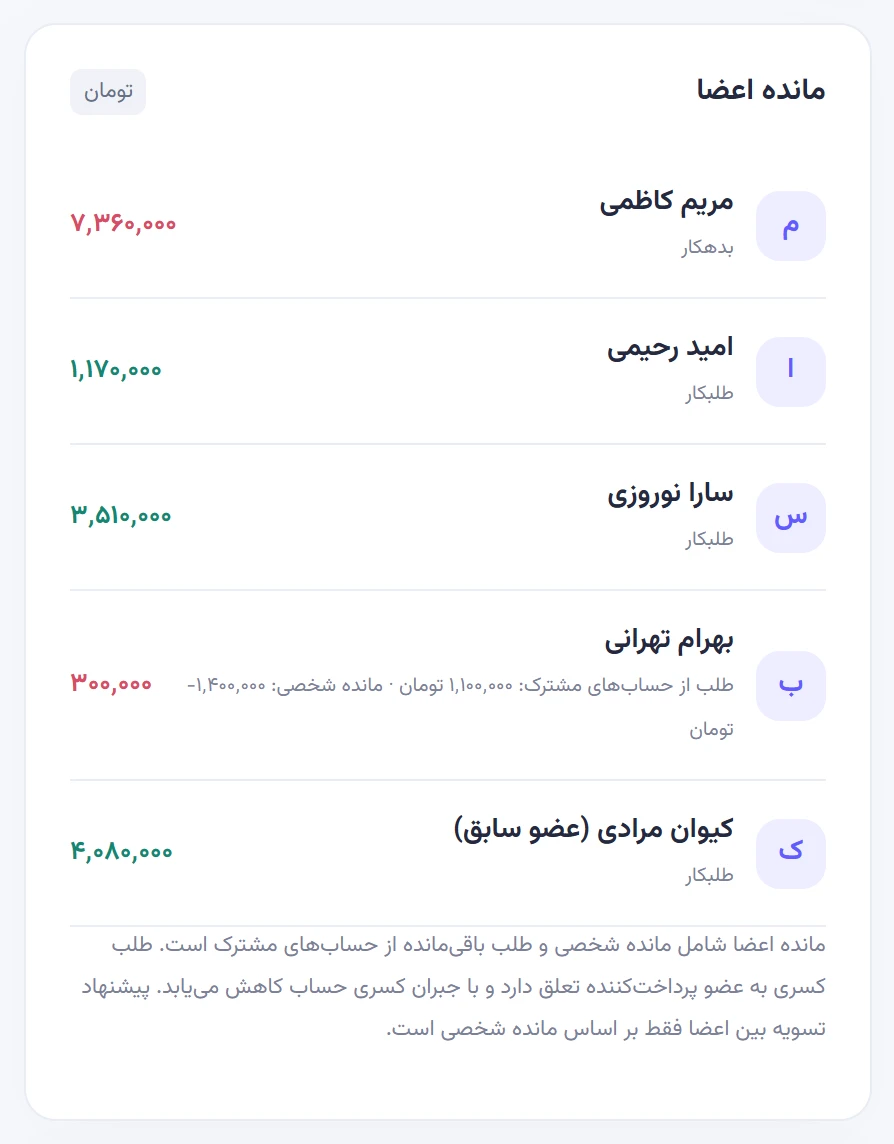
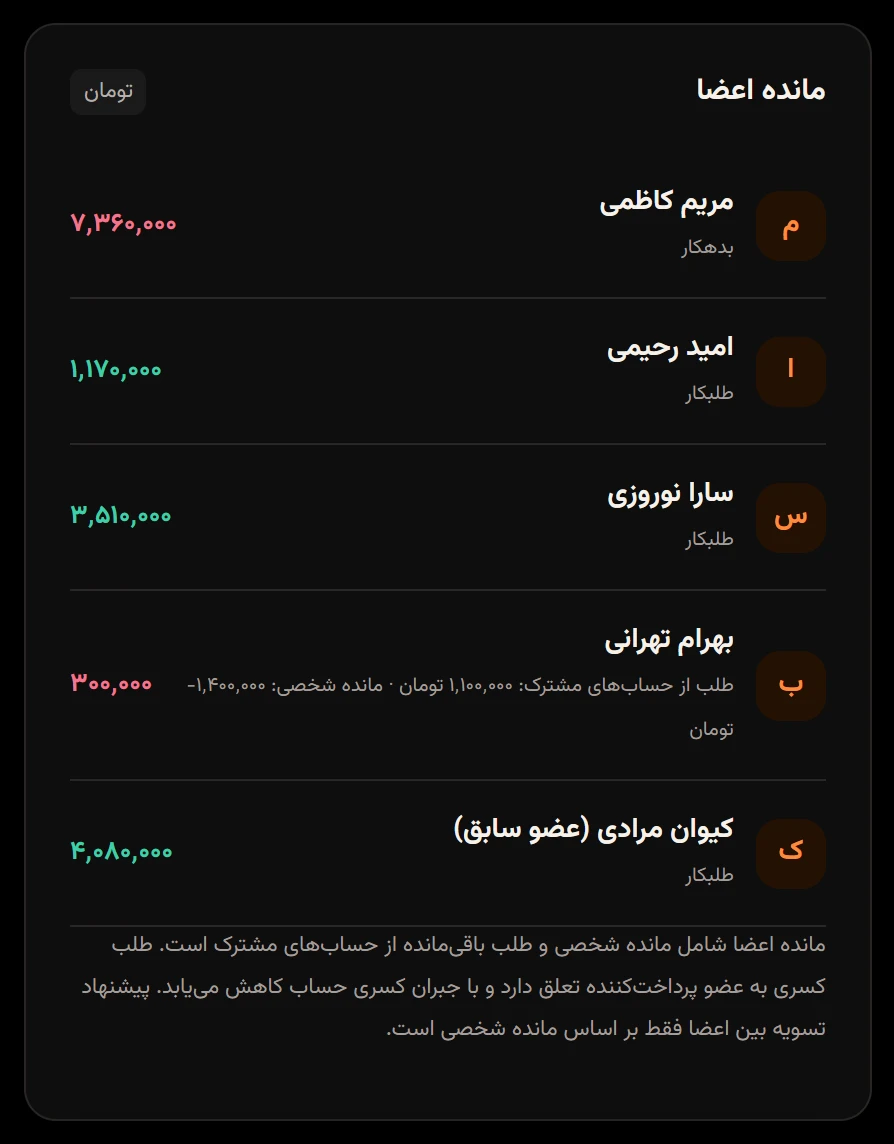
Section titled “Each person’s balance”Balances are on the Shared financesحساب مشترک page, under Member balancesمانده اعضا. Under each name you’ll see one of:
- Is owedطلبکار: others owe this person. The number is green.
- Owesبدهکار: this person owes others. The number is red.
- Settledتسویهشده: all square.
You also see your own balance on the Overviewنمای کلی.
How a balance is calculated
Section titled “How a balance is calculated”- Personal expense: the payer’s balance goes up by the full amount, and everyone with a share goes down by their share. The payer usually has a share too.
- Settlement: when A pays B, A’s balance goes up and B’s goes down.
- Expense paid from a shared account: doesn’t change anyone’s personal balance.
- Claims on a shared account: if an account goes below zero, whoever covered the shortfall out of pocket is owed by that account. This shows as Claim on shared accounts:طلب از حسابهای مشترک: next to their Personal balance:مانده شخصی: , and the main balance figure is the sum of the two.
Example: at Naghsh Studio the workshop petty cash came up 1,100,000 toman short and Bahram covered the gap himself. Bahram’s personal balance is minus 1,400,000 toman, but the petty cash owes him 1,100,000, so his overall balance shows as minus 300,000. He gets that 1,100,000 back when the petty cash is next topped up, not through a settlement between members. Shared accounts
Suggested settlements
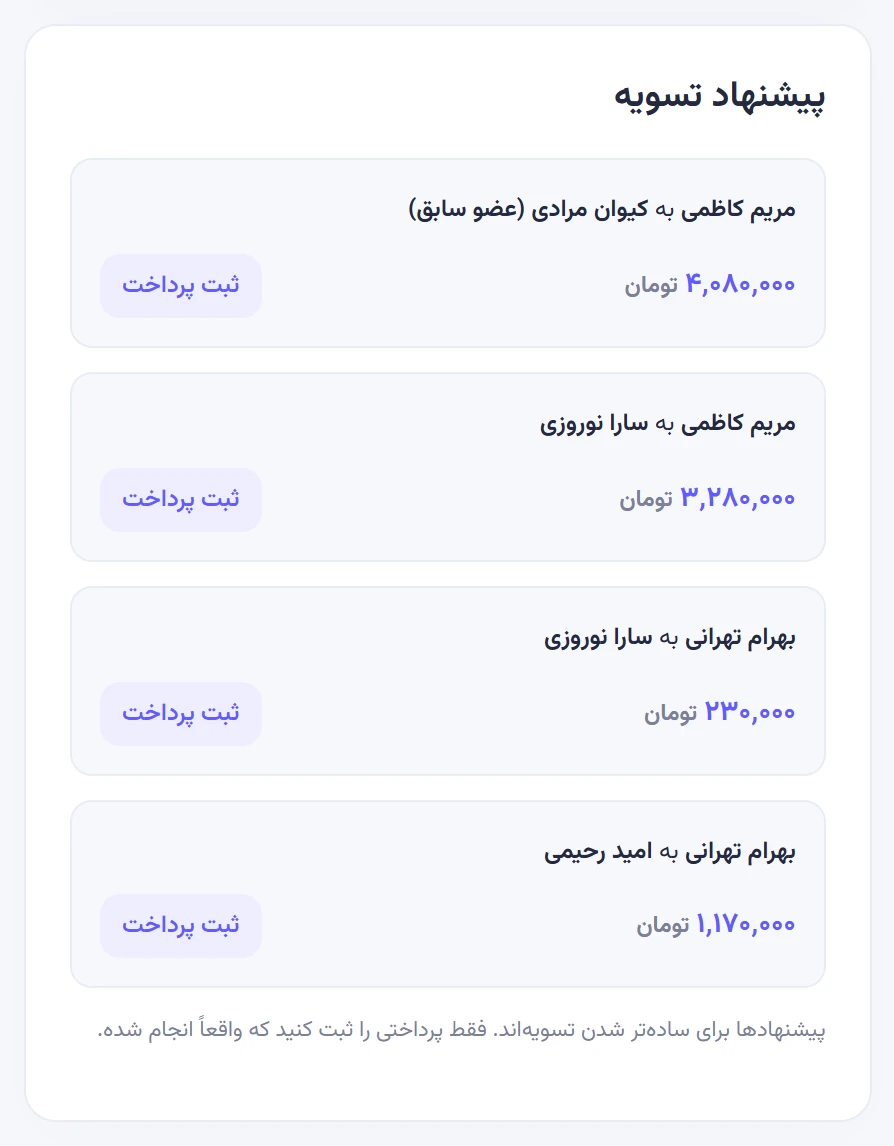
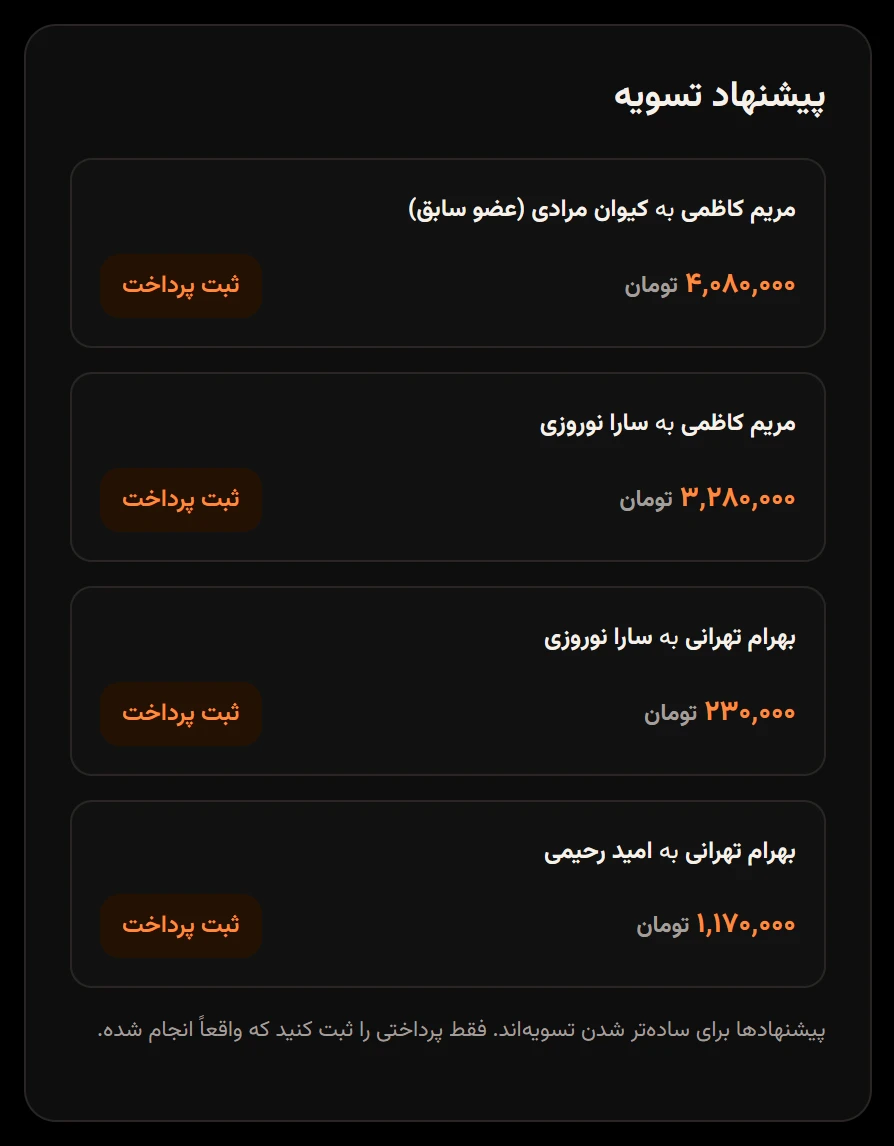
Section titled “Suggested settlements”Suggested settlementsپیشنهاد تسویه proposes the fewest simple payments that would bring everyone to zero: the biggest debtor pays the biggest creditor, and so on down the list. Suggestions are based on personal balances only; claims on shared accounts aren’t included.
Naghsh Studio currently has four suggestions:
| From | To | Amount (toman) |
|---|---|---|
| Maryam Kazemi | Keyvan Moradi (former member) | 4,080,000 |
| Maryam Kazemi | Sara Nowruzi | 3,280,000 |
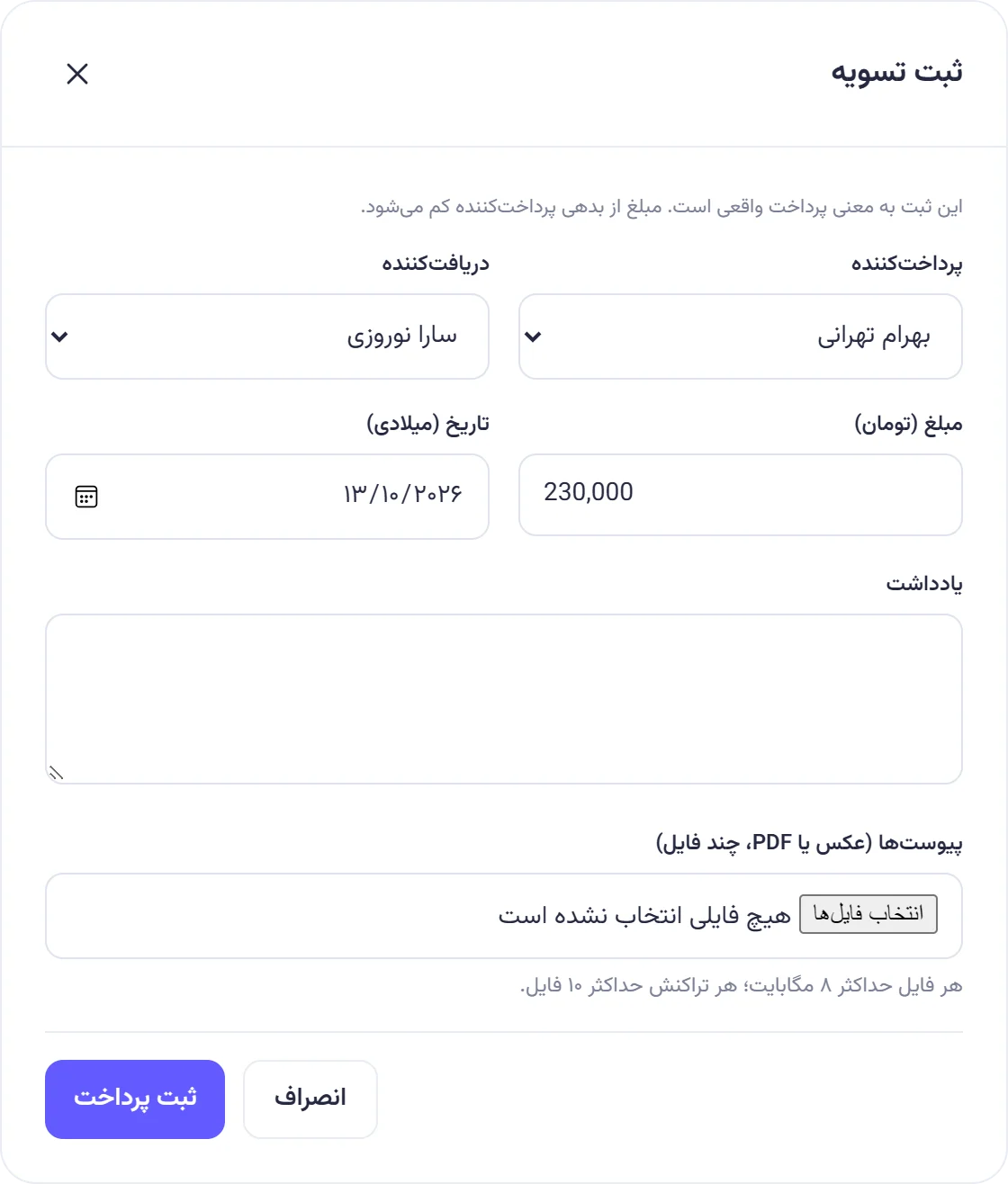
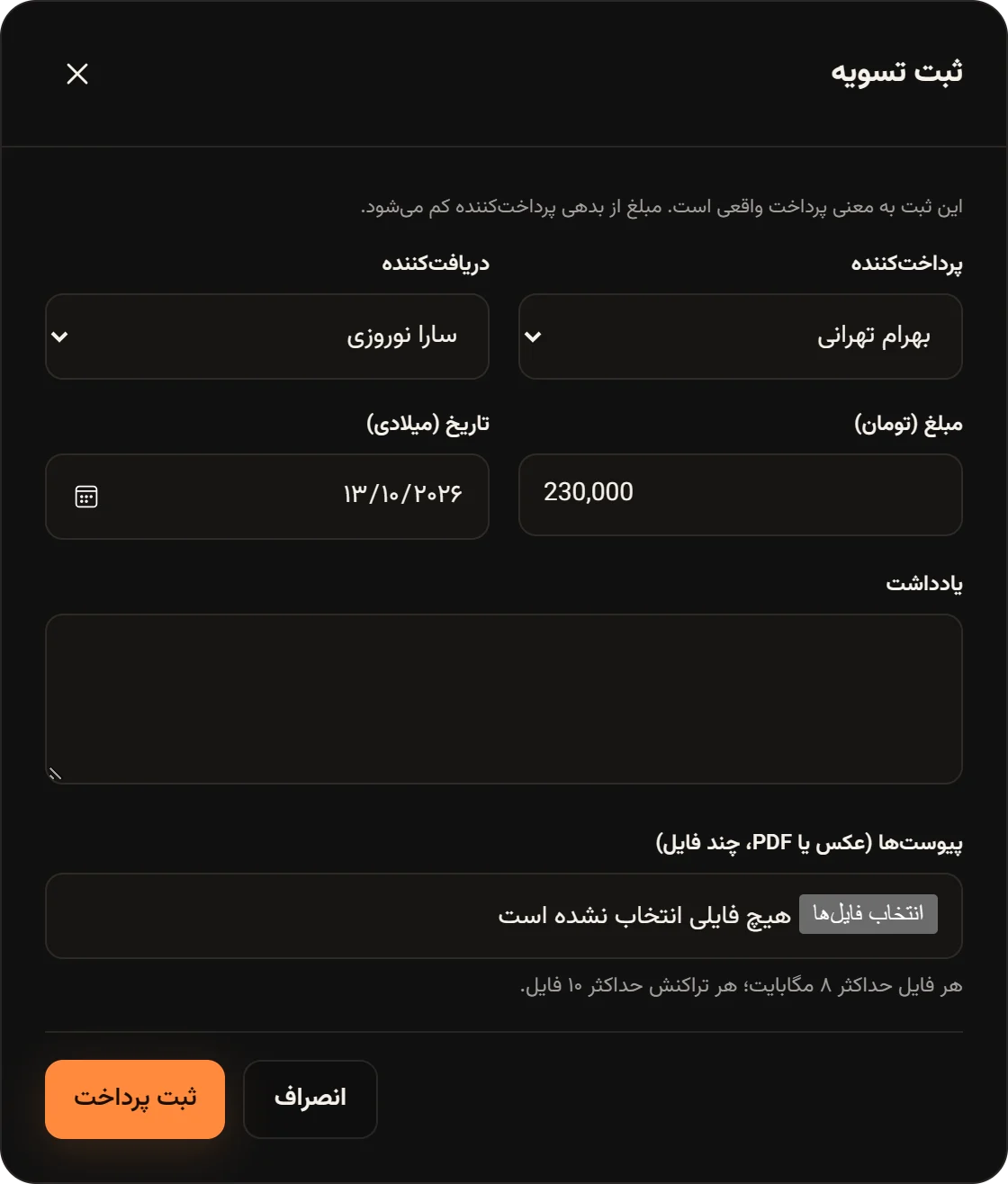
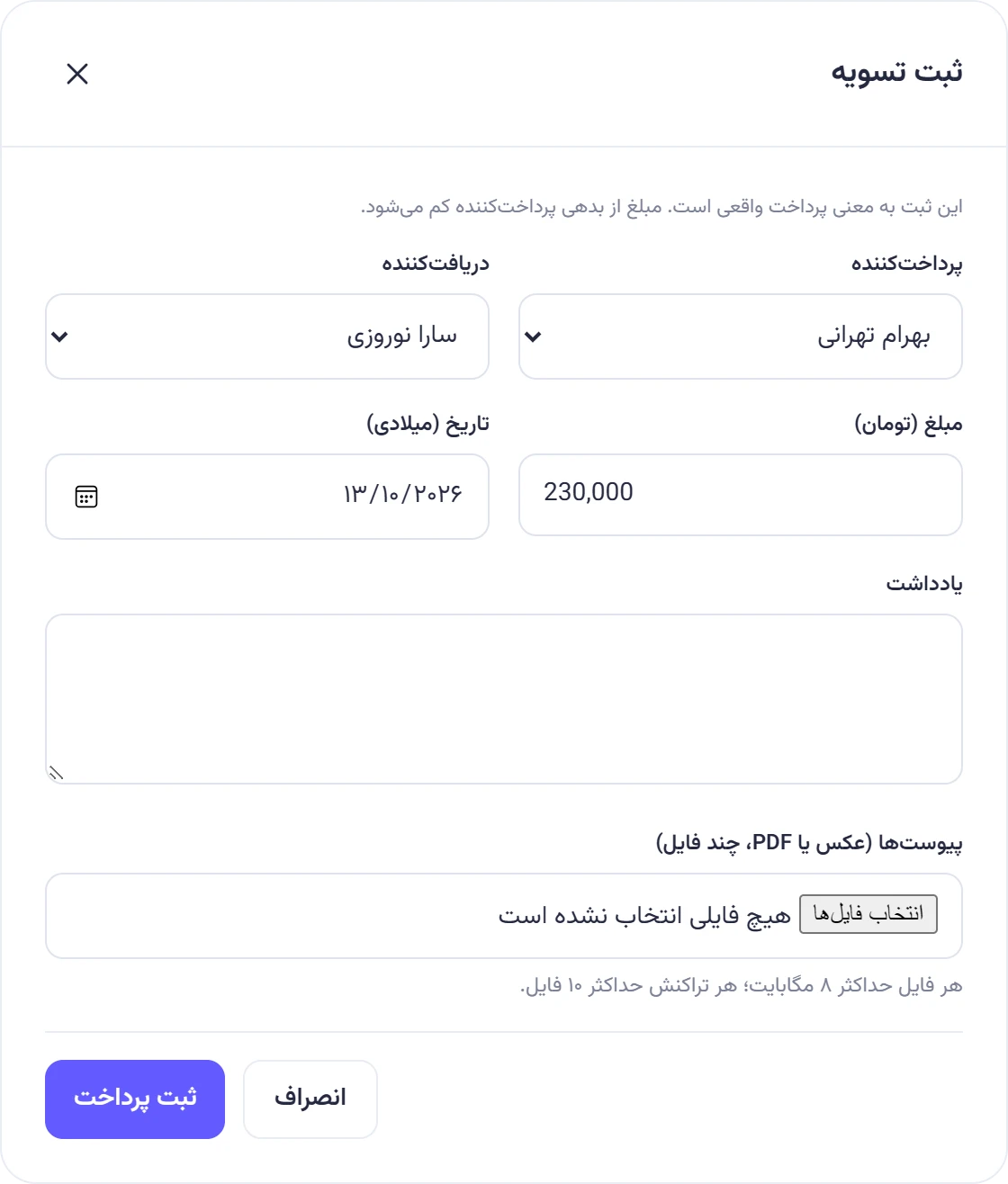
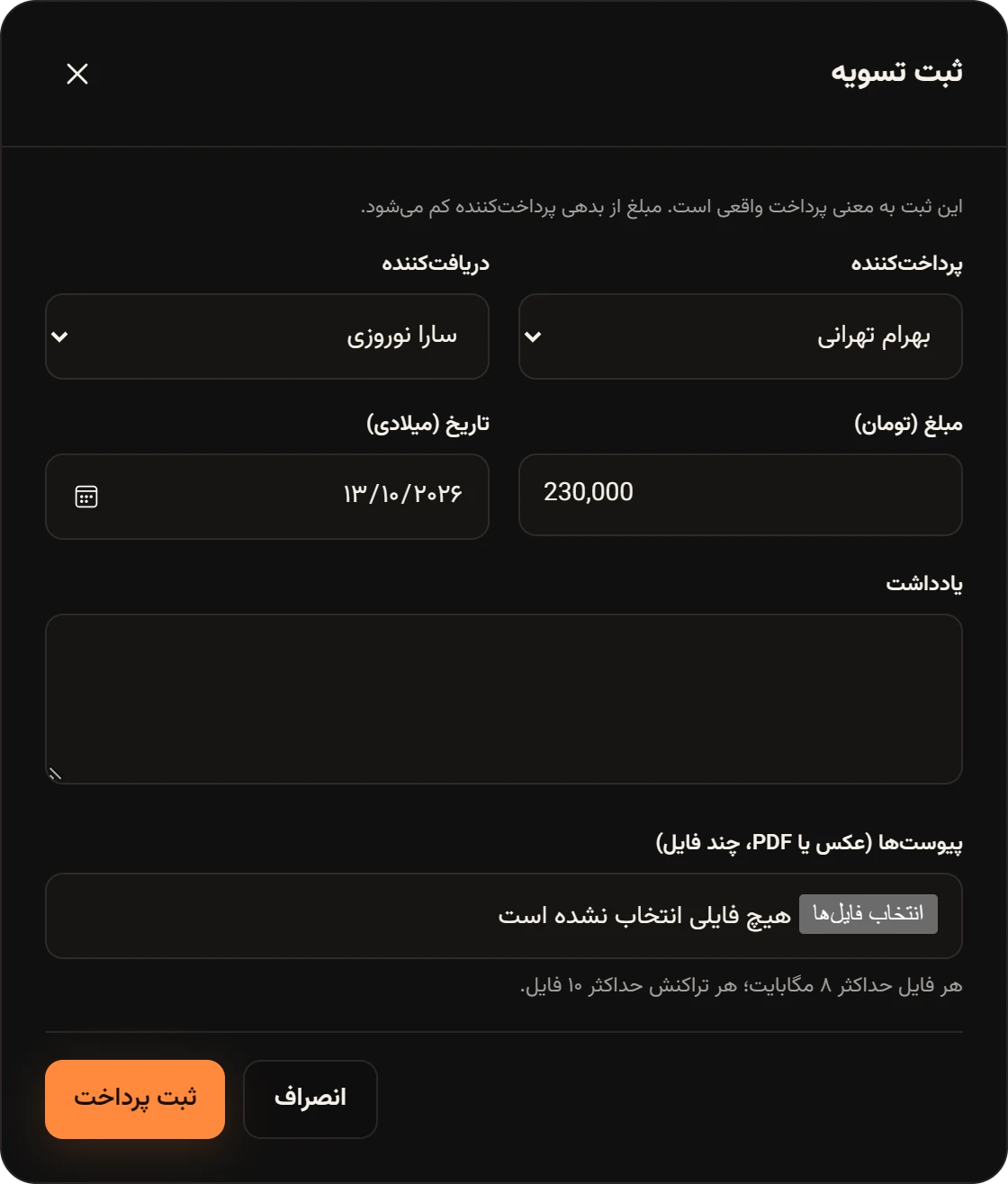
| Bahram Tehrani | Sara Nowruzi | 230,000 |
| Bahram Tehrani | Omid Rahimi | 1,170,000 |
When every balance is zero, you’ll see All accounts are balancedهمه حسابها متعادل است. Suggestions are only a convenience. Hamkar doesn’t move any money; record only payments that really happened.
Record a settlement
Section titled “Record a settlement”-
Actually pay the money, for example by bank transfer.
-
In Suggested settlementsپیشنهاد تسویه, tap Record paymentثبت پرداخت on that row. The payer, recipient and amount are filled in for you. For a different amount, tap Record settlementثبت تسویه at the top of the page.
-
Check the Payerپرداختکننده, Recipientدریافتکننده, amount and Date (Gregorian)تاریخ (میلادی). Add a Noteیادداشت and a photo of the receipt if you like.
-
Tap Record paymentثبت پرداخت.
Balances update right away and the others get a New payment and settlementپرداخت و تسویه جدید notification. Only the payer, the recipient or an admin can record a settlement. Anyone else sees “Only the payer, the recipient or a team admin can record this settlement.” («فقط پرداختکننده، دریافتکننده یا مدیر تیم میتواند این تسویه را ثبت کند.»)
A team needs at least two people before you can record a settlement.
View and delete a settlement
Section titled “View and delete a settlement”On the Settlementsتسویهها tab, tap Detailsجزئیات on a row. The Settlement detailsجزئیات تسویه window shows the amount, both people, the date, who recorded it, the note and attachments.
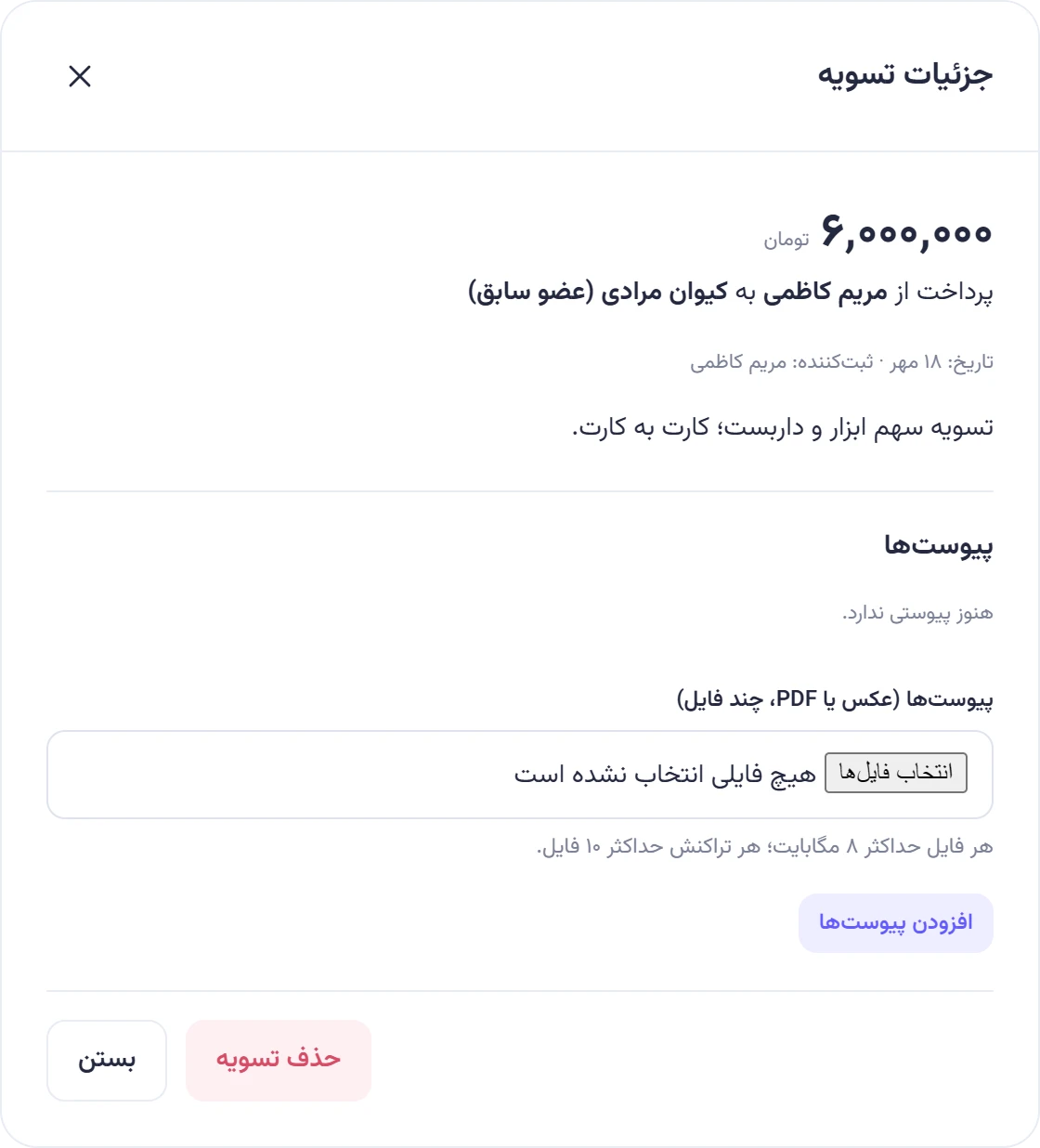
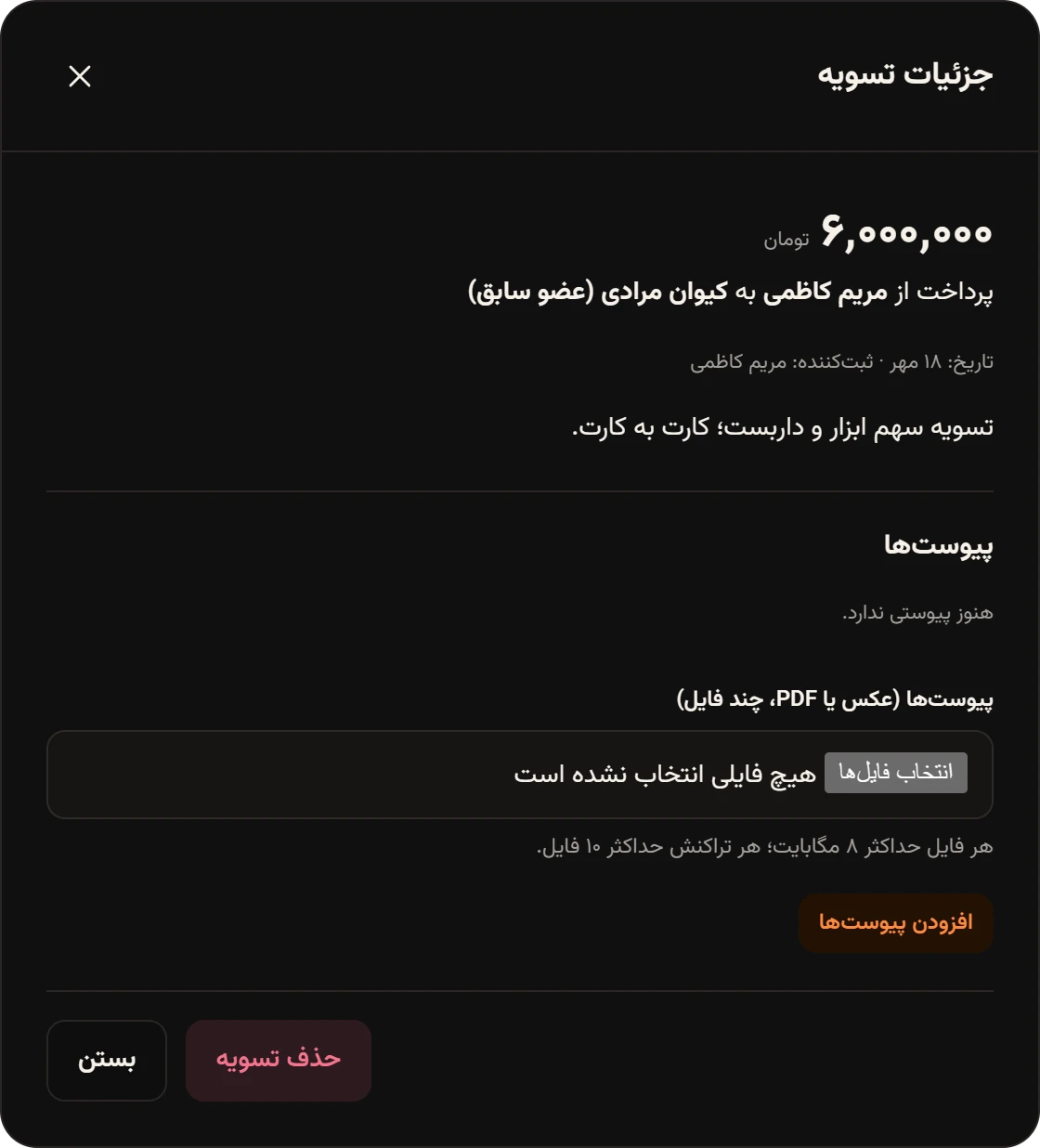
The person who recorded the settlement, or an admin, also sees Delete settlementحذف تسویه. Settlements can’t be edited: if the amount or date is wrong, delete it and record it again correctly. A deleted settlement’s attachments go with it, so add the receipt again.
Settling with a former member
Section titled “Settling with a former member”Someone who left stays in balances and suggestions with “(former member)” after their name, and you can record settlements with them. Since they no longer have access, the other side of the payment or an admin records it. At Naghsh Studio, Maryam paid Keyvan 6,000,000 toman after he left and recorded it herself.