Notification settings
Everyone chooses what they want to hear about. Settings are per team, belong to your account, and apply on all your devices.
Change your settings
Section titled “Change your settings”-
In the menu, pick the team under Your workspaceفضای کاری شما.
-
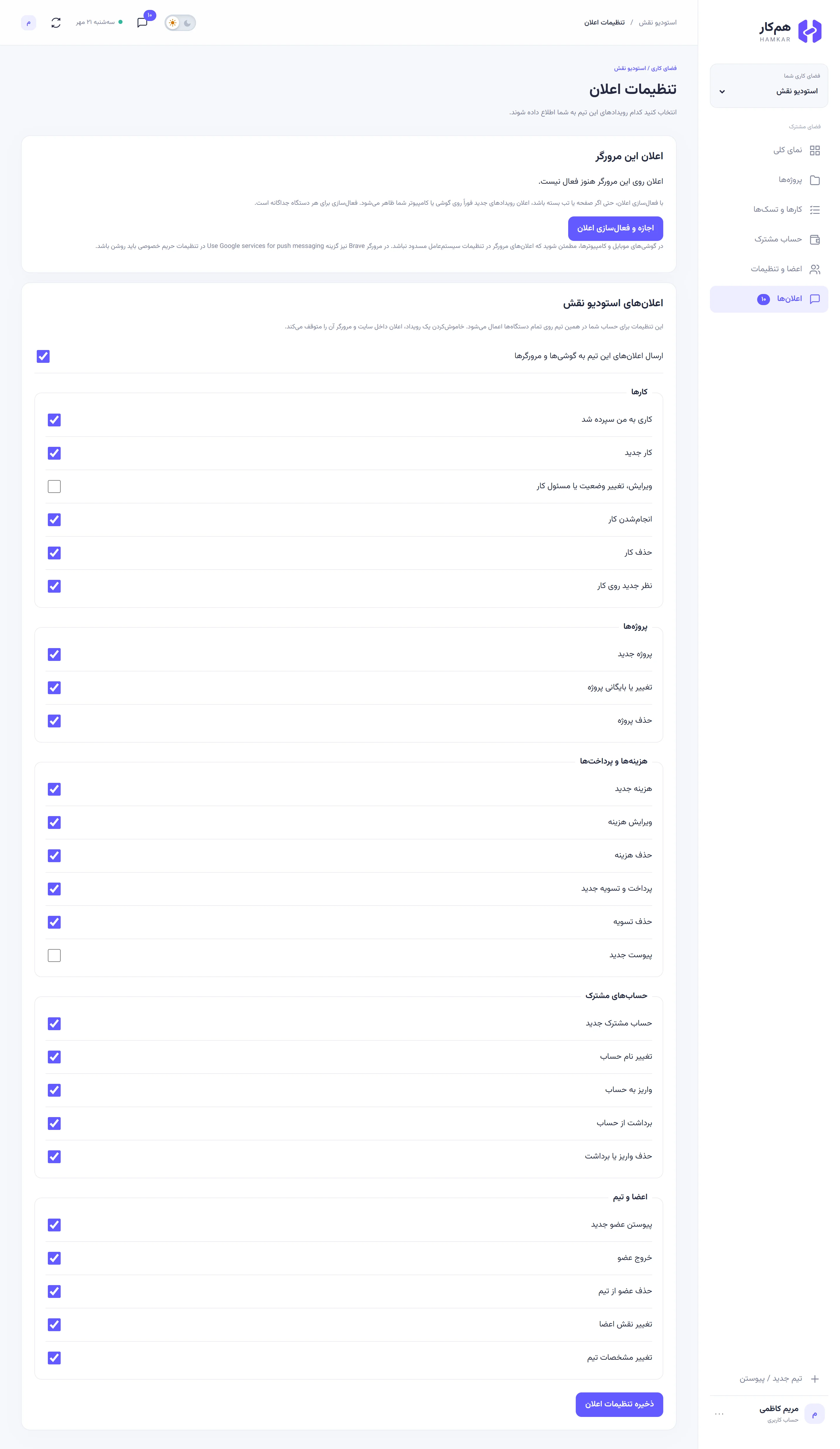
Go to Notificationsاعلانها and tap Notification settingsتنظیمات اعلان.
-
In that team’s section (titled «اعلانهای» followed by the team name), switch each event on or off.
-
At the bottom, tap Save notification settingsذخیره تنظیمات اعلان. You’ll see “Notification settings saved.” («تنظیمات اعلان ذخیره شد.»)
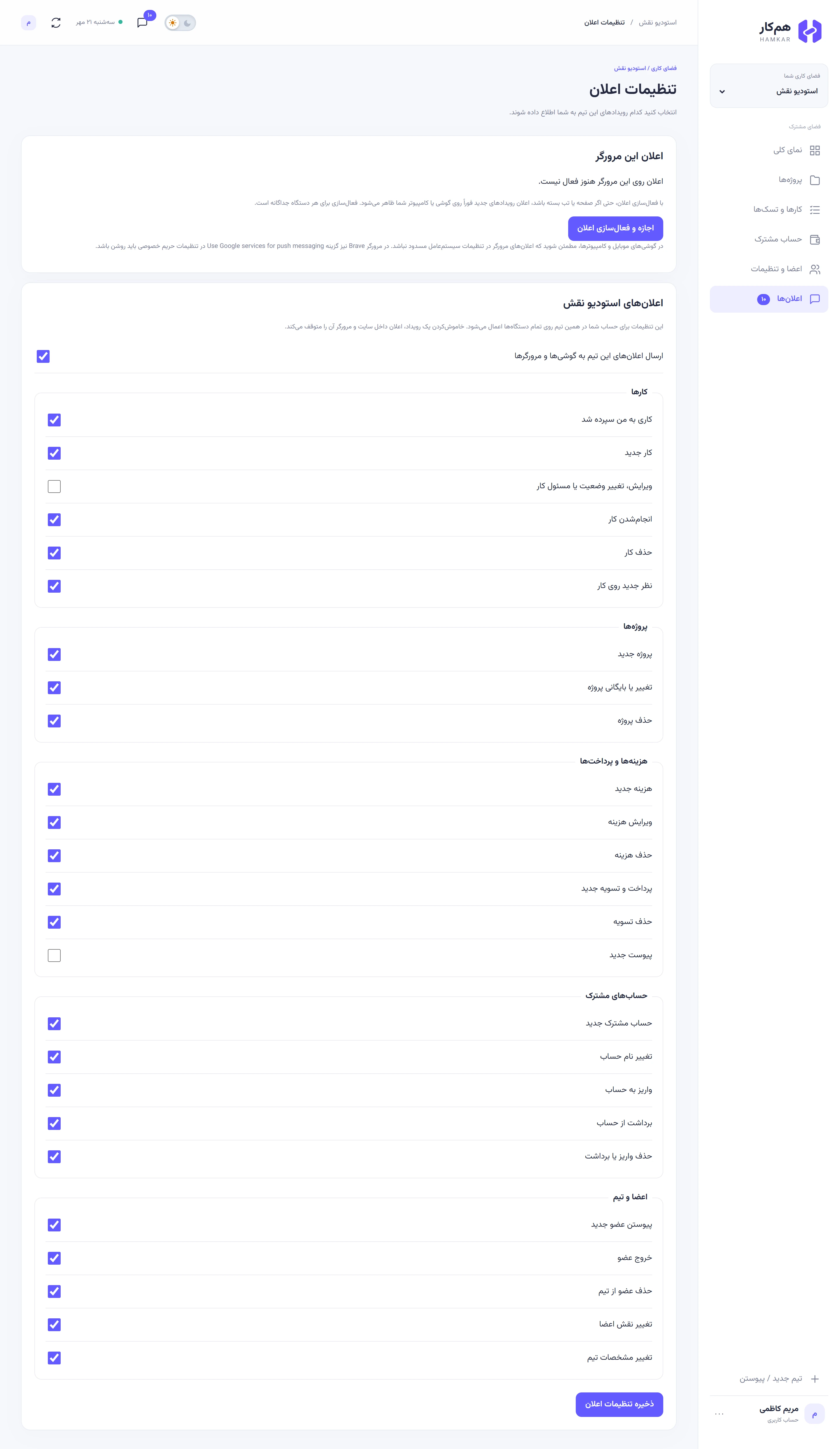
Every event starts switched on. At Naghsh Studio, Maryam turned off two: “Task edited, status or assignee changed” («ویرایش، تغییر وضعیت یا مسئول کار»), because she follows tasks on the board, and New attachmentپیوست جدید, because she looks at attachments when she reviews expenses.
Turning off an event, or only the delivery to devices
Section titled “Turning off an event, or only the delivery to devices”There are two kinds of switch, and they do different things:
- An event’s switch: when off, you get nothing at all for that event: not in the inbox, not in the browser, not on your phone.
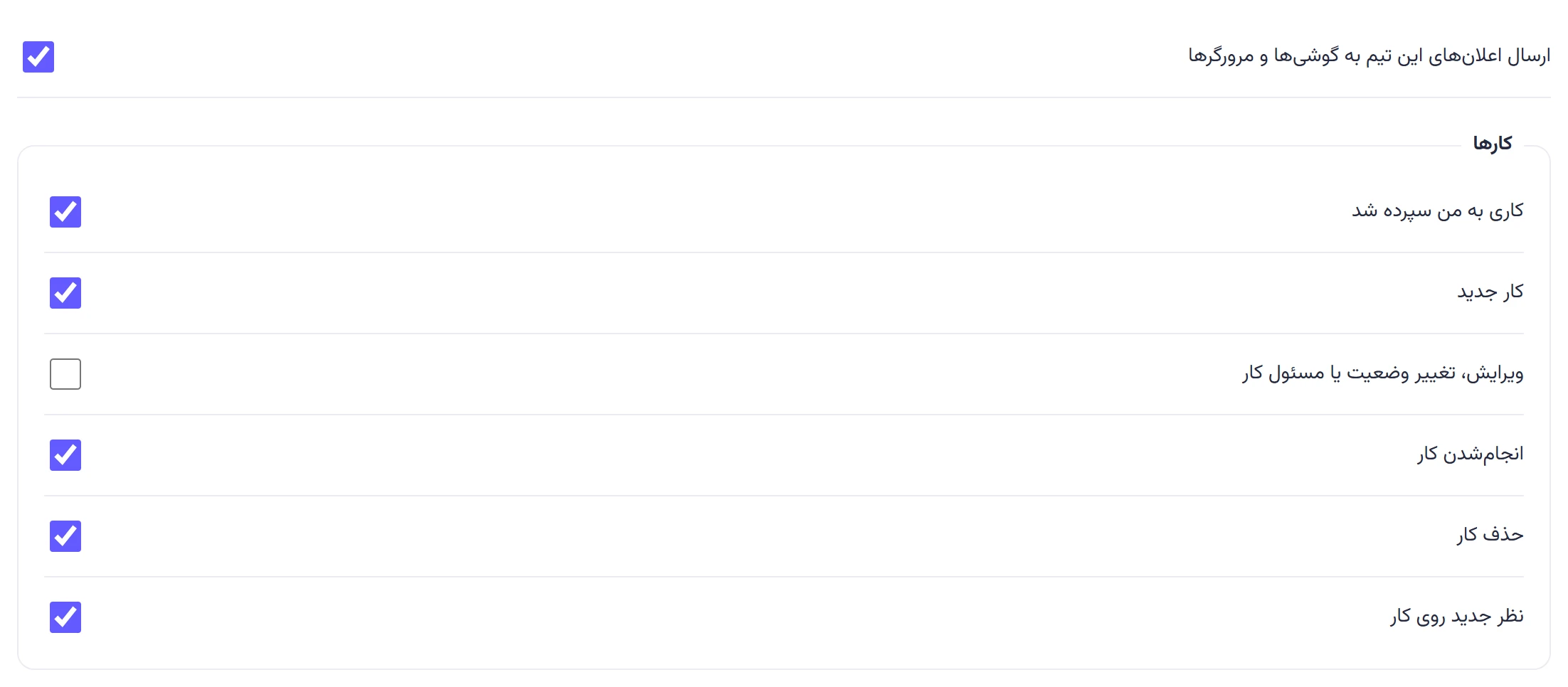
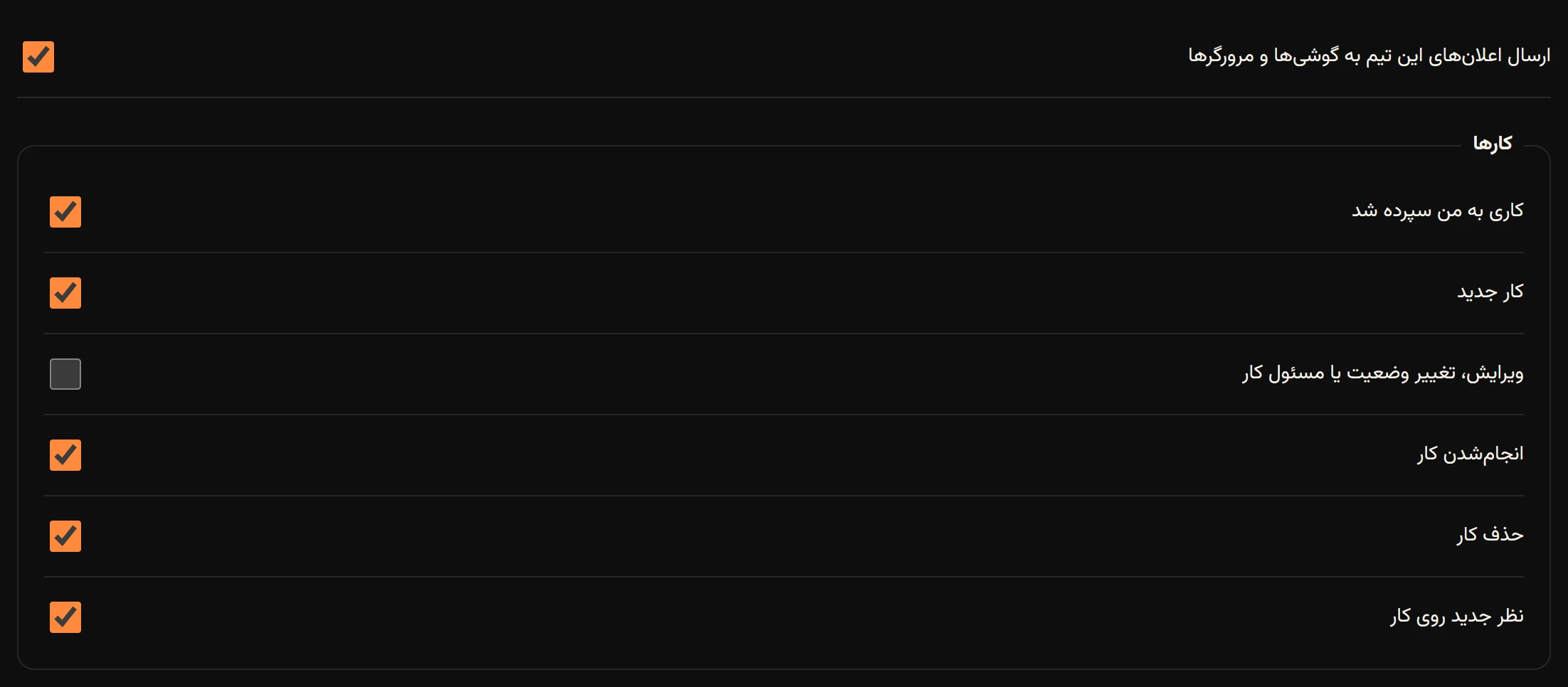
- “Send this team’s notifications to phones and browsers” («ارسال اعلانهای این تیم به گوشیها و مرورگرها»): when off, notifications still arrive in the inbox inside Hamkar, but the server doesn’t send them to your browser or phone. Useful for a team whose news you only want to see when you open Hamkar.
Every event
Section titled “Every event”The person who does something never gets a notification about it. “All other members” means the team’s other current members who have that event switched on. The “Notification title” column is what you see after the team name in the notification’s title.
Tasks («کارها»)
Section titled “Tasks («کارها»)”| Setting | Notification title | Means | Who receives it |
|---|---|---|---|
| A task was assigned to meکاری به من سپرده شد | «کار به شما سپرده شد» (task assigned to you) | Someone made you the assignee of a new or existing task | Only you, the new assignee |
| New taskکار جدید | «کار جدید» | A task was created | All other members, except the assignee, who gets “task assigned to you” instead |
| “Task edited, status or assignee changed” («ویرایش، تغییر وضعیت یا مسئول کار») | «تغییر کار» (task changed) | A task’s title, description, project, status, priority, due date or assignee changed | All other members; if the assignee changed, the new assignee gets “task assigned to you” instead |
| Task completedانجامشدن کار | «انجام کار» | A task moved to Done | All other members |
| Task deletedحذف کار | «حذف کار» | A task was deleted | All other members |
| New comment on a taskنظر جدید روی کار | «نظر جدید» (new comment) | Someone commented on a task; the text shows the task title and the start of the comment | All other members |
Projects («پروژهها»)
Section titled “Projects («پروژهها»)”| Setting | Notification title | Means | Who receives it |
|---|---|---|---|
| New projectپروژه جدید | «پروژه جدید» | A project was created | All other members |
| Project changed or archivedتغییر یا بایگانی پروژه | «تغییر پروژه» (project changed) | A project’s name, description or color changed, or it was archived or unarchived | All other members |
| Project deletedحذف پروژه | «حذف پروژه» | A project and all its tasks were deleted | All other members |
Expenses and payments («هزینهها و پرداختها»)
Section titled “Expenses and payments («هزینهها و پرداختها»)”| Setting | Notification title | Means | Who receives it |
|---|---|---|---|
| New expenseهزینه جدید | «هزینه جدید» | An expense was recorded; the text shows its title and amount | All other members |
| Expense editedویرایش هزینه | «ویرایش هزینه» | An expense was edited and saved | All other members |
| Expense deletedحذف هزینه | «حذف هزینه» | An expense was deleted | All other members |
| New payment and settlementپرداخت و تسویه جدید | «پرداخت و تسویه جدید» | A payment between two people was recorded; the text shows the amount and both people | All other members |
| Settlement deletedحذف تسویه | «حذف تسویه» | A settlement was deleted | All other members |
| New attachmentپیوست جدید | «پیوست جدید» | Files were added to an expense, settlement, deposit or withdrawal; the text shows how many | All other members |
Shared accounts («حسابهای مشترک»)
Section titled “Shared accounts («حسابهای مشترک»)”| Setting | Notification title | Means | Who receives it |
|---|---|---|---|
| New shared accountحساب مشترک جدید | «حساب مشترک جدید» | A shared account was created | All other members |
| Account renamedتغییر نام حساب | «تغییر نام حساب» | A shared account’s name was saved | All other members |
| Deposit to an accountواریز به حساب | «واریز جدید» (new deposit) | A deposit was recorded; the text shows its description and amount | All other members |
| Withdrawal from an accountبرداشت از حساب | «برداشت جدید» (new withdrawal) | A withdrawal was recorded | All other members |
| Deposit or withdrawal deletedحذف واریز یا برداشت | «حذف واریز یا برداشت» | A deposit or withdrawal was deleted | All other members |
Members and team («اعضا و تیم»)
Section titled “Members and team («اعضا و تیم»)”| Setting | Notification title | Means | Who receives it |
|---|---|---|---|
| New member joinedپیوستن عضو جدید | «عضو جدید» (new member) | Someone joined with the invite code | The team’s existing members |
| Member leftخروج عضو | «خروج عضو» | Someone left the team or deleted their account | The remaining members |
| Member removedحذف عضو از تیم | «حذف عضو از تیم» | An admin removed someone from the team | The remaining members, except that admin |
| Members’ roles changedتغییر نقش اعضا | «تغییر نقش عضو» (member role changed) | Someone’s role changed to admin or member | All other members |
| Team details changedتغییر مشخصات تیم | «تغییر مشخصات تیم» | The team name or currency was saved | All other members |
The top section: this browser or this phone
Section titled “The top section: this browser or this phone”At the top of the same page is a section about the device you’re using right now, not about the team:
- In a browser: This browser’s notificationsاعلان این مرورگر, to turn on browser notifications and send a test. Browser notifications
- In the Android app: This phone’s notificationsاعلان این گوشی, with the phone’s notification status and a “Phone notification and battery settings” («تنظیمات اعلان و باتری گوشی») button. The phone check screen